Guide
How to plan a catalog photoshoot.
A shot list for every category, the rules that keep 500 products looking like one brand, and when you can skip the studio altogether.
By Sidharth Sahni · Updated · 5 min read
Short answer. Plan a catalog photoshoot as one shot list per category, not per product: every SKU in a category gets the same angles, the same crop, the same light and a file name built from its SKU code. Apparel needs front, back, detail and on-model; jewellery needs a macro and a scale shot; shoes need seven angles. If you have clean reference photos you can skip the studio: Helium makes catalog images from your existing photos at ₹85 an image.
Plan the shoot in five steps
- Group SKUs by shot list, not by collection
Sort the catalog by what needs to be shown: a kurta set and a blazer need the same four views, a ring and a watch need different ones. Each group gets one fixed shot list. This is what keeps the final catalog consistent. - Fix the look before the first frame
Decide background colour, crop (square or 4:5), margins, shadow style and how much of the product fills the frame. Shoot or generate three hero SKUs first, get sign-off, then run the rest. Changing the look at SKU 200 means redoing 199. - Decide what the real product must prove
List what a buyer checks before ordering: fabric texture, embroidery, hardware, stone setting, sole. Those are the detail shots you cannot skip. Everything else (styling, setting, props) can be flexible. - Name files before you shoot
Use SKU, colourway and view in the name, for example KT204-ivory-front.jpg. A catalog of 1,000 images with names like IMG_4471 costs days in the upload and mapping stage. - Run a QC pass against the real product
Check every image against the physical product or your reference photo: colour, print placement, button count, logo position. Fix before upload, because returns on colour and fit mismatches cost more than the shoot.
Shot list by category
| Category | Core shots per SKU | Easy to miss | Page with details |
|---|---|---|---|
| Sarees | Full drape, pallu, border macro, blouse piece, fold, festive styling | Pallu and border are what buyers compare | Saree catalog photography |
| Kurtas and kurta sets | Front, back, side, dupatta, embroidery macro, walking shot | Set pieces (kurta, pant, dupatta) mapped to one SKU | Kurta and kurti catalog photography |
| Jewellery | Macro, on-model scale shot, flat lay, stack or set | Scale: buyers need to see how big it really is | Jewellery product photography |
| Footwear | Outer side, inner side, front, back, top, three-quarter, sole, on-foot | Sole and inner side | Shoe product photography |
| Bags | Front, side gusset, interior, hardware macro, on-shoulder, in-hand | Interior and strap drop | Bag product photography |
| Watches | Wrist, dial macro, side profile, caseback, strap | Case thickness from the side | Watch product photography |
| Perfume | Packshot, carton, facet macro, note visuals | Glass reflections and the label | Perfume product photography |
Consistency rules that matter across hundreds of SKUs
A catalog is judged as a grid, not one image at a time. These rules make the grid look like one brand:
- One crop per category. All kurtas 4:5, all rings 1:1. Mixed crops make a collection page look broken.
- One light direction. Shadows fall the same way on every product.
- One background per view type. White or tinted for packshots, one consistent world for lifestyle shots.
- Same model or same casting brief within a collection, so colour and fit read fairly across SKUs.
- Colour accuracy over mood. If a lifestyle image shifts the shade, the colourway is wrong and the return risk is real.
The category pages linked in the table above carry the shot-level detail: sarees, kurtas, jewellery, shoes, bags, watches and perfume.
What a consistent catalog looks like
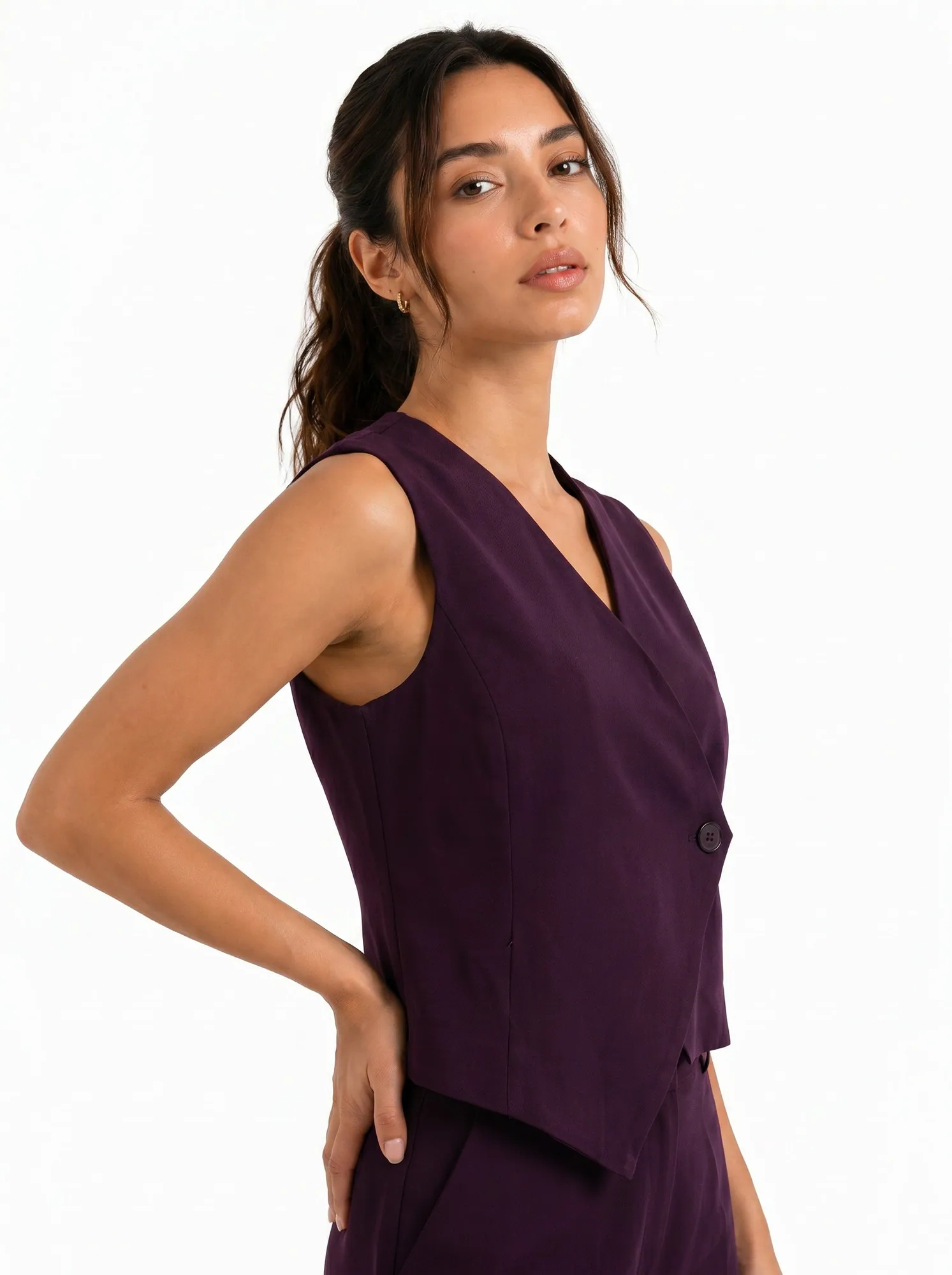
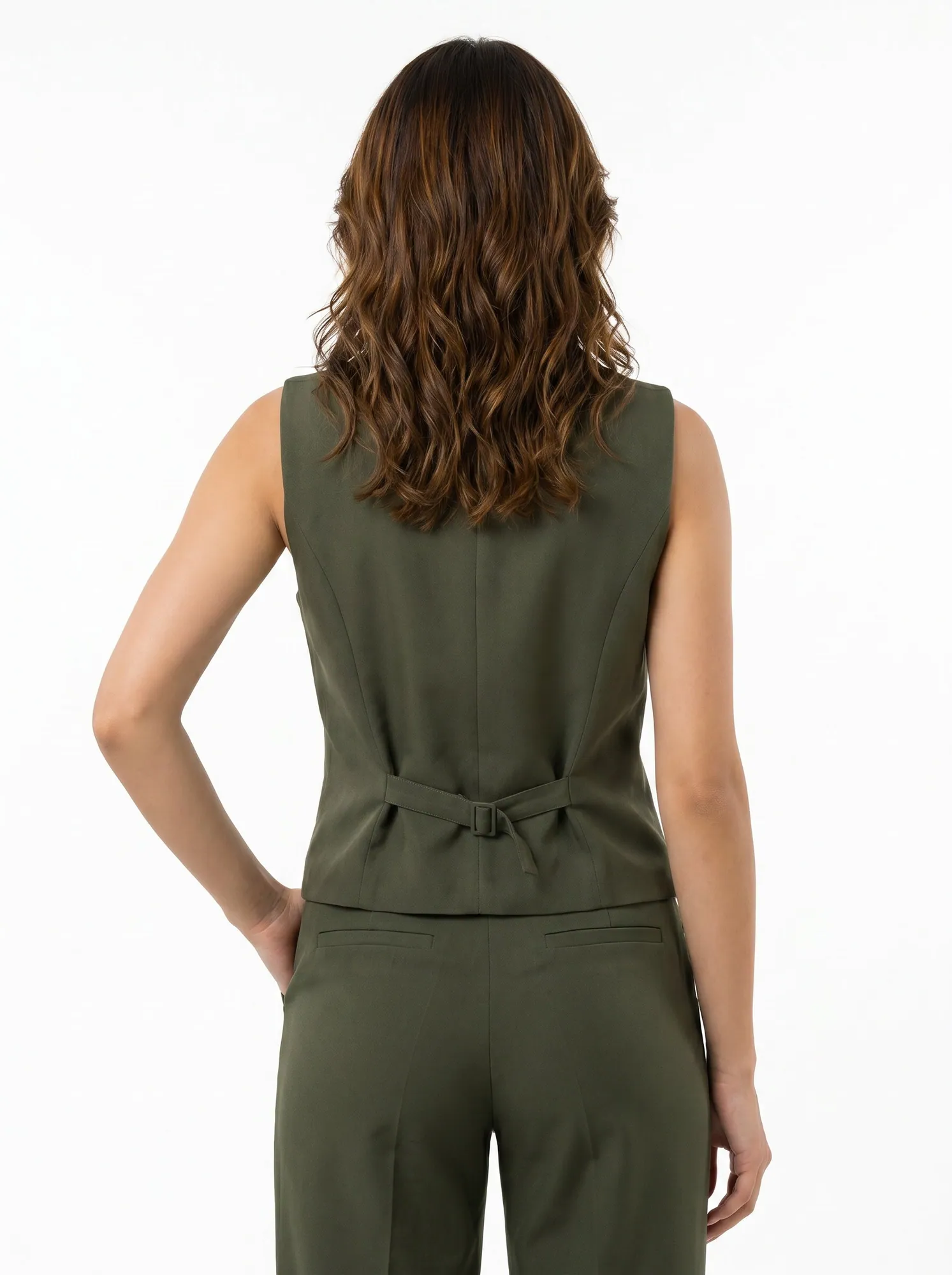
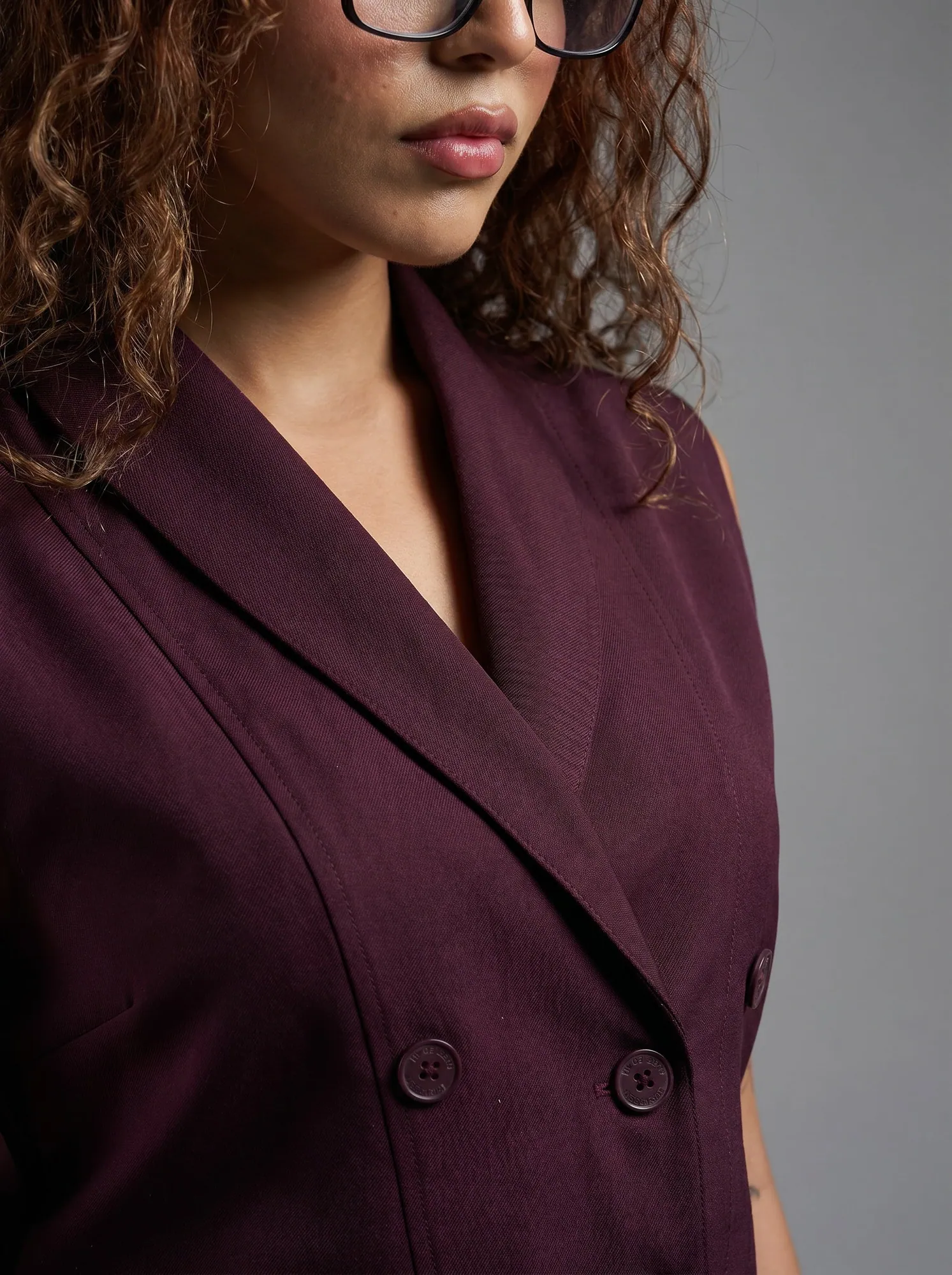


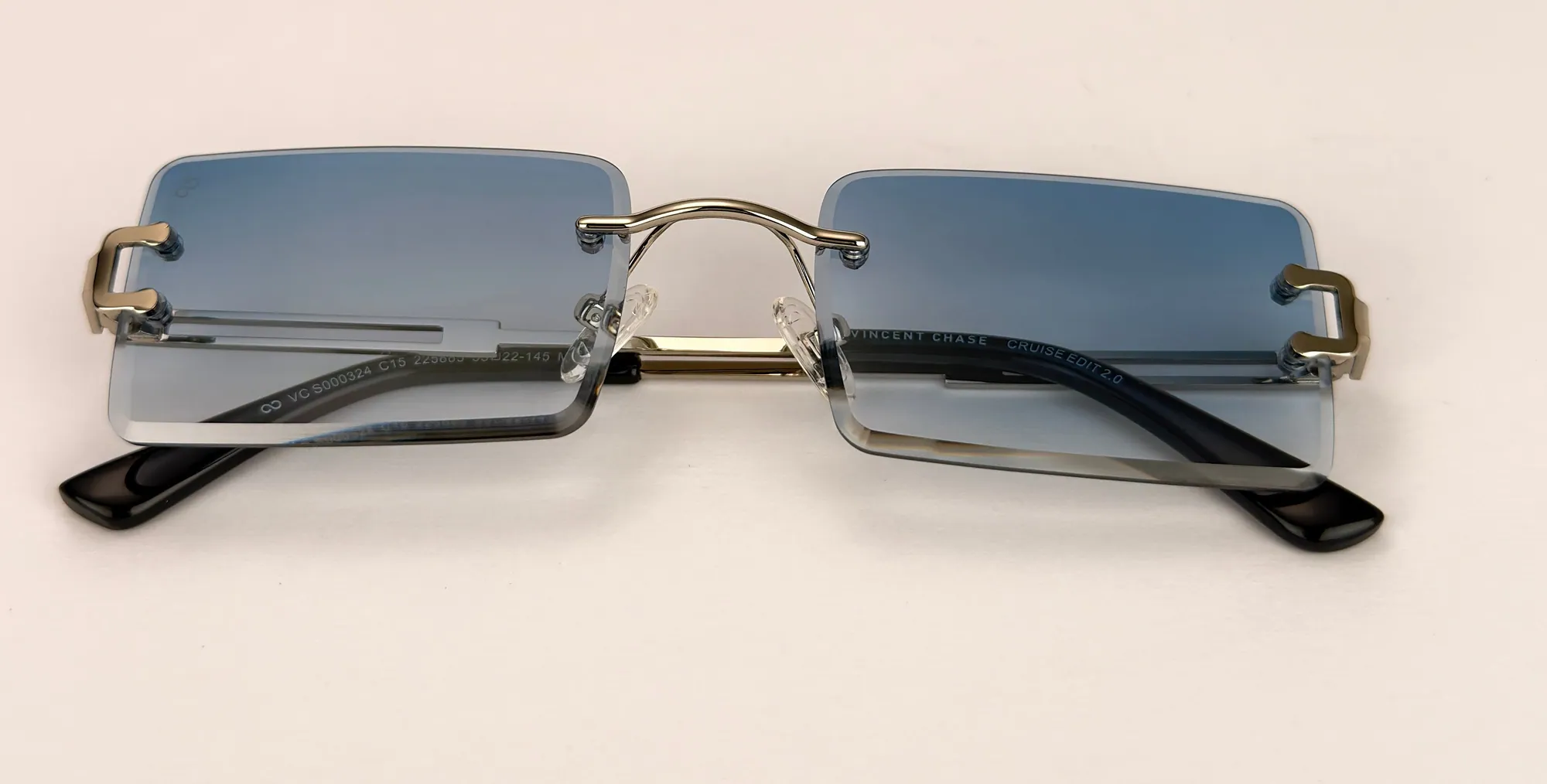
See Bossbella's AI workwear catalog →
Studio, freelancer or no shoot?
The right route depends on whether the product exists as a good reference photo.
- Studio or freelancer makes sense when you are launching a product with no photos at all, or when the real texture has to be captured fresh (a new fabric, a new stone setting). You will pay per day or per shot, quoted by the studio.
- No shoot makes sense when you already have clean photos, such as a packshot or a supplier image, and need the other views: details, on-model, lifestyle. Helium builds those from your photos and checks each against the real product. Catalog images are ₹85 an image, with volume pricing for full catalogs; see AI product photoshoot.
- Hybrid is common: shoot one clean reference per SKU yourself, then extend it into the full catalog. Our phone and lightbox guide for jewellery shows how little that reference needs.
If your catalog is going to Amazon, check the main-image rules first: Amazon product image requirements.
The same catalog, as short video ads
Turn catalog images into video
Once a product has a locked catalog set, the same images can become short video ads for Reels, Shorts and marketplace listings. Our video system works from your product catalog, so the colours, prints and trims stay the ones in your photos. Monthly video packages are priced per video: from ₹2,000 each under 15 videos a month and from ₹1,500 each at 15 or more. See ad creatives for the formats, or ask for a free sample on one of your products.
Questions
Catalog photoshoot questions
Can I make a catalog without a studio shoot?
Yes, if you have clean photos of the real product. Helium makes the extra views (details, on-model, lifestyle) from those photos and checks each against the product. Where a view cannot be known from the photo, such as the sole of a shoe, we ask for one more photo instead of guessing.
How many images does each product need in a catalog?
Four to eight for most categories: a main packshot, one or two angles, a detail macro and one on-model or lifestyle view. Footwear and furniture need more angles; accessories need a scale shot.
How much does a catalog photoshoot cost with Helium?
₹85 an image, with volume pricing for full catalogs. Short video ads made from your catalog start from ₹2,000 per video, or from ₹1,500 at 15 or more videos a month. Prices are exclusive of GST.
How should I name catalog image files?
SKU, colourway, then view: for example KT204-ivory-front.jpg, KT204-ivory-back.jpg. This lets a bulk upload map images to products automatically.
What is the difference between a catalog photoshoot and a campaign shoot?
A catalog shoot is systematic: every SKU gets the same shots so buyers can compare. A campaign shoot is creative: a few hero images for ads and the homepage. Plan the catalog first, the campaign second.
Keep reading
Related.
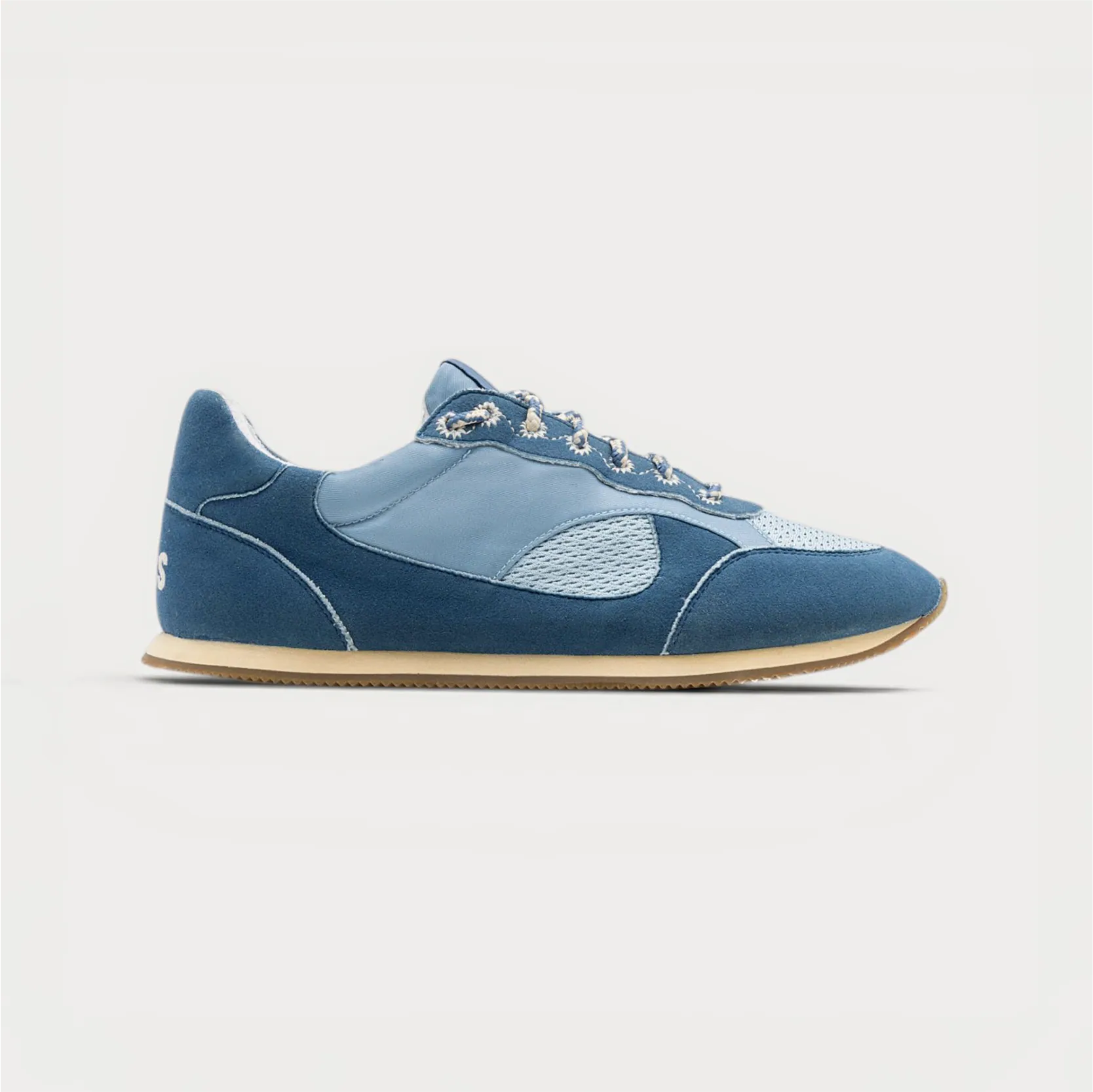
How to do an AI product photoshoot without the product changing.
The method we use on real catalogs: good references, a shot list, one locked style, and an accuracy check on every image.
Kurta and kurti catalogs, shot to one look.
Front, back, side, walk, dupatta and embroidery close-up for every style, on the same model and light across the whole range.
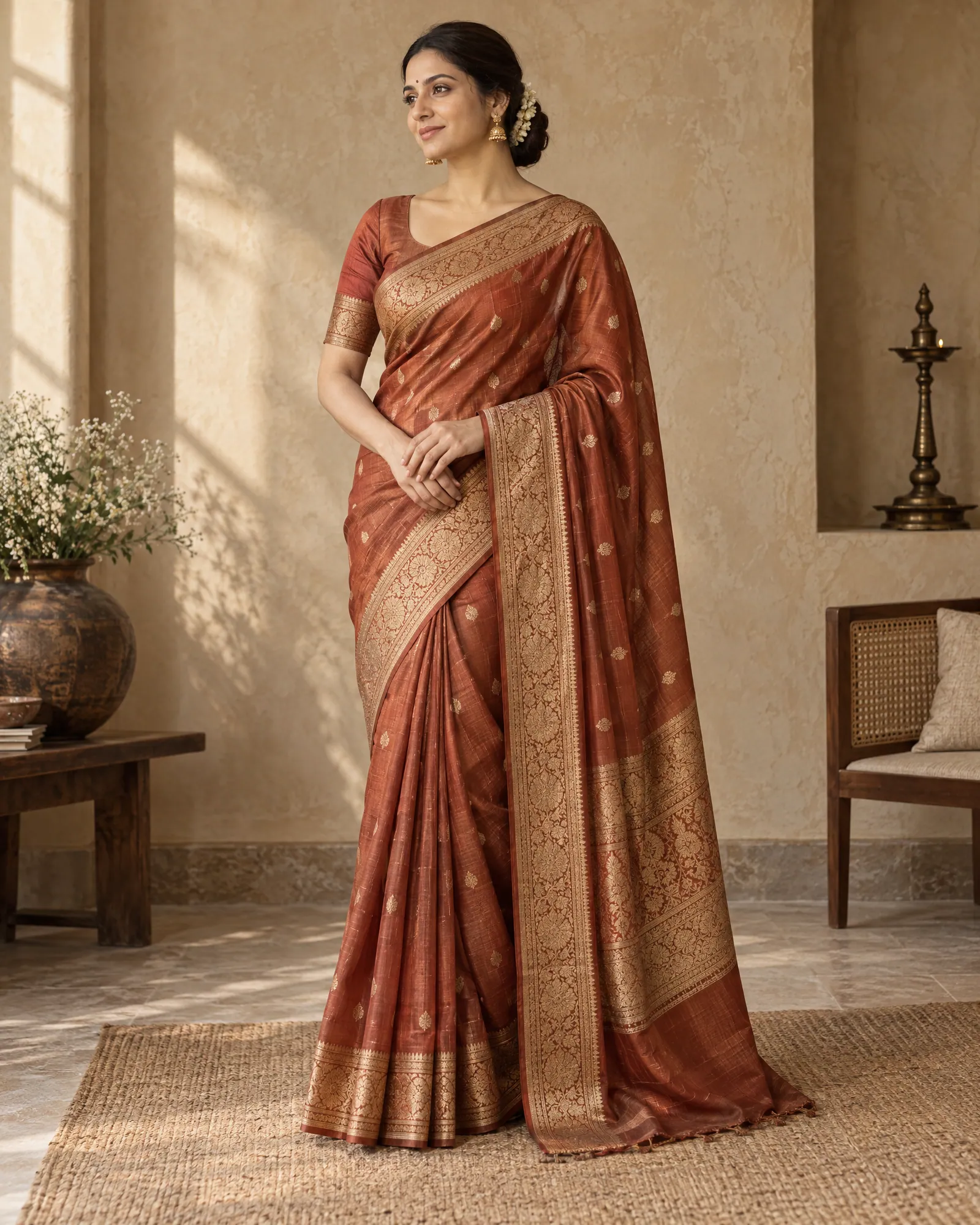
Saree catalog photography, without the shoot.
Drape, pallu, border, blouse, fold and festive frame for every saree in your range, made from the photos you already have and checked against the real weave.
Free sample
Send one product. Get a sample catalog set.
Share a product link or photo. We'll send back catalog images of that product so you can compare them with the real thing before you commit.
Rather talk? or WhatsApp us