Guide
How to photograph jewelry with a phone.
A lightbox method that gives clean, sharp reference shots, plus the point where it makes sense to hand the rest to AI.
By Sidharth Sahni · Updated · 4 min read
Short answer. To photograph jewelry, put the piece in a lightbox or on white card by a window, shoot with your phone on a tripod from a few inches back using the 2x lens (never digital zoom), tap to focus on the metal or stone, and take one sharp straight-on shot per piece. That single clean reference is enough for Helium to make macros, on-model and lifestyle shots with AI, from $1 (₹85) an image.
The phone and lightbox method
- Set up soft, even light
Use a small lightbox, or build one: white card on three sides and the top, a window or two lamps with a thin white cloth over them on the sides. The goal is soft light from above and both sides, so there are no hard shadows or bright hot spots on the metal. - Clean the piece
Wipe with a microfibre cloth and handle it with gloves or by the edges. Dust and fingerprints show up large on polished gold and silver, and are slow to retouch. - Lock the phone
Use a tripod or a stack of books so the phone does not move. Switch to the 2x or telephoto lens, not digital zoom, and stay a few inches back so the lens can focus. Turn on the grid so the piece sits level. - Focus on what sells
Tap on the stone or the clasp, then drag the exposure slider down a little. Slightly underexposed images keep the detail in white metal and diamonds; bright ones blow it out. - Shoot the set for each piece
One straight-on shot, one three-quarter angle, one close-up of the stone or clasp, and one with a scale reference such as a hand, a neck or a coin. Four frames per piece is a complete basic set. - Check and name the files
Zoom to 100% to check the stone and clasp are sharp. Name files with SKU and view (for example R104-front.jpg) so they map to the right product when you upload them.
Common jewelry photo problems and fixes
| Problem | What causes it | Fix |
|---|---|---|
| Gold looks yellow-green or grey | Coloured walls or mixed light bulbs reflecting in the metal | Use white card around the piece and one light colour only; shoot in the same light for the whole batch |
| Bright white hot spots on metal | A harsh, direct light source | Put a thin white cloth over the light, or move the piece away from the window |
| Stones look dull or cloudy | Flat light from the front only | Add light from above and one side so the facets catch it; angle the piece slightly |
| Blurry macro shots | Phone too close, or hand movement | Back up, use the 2x lens, tripod or timer, and crop in later |
| Dust and fingerprints | Handling polished metal without cleaning | Wipe before every shot and wear gloves |
| Piece looks tiny or huge | No scale reference | Add one worn or in-hand shot so buyers can judge size |
| Chain or necklace tangles in frame | Hanging loosely | Pin it flat on a white card or lay it on linen and shape it with a clip |
The finished look, made by AI from a clean reference
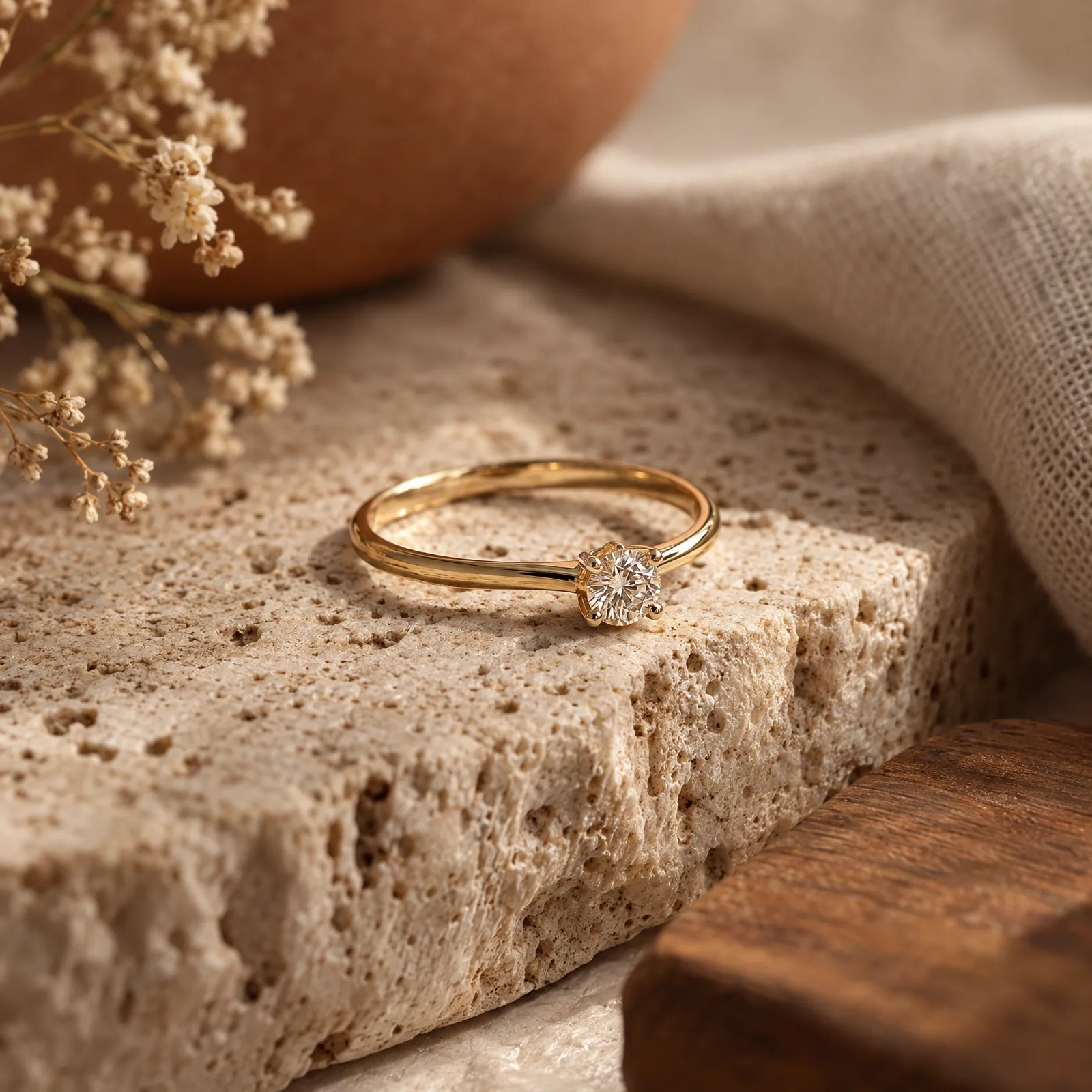
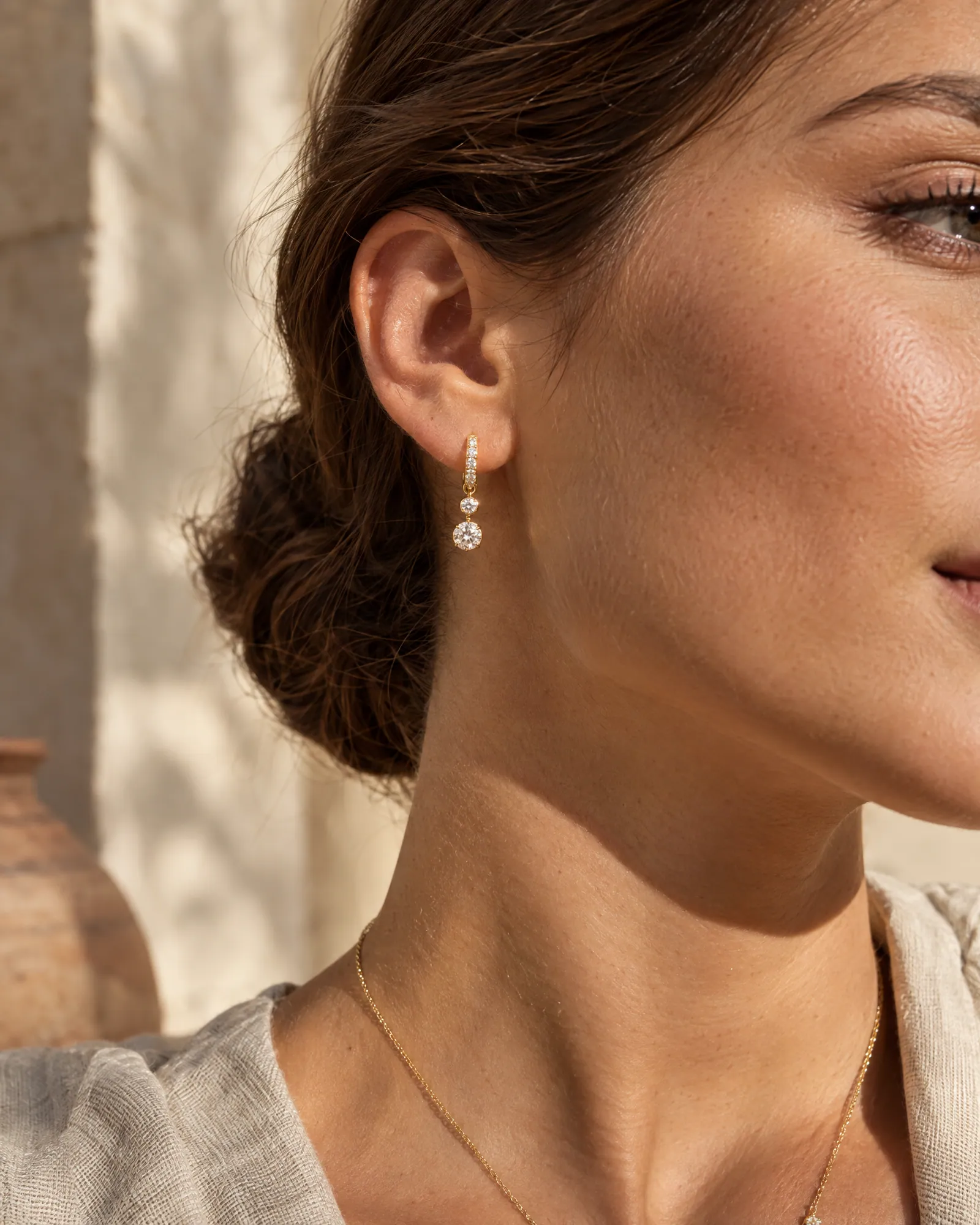
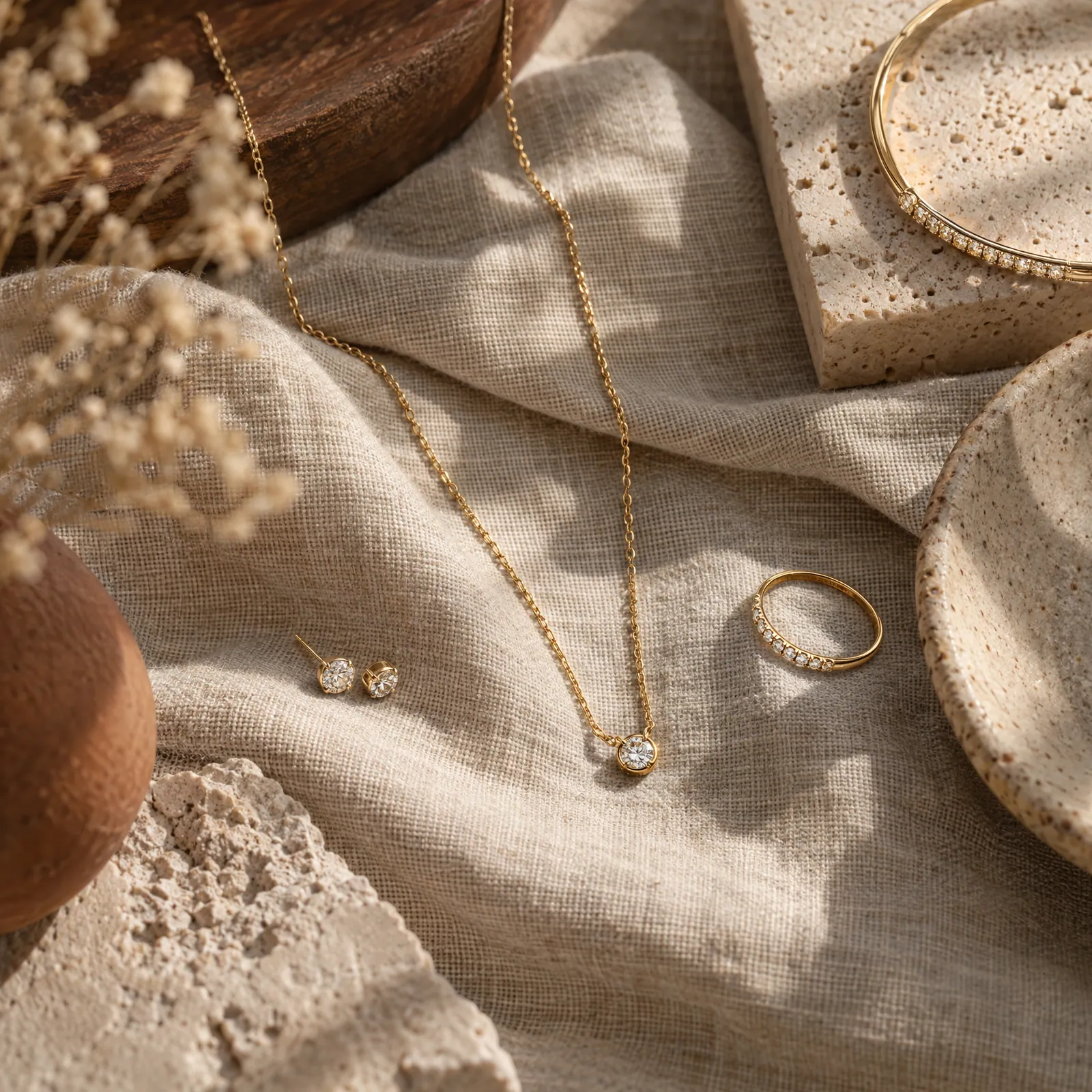
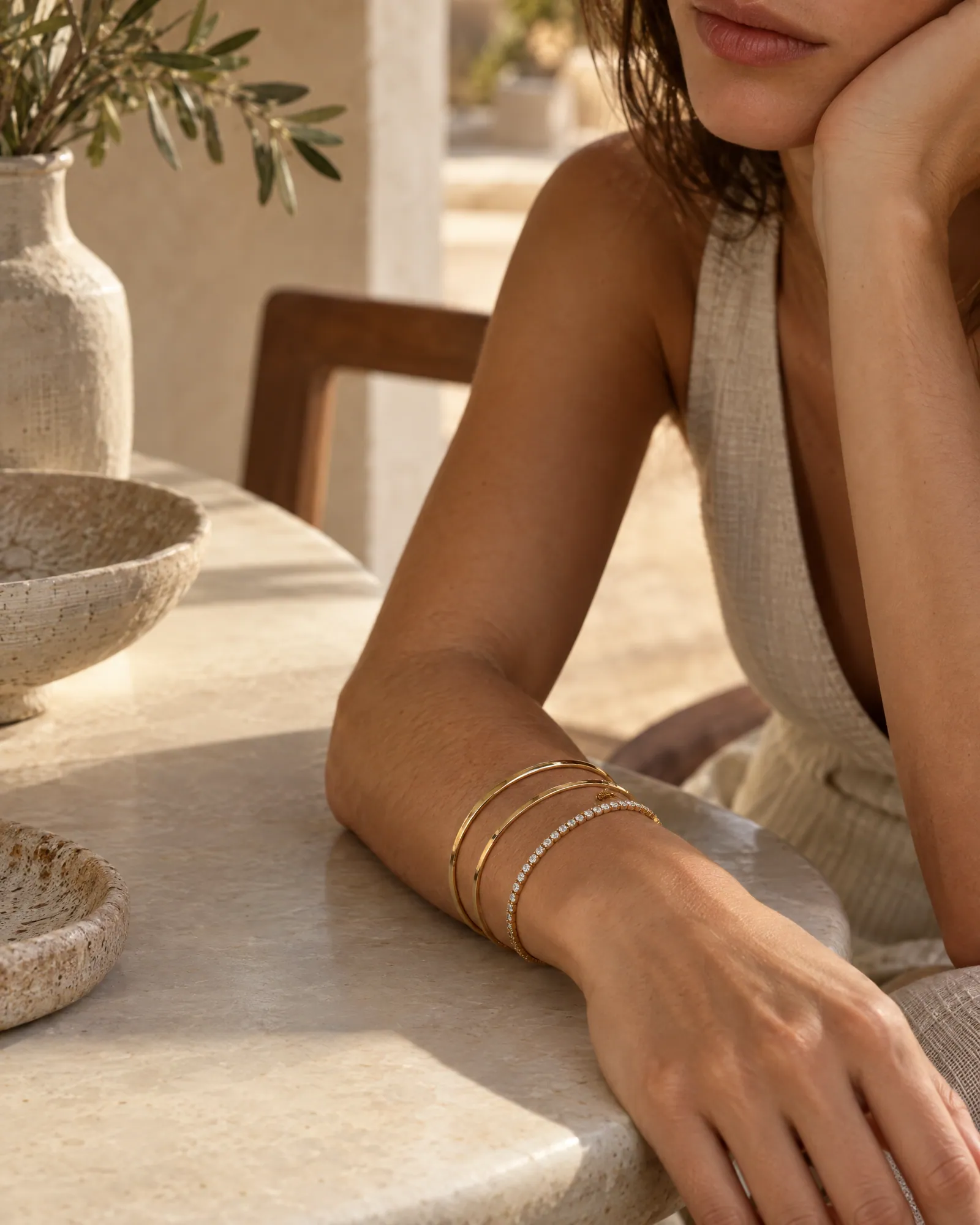
See the full jewellery shot list →
Where a phone stops and AI starts
A phone and lightbox give you the reference: a sharp, honest photo of the real piece. It is harder to get a stone macro that shows every facet, a scale shot on a model, or a styled flat lay without a day of setup. That is the part Helium takes over.
Send us your clean reference photos and our team makes the macro, on-model, flat-lay and lifestyle shots from them. Every image is checked against your real piece, because with jewellery the things that must not change are the ones buyers count: stone number, metal tone, clasp and pattern. If a detail is not visible in your reference, we ask for another photo instead of guessing.
The full jewellery shot list, and what we will not fake, is on the jewellery product photography page. The wider process is in how an AI product photoshoot works and the catalog photoshoot planning guide. Pricing is $1 an image internationally and ₹85 an image in India.
Questions
Jewelry photography questions
Can AI make jewelry photos without a photoshoot?
Yes, from a clean photo of the real piece. We make macros, on-model and lifestyle shots and check stones, metal tone and clasps against your reference. It costs $1 an image internationally and ₹85 in India.
Can I photograph jewelry with just a phone?
Yes. A recent phone with a tripod, a lightbox or white card, and soft window light is enough for clean listing photos and for reference shots that AI can build on. Use the 2x lens and stay a few inches back, not digital zoom.
How do I show the size of a piece?
Add one shot with a scale reference: worn on a hand, neck or ear, or next to a coin. Buyers cannot judge size from a macro alone.
How do I stop gold and silver reflecting everything around them?
Surround the piece with white card and soft light so the metal reflects clean white instead of the room. A lightbox does this automatically.
What is the best background for jewelry photos?
White or light grey for packshots, since it keeps the metal tone honest and works on every marketplace. Linen, silk or stone can work for lifestyle shots, but check the metal colour is still accurate.
Keep reading
Related.
How to do an AI product photoshoot without the product changing.
The method we use on real catalogs: good references, a shot list, one locked style, and an accuracy check on every image.
How to plan a catalog photoshoot.
A shot list for every category, the rules that keep 500 products looking like one brand, and when you can skip the studio altogether.
Jewellery photography where the stones stay real.
Macro, white-background, on-model and styled shots for every piece, with metal tone, stone count and size checked against the real thing.
Free sample
Send one clean photo. Get the full set.
Share a photo or product link for one piece. We'll send macro, on-model and flat-lay shots of it so you can compare them with the real jewellery.
Rather talk? or WhatsApp us