What's inside
One prompt, the whole catalog
- Prompt
- Filters
- Output type
- Run on catalog
A grid you can edit
Change any cell, or regenerate it with an extra prompt.
- Products
- Collections
- Pages
- Articles
- Shop
Beyond products
Collections, pages, blog articles and your shop too.
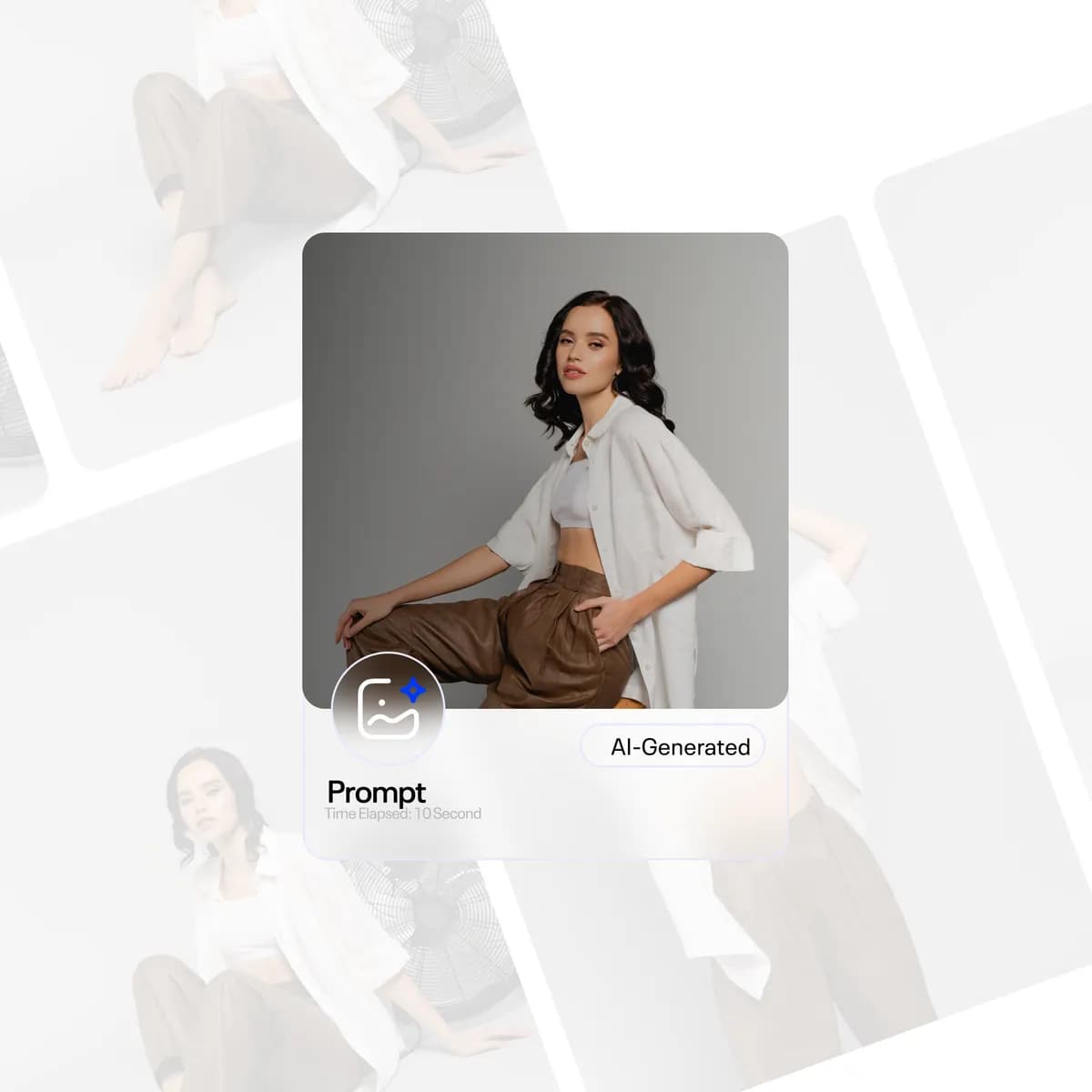
AI images
Try-on, lifestyle, studio and ad shots. 1–10 views each.
AI tags
Sector, category, visual, functional, usage and persona tags.
One-click FAQs
A FAQ preset, already wired into your theme.
Liquid sections
Generate theme sections. Sync results to metafields.
Page builder
Build a page from a brief or a reference screenshot.
Catalog frames
Branded frames on product images, plus background removal.
How it works
Edited in three steps
- 01
Write the prompt
Add filters and an output: text, tags, images or Liquid.
- 02
Run it on the catalog
Every matching item fills in, row by row.
- 03
Review and sync
Tweak any cell, then sync to your store.
Shopify AI
More from the suite
FAQ
Quick answers
What can the bulk editor write?
Text, multi-value fields, AI images (try-on, lifestyle, studio and ads, 1–10 views per product, with background removal), structured data, Liquid theme sections, catalog frames, metafield sync and collection ordering.
Does it only work on products?
No. It runs on products, collections, pages, blog articles and shop settings.
Can I fix a single result?
Yes. Results land in an editable spreadsheet grid. Edit any cell or regenerate it with an extra prompt.
Fix the whole catalog in one go
Install free. Start with the one-click FAQ preset.
5.0 (4) on the Shopify App Store- Works with
- Meta Ads
- Google Ads
- Checkout
- Admin