Jewellery photography where the stones stay real.
Macro, white-background, on-model and styled shots for every piece, with metal tone, stone count and size checked against the real thing.
Short answer
Jewellery listings need a sharp hero macro, a clean white-background image for marketplaces, an on-model shot that shows true size, and a styled flat lay or stack. AI can make all of these from your product photos, but only if stone count, metal tone and scale are locked to the real piece. Helium checks those on every image and charges $1 (₹85) an image.
Why jewellery is the hardest category for AI
Jewellery is small, shiny and expensive, which is the worst combination for image generation.
- Stones multiply or vanish. A general model will happily add a sixth stone to a five-stone band or turn pavé into a blur.
- Metal tone drifts. Yellow gold slides toward rose, and oxidised silver turns into chrome.
- Scale lies. A 12 mm stud rendered on a model can look like a statement earring. Returns follow.
- Sparkle gets faked. Starburst highlights look cheap and don't match what the customer sees in person.
So we lock what must not change and only generate the rest. The piece, its stones, its metal and its proportions come from your photos and measurements. The model, the surface and the light are generated around it.
The jewellery shot list
| Shot | Purpose | Notes |
|---|---|---|
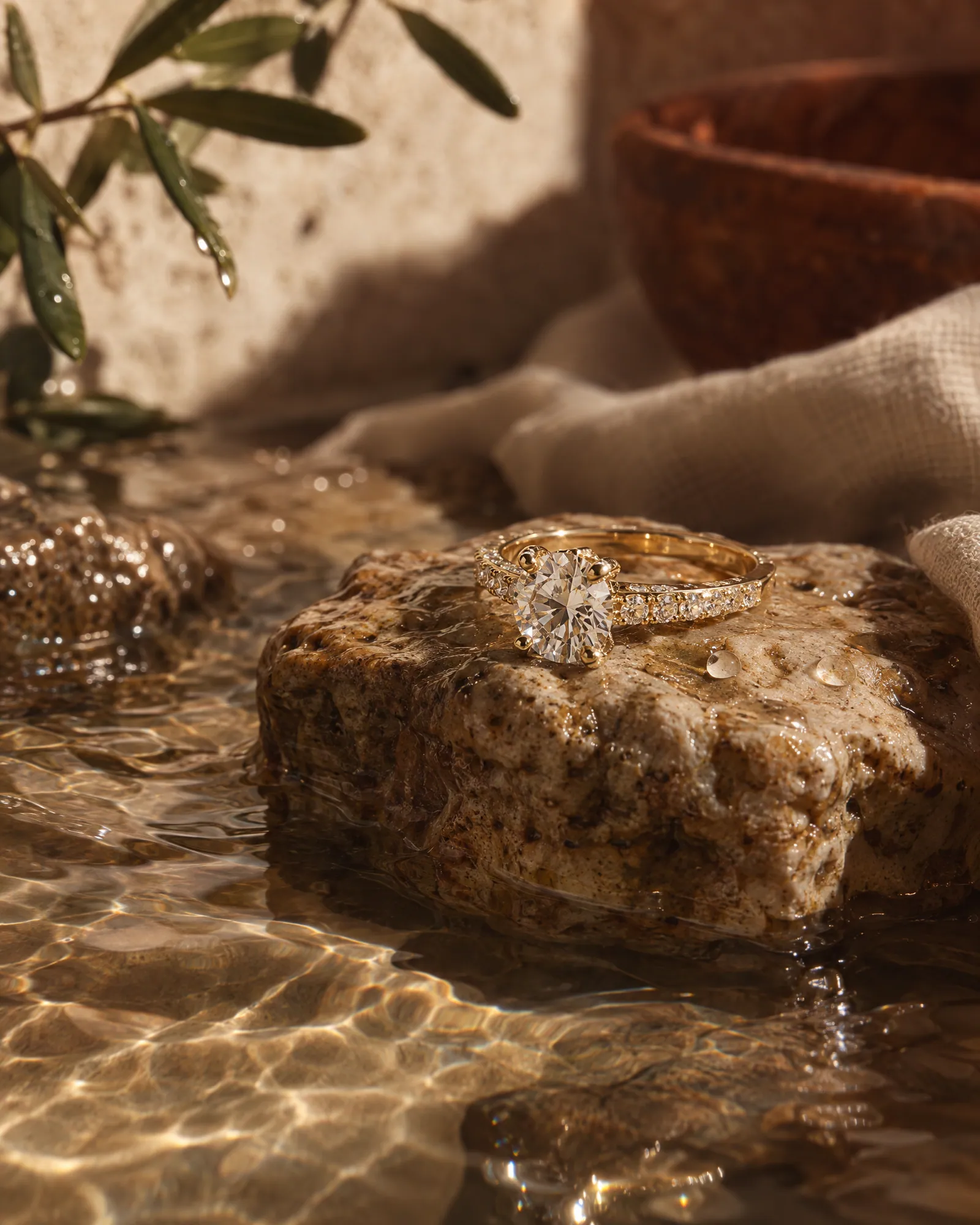
| Hero macro | Shows craft, setting and finish | Neutral surface (stone, linen, travertine), soft directional light |
| White-background main image | Marketplace main image and zoom | Pure white, piece fills most of the frame; see the Amazon rules guide below |
| On-model scale shot | True size on ear, neck, wrist or hand | Built from your measurements so the size reads right |
| Styled flat lay | Gifting and social | One or two props at most; the piece stays the hero |
| Stack or set | Upsell: pairs, layers, bridal sets | Each piece in the stack is a real SKU |
| Packaging | Gifting intent and unboxing ads | Your actual box or pouch, from a photo |
Fine jewellery made by Helium
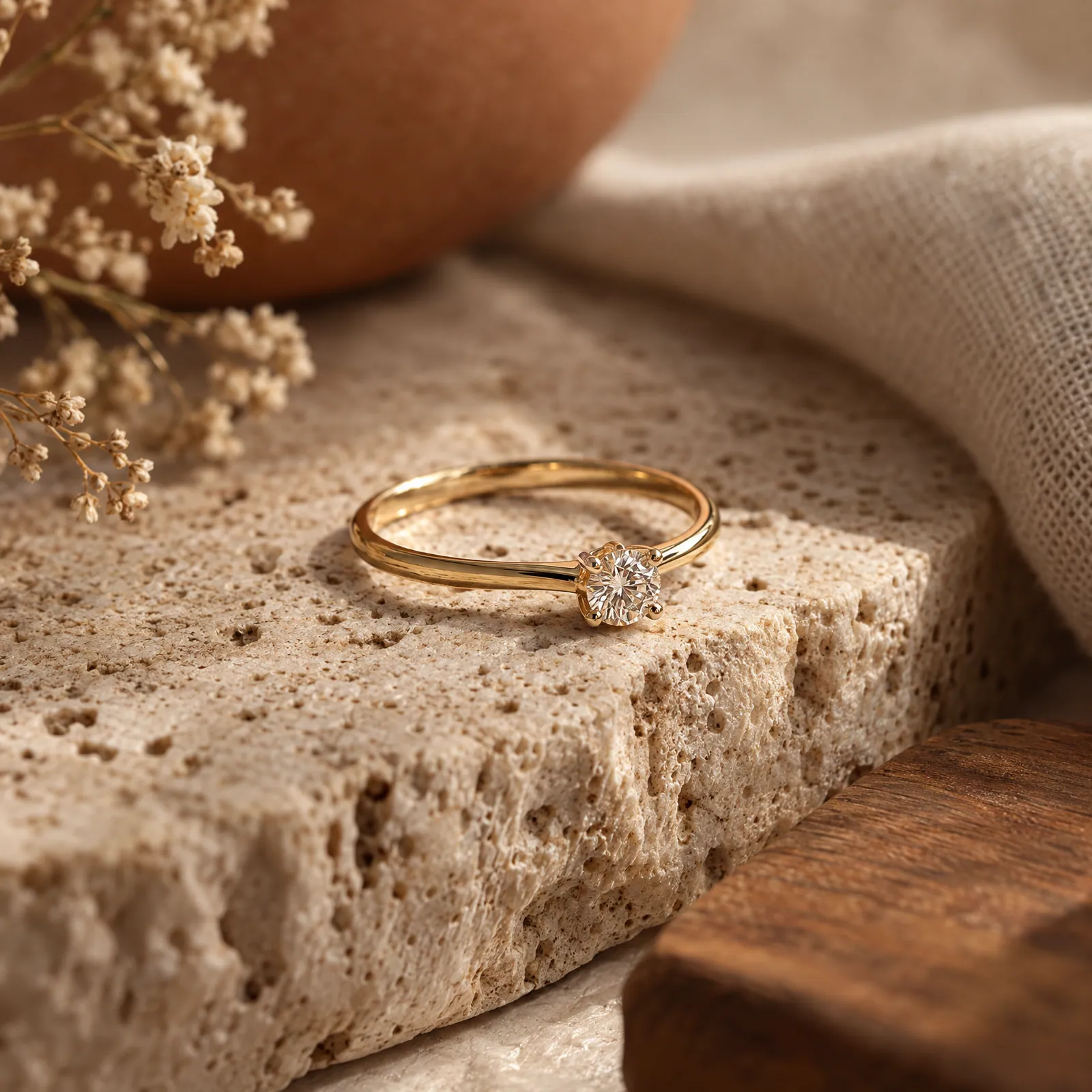
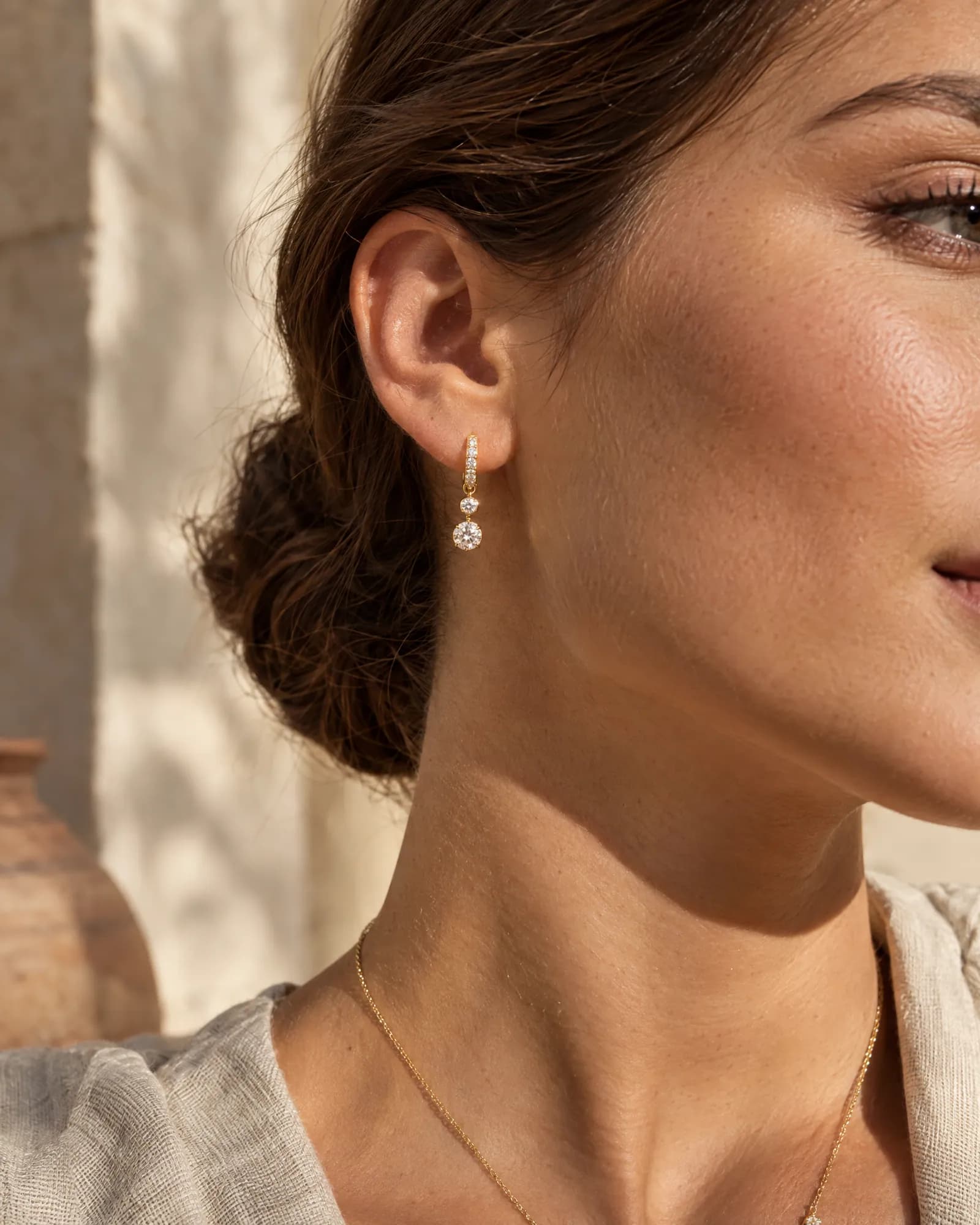
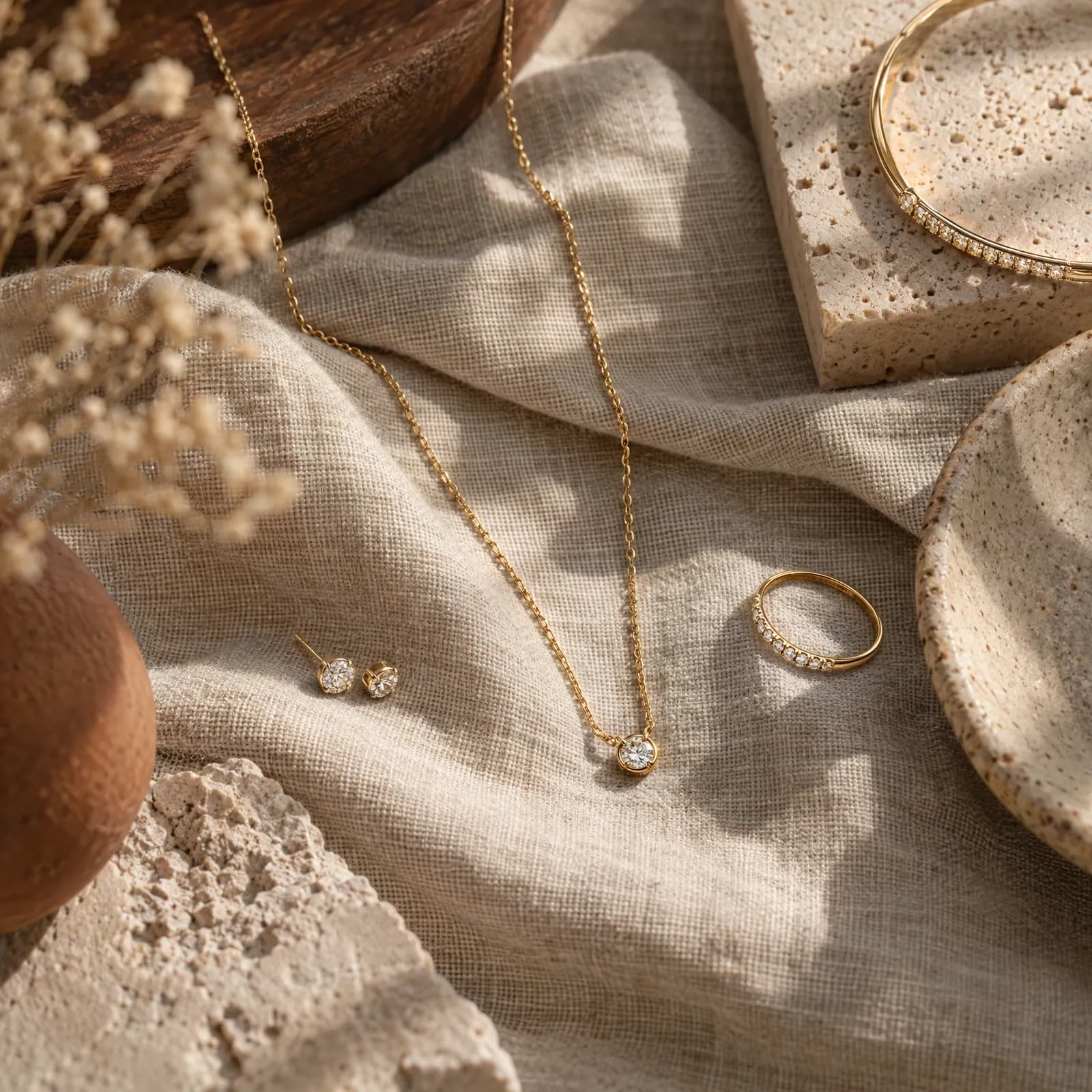
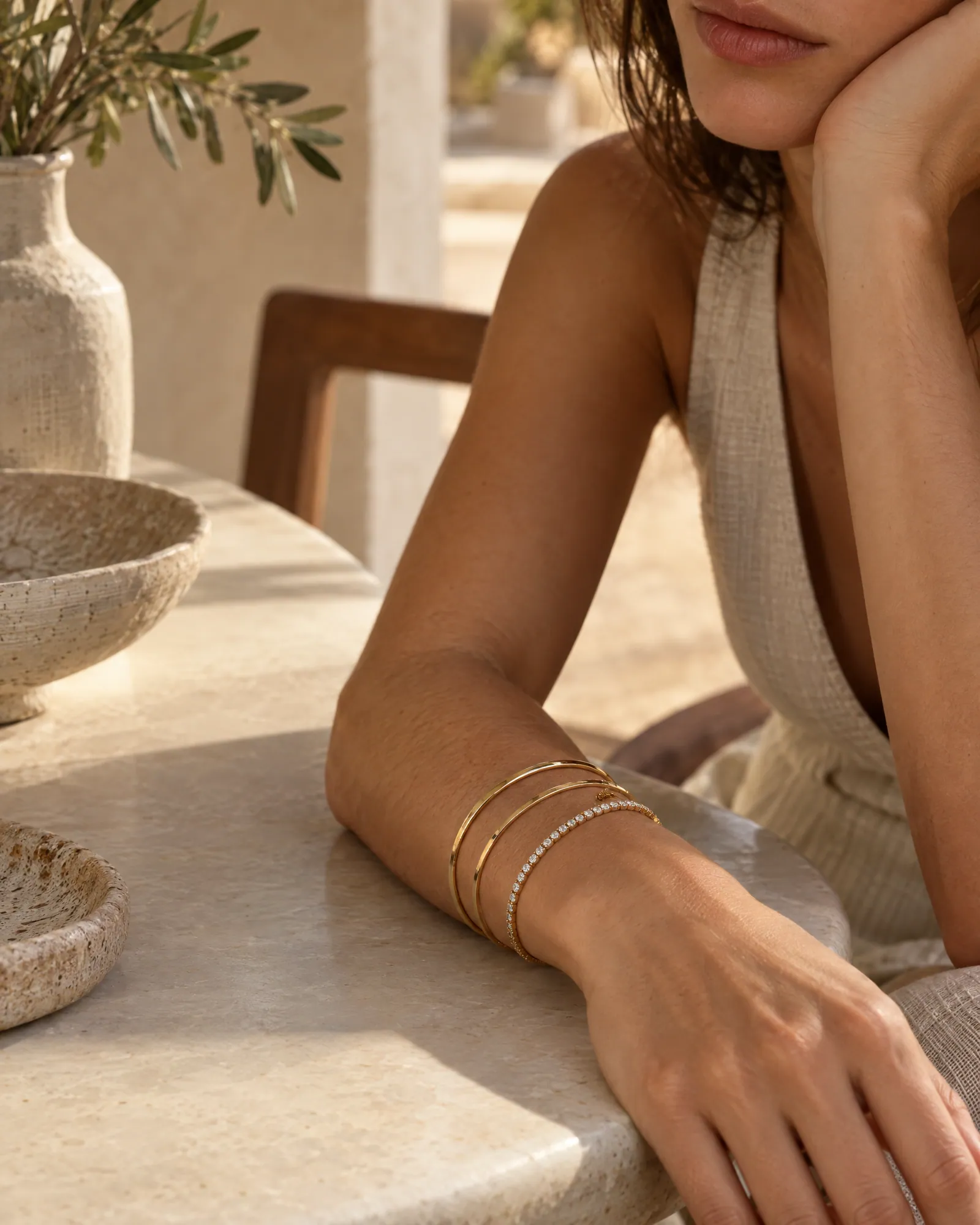
What we will not fake
Some details are part of what the customer is buying, so they're never generated:
- Stone count and stone shape.
- Hallmarks, purity stamps and certificates. If they're in the shot, they come from your photo.
- Size. On-model shots follow the measurements you give us.
- Metal colour. Matched to your reference, and checked on every image.
If a reference photo can't show a detail clearly, we ask for another photo rather than guess. That's the same product-accuracy QC we run for every AI photoshoot.
How a jewellery catalog runs
- 01
Send photos and measurements
One sharp photo per angle, plus length, width or diameter for each piece. A store link or CSV with SKU codes saves your team the renaming later.
- 02
Approve the look
We shoot a ring, an earring and a necklace first. You pick surfaces, models and light. That look is locked for the range.
- 03
Every piece, checked
The engine runs the catalog; our team checks stones, metal tone and scale on each image and regenerates anything off.
- 04
Delivered for every channel
White-background mains, lifestyle sets and ad crops for Meta and Google, named by SKU.
Jewellery photography questions
Can AI photograph diamonds and gemstones accurately?
It can when the stones come from your photo instead of being generated. We keep stone count, cut and colour from the reference and check each image. We don't add artificial sparkle that the real piece doesn't have.
Will yellow gold, rose gold and silver stay the right colour?
Metal tone is checked on every image against your reference. If your own photo has a colour cast, we'll ask for one shot with a white card in frame so we can correct it.
How do you show the right size on a model?
Send the piece's measurements and we build the on-model shot to that scale.
Can I use these on Amazon, Etsy or my Shopify store?
Yes. We deliver white-background main images and lifestyle images sized for each channel, and you own full commercial rights.
What does it cost?
$1 an image internationally, ₹85 an image in India, with volume pricing for full catalogs.
Related
Guides · 20 Oct 2026
How to do an AI product photoshoot without the product changing.
To run an AI product photoshoot, start from sharp reference photos of the real product, write a shot list per product, lock one style on a few products, then generate the rest with the references attached and check every image for shape, colour, logo, label text, texture, proportions and scale. The check is the step most people skip, and it's where most AI product photos fail.
Guides · 20 Oct 2026
Amazon product image requirements, as a checklist.
Amazon's main image must be a real photo of the product on a pure white background (RGB 255, 255, 255), with the product filling about 85% of the frame and no text, logos, borders or watermarks. Images should be at least 1,000 pixels on the longest side so zoom works, in JPEG, TIFF, PNG or non-animated GIF. AI-made lifestyle, scale and on-model images belong in the secondary images, not the main one.
Compare · 20 Oct 2026
AI product photography tools, compared honestly.
Pick a self-serve tool if you have a handful of products and time to operate it: Pebblely for quick themed backgrounds from $9 a month, Photoroom for background removal and editing at volume, Claid for an API and automated pipelines, and Flair for designing staged scenes on a canvas. Pick a managed AI photoshoot like Helium if you have a large catalog, need apparel on model, or don't want to operate a tool; you send a link and get checked images back at $1 (₹85) each.
For · 20 Oct 2026
Saree catalog photography, without the shoot.
A saree listing needs six frames to show the whole product: the full drape on a model, the pallu held open, a macro of the border and weave, the blouse piece, a folded flat lay and one styled lifestyle shot. Helium makes all six from your existing product photos, checks every frame against the real saree for motif, zari and colour, and charges ₹85 an image.