AI product photography tools, compared honestly.
Photoroom, Pebblely, Claid and Flair are good tools. Here's who each one suits, and when a managed team makes more sense than another login.
Short answer
Pick a self-serve tool if you have a handful of products and time to operate it: Pebblely for quick themed backgrounds from $9 a month, Photoroom for background removal and editing at volume, Claid for an API and automated pipelines, and Flair for designing staged scenes on a canvas. Pick a managed AI photoshoot like Helium if you have a large catalog, need apparel on model, or don't want to operate a tool; you send a link and get checked images back at $1 (₹85) each.
At a glance
| Option | What it is | Best for | Pricing (checked Oct 2026) | Who does the work |
|---|---|---|---|---|
| Photoroom | Self-serve app and API, plus an enterprise tier | Background removal, quick edits and templates at volume, especially from a phone | Credit-based Pro, Max and Ultra plans; Enterprise is custom. Prices are on the pricing page | You |
| Pebblely | Self-serve web app for AI product backgrounds | Small catalogs that need themed lifestyle backgrounds fast | Lite $9/mo (30 images), Basic $19/mo (200), Pro $39/mo (500) | You |
| Claid | Self-serve web app and API for product photos, including an AI photoshoot product | Teams that want to automate image processing through an API | See claid.ai | You or your developers |
| Flair | Drag-and-drop canvas for staged product scenes, on-model fashion, ads and video | Designers who want control over the scene layout | Free to start; paid plans on its pricing page | You |
| Helium | Managed AI content team: catalog images, ad videos, UGC | Large catalogs, apparel on model, brands that want it done for them | $1 per image (₹85 in India), volume pricing for full catalogs | Us. You approve |
How to choose
The real question isn't which tool makes the prettiest image. It's who carries the work of keeping 500 products accurate and consistent.
Choose a self-serve tool when:
- You have tens of products, not hundreds.
- Your products are rigid and simple (boxes, bottles, electronics), which are the easiest for AI to keep accurate.
- Someone on your team has a few hours a week to run it and check the output.
Choose a managed AI photoshoot when:
- You have a full catalog and new drops every month.
- You sell apparel, jewellery or footwear, where prints, stones and stitching drift in generic tools. See our pages on sarees, kurtas, jewellery and shoes.
- You'd rather pay someone than learn another tool.
Whichever you pick, run the seven-point accuracy check before anything goes live. And if you want ads from the same catalog, see ad creatives and UGC and ads management.
Self-serve vs managed, by job
| Job | Self-serve tool | Managed (Helium) |
|---|---|---|
| Remove a background | Fast and cheap; this is what these tools do best | Included, but you don't need us for this alone |
| Lifestyle background for a bottle or box | Good results in minutes | Included in the catalog look |
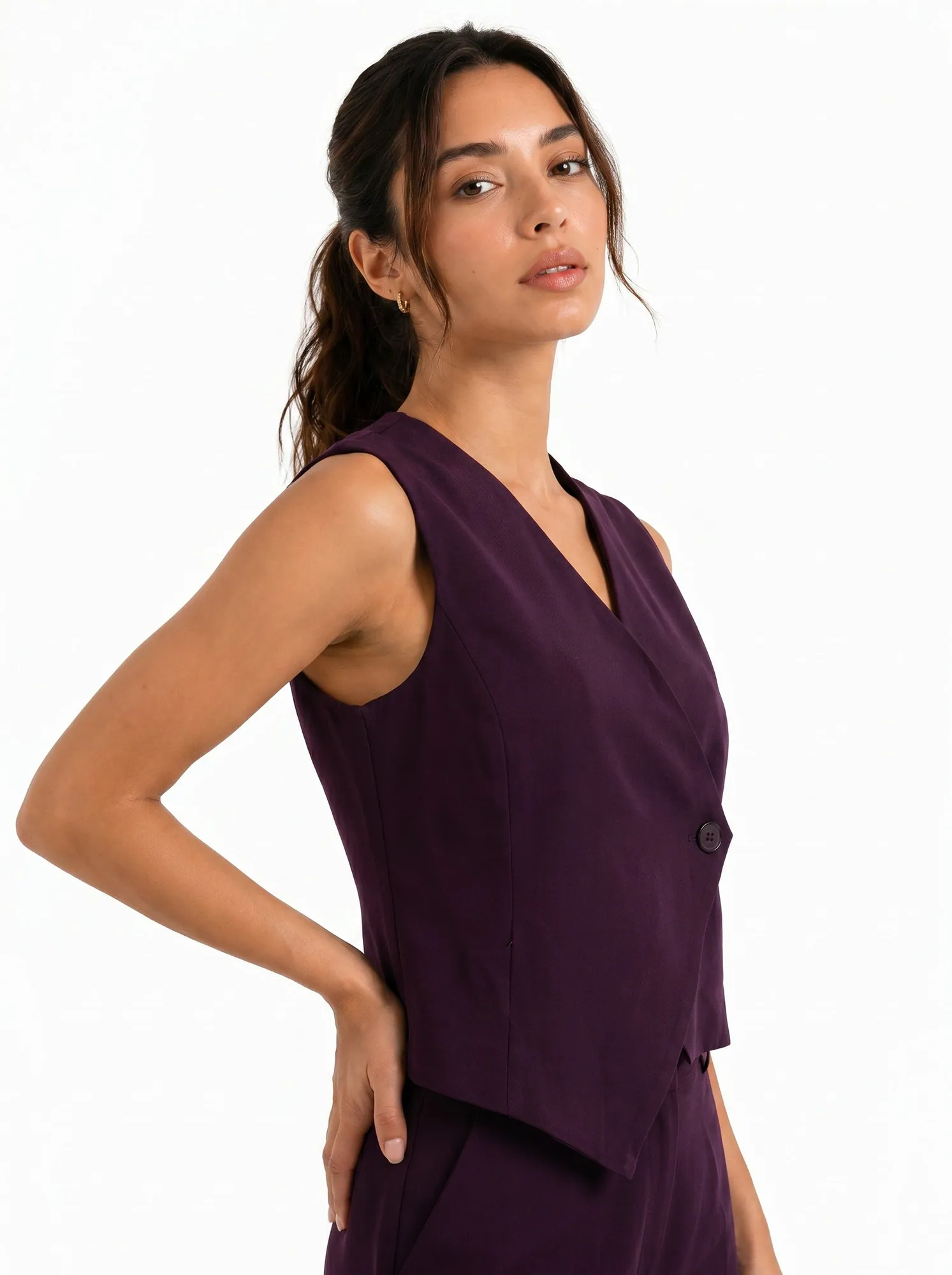
| Apparel on a model across a whole range | Possible, but keeping one model and exact prints across a range takes many retries | Same model and light across the range; garment checked on every image |
| Hundreds of SKUs in one look | You run and check every product | Send a Shopify link or CSV; files come back named by SKU |
| Accuracy check on every image | Up to you | Built in; anything off is regenerated before you see it |
| Ads and videos from the same catalog | Separate tools | Same team makes ad creatives and UGC, and can run the ads |
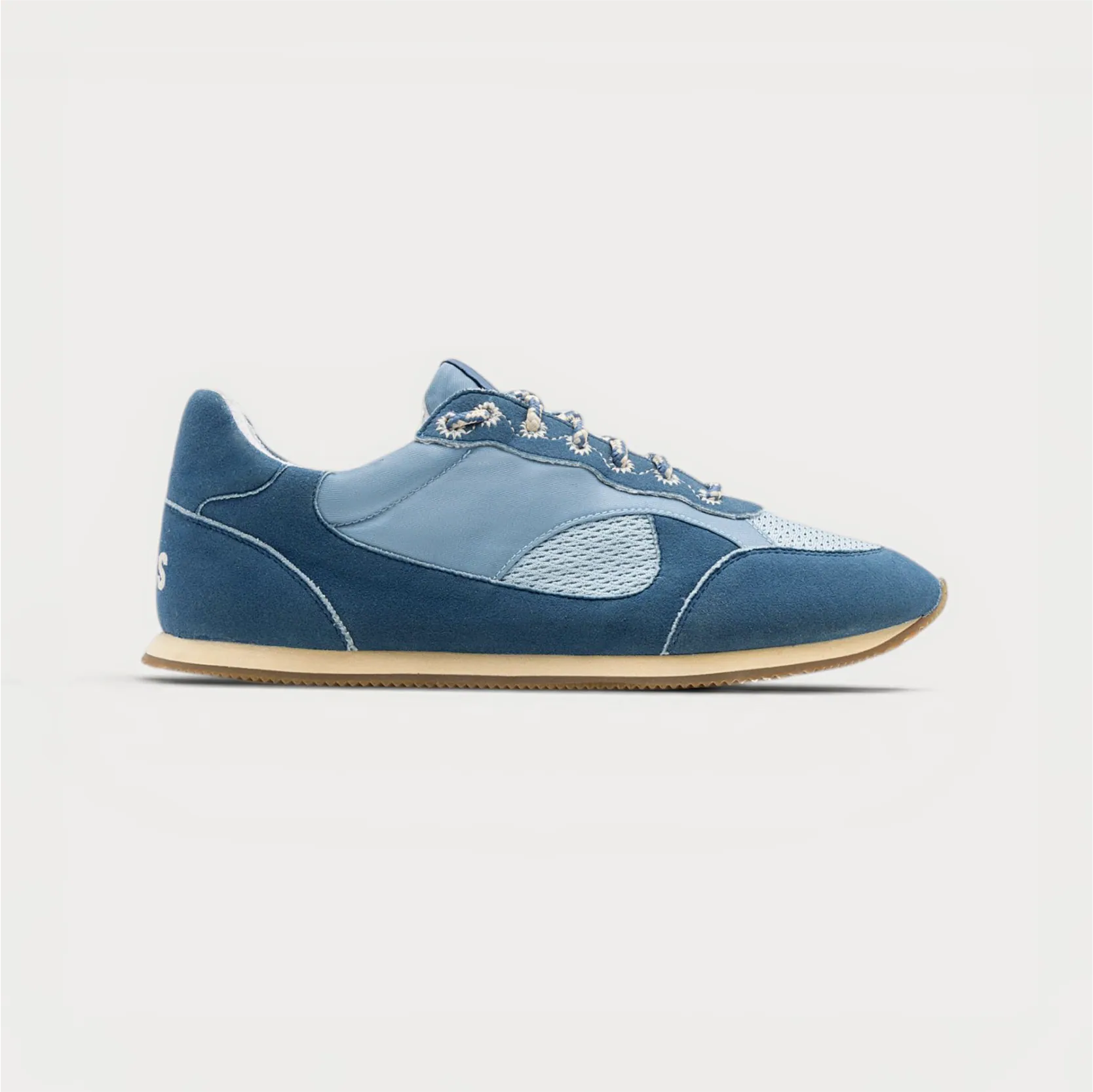
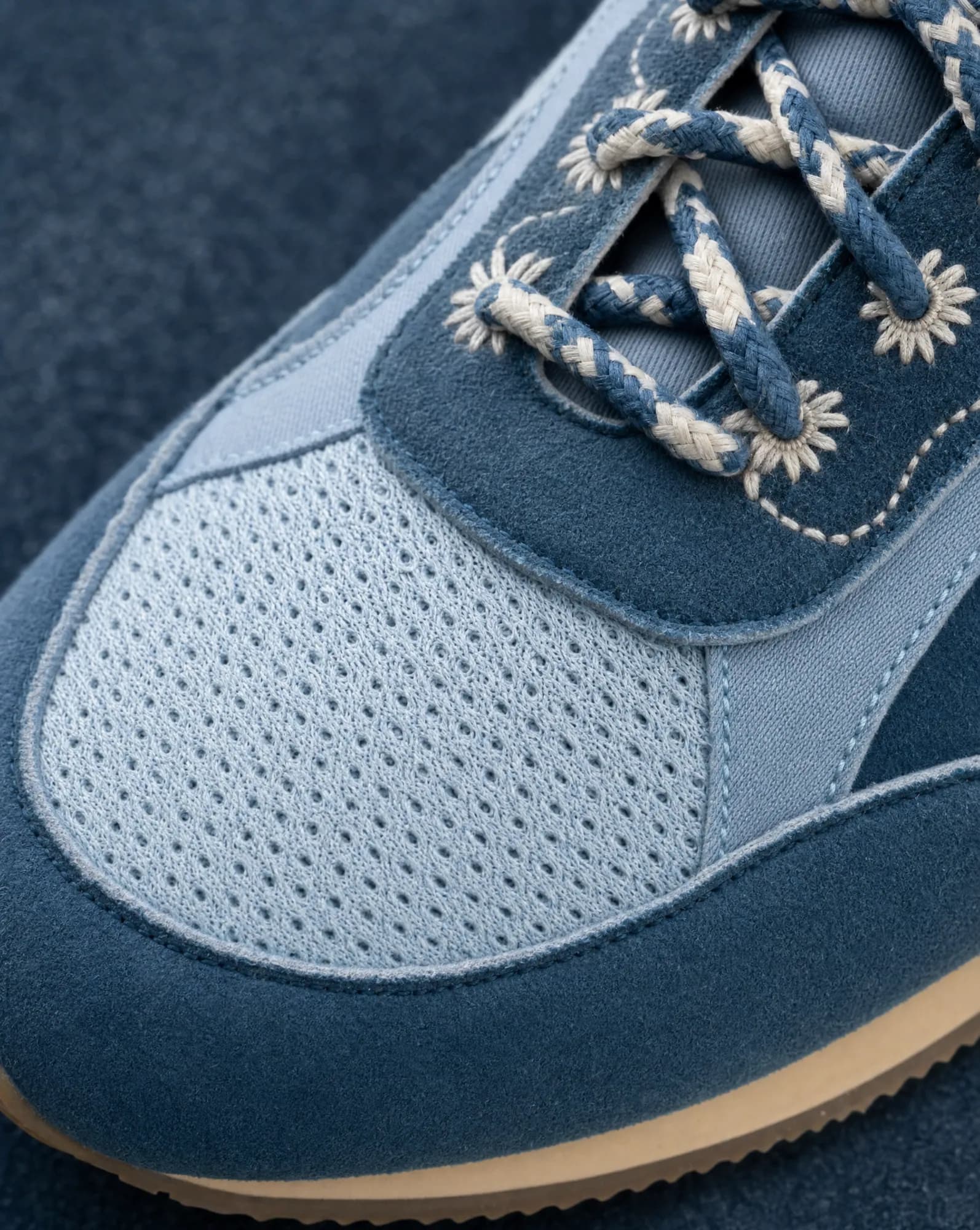
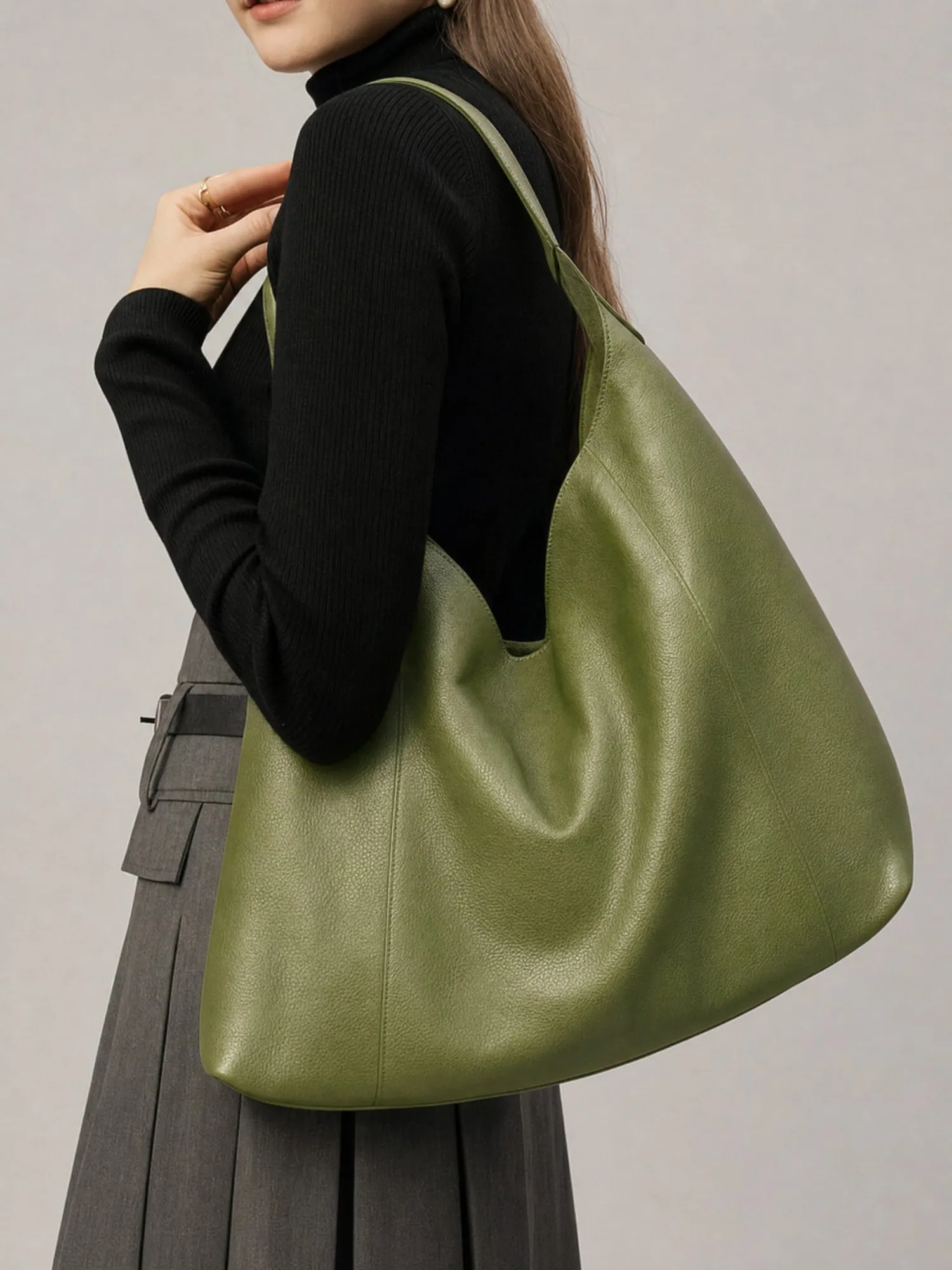
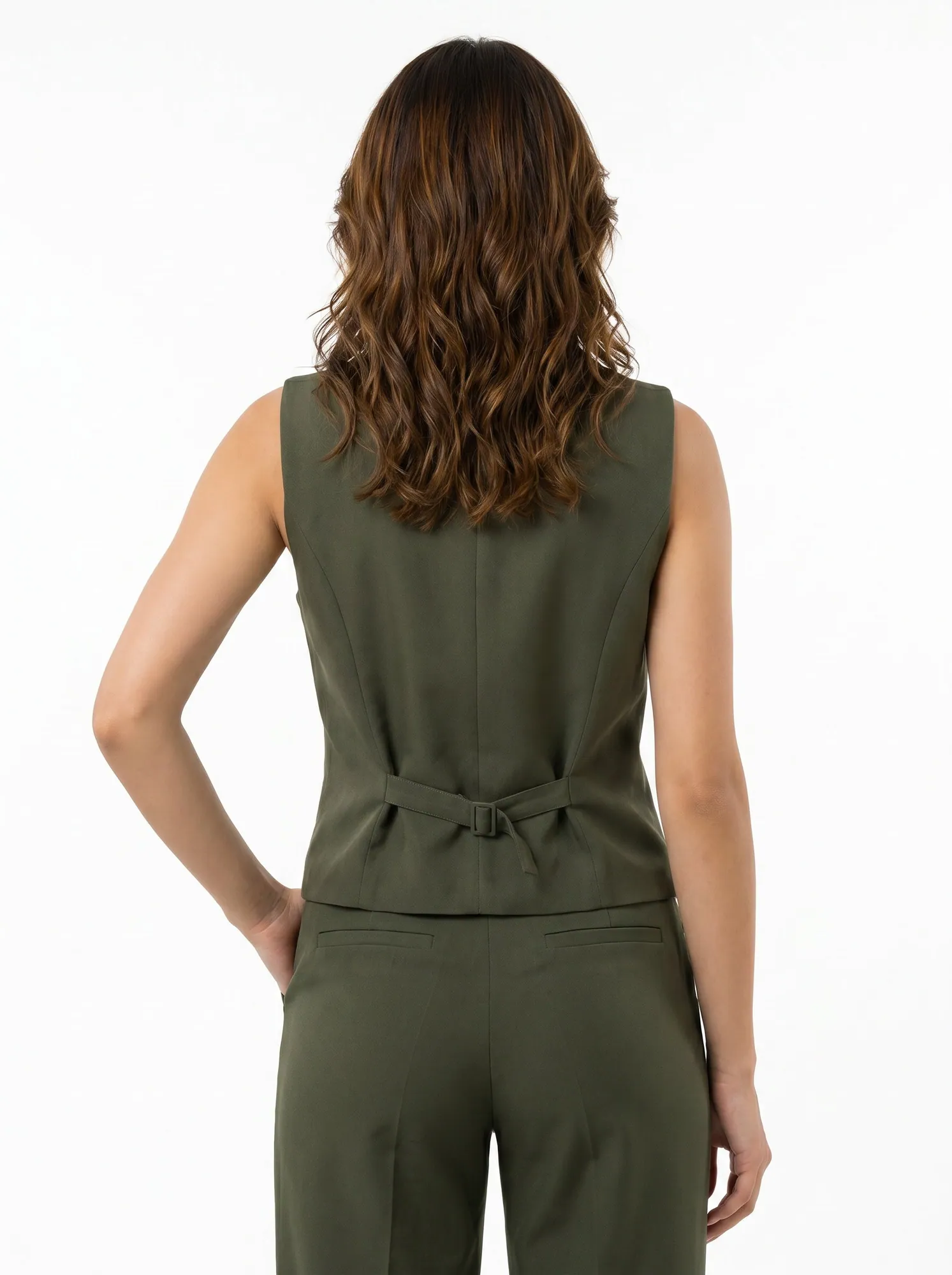
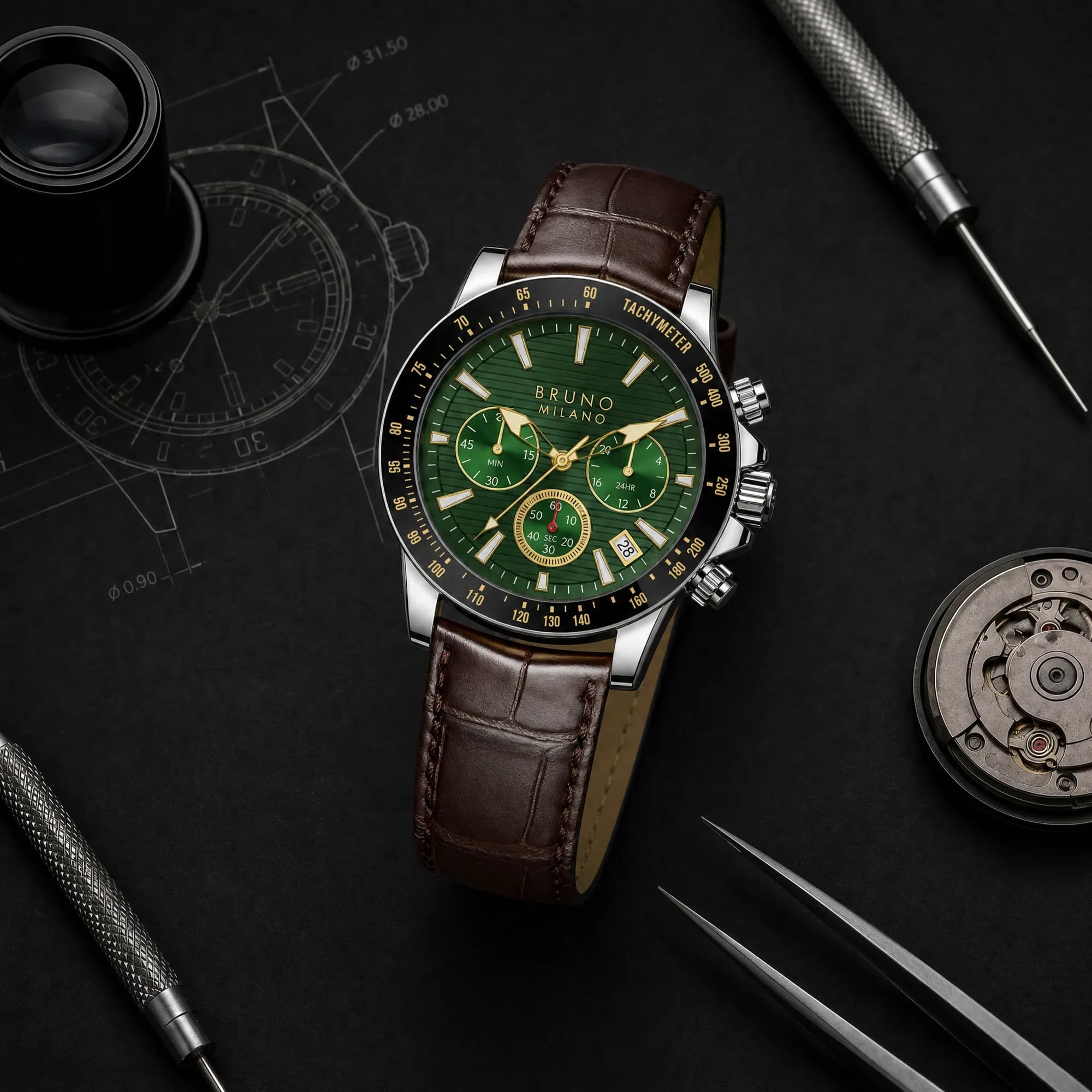
What a managed catalog looks like
Comparison questions
What is the best AI product photography tool?
It depends on who does the work. For a few simple products, a self-serve tool like Pebblely or Photoroom is quick and cheap. For a large or apparel-heavy catalog where accuracy matters, a managed service saves the hours of running and checking a tool yourself.
Is there a Photoroom or Pebblely alternative that does the work for me?
Yes. Helium is a managed AI photoshoot: you send a store link or CSV, we lock a look with you, generate the catalog and check every image against your real product. $1 an image, ₹85 in India.
Why is Helium more expensive per image than a $9 tool?
You're paying for the work, not the software: the shot list, styling, generation, the accuracy check on every image and delivery mapped to your SKUs. If you have the time to do that yourself, a self-serve tool is the cheaper option.
How did you check competitor pricing?
From each company's own pricing page in October 2026. Prices change, so check the live page before you buy. If something here is out of date, tell us and we'll fix it.
Sources
Related
Guides · 20 Oct 2026
How to do an AI product photoshoot without the product changing.
To run an AI product photoshoot, start from sharp reference photos of the real product, write a shot list per product, lock one style on a few products, then generate the rest with the references attached and check every image for shape, colour, logo, label text, texture, proportions and scale. The check is the step most people skip, and it's where most AI product photos fail.
Compare · 20 Oct 2026
Looking for an Arcads alternative? Decide who does the work.
Choose Arcads or Creatify if you have a creative strategist who wants to script and produce AI actor ads in-house at high volume. Choose a managed team like Helium if you'd rather not run another tool: we write the scripts from your reviews and winning ads, make AI and human-recorded UGC-style videos, keep your product accurate in every frame, and can run the ads too. Helium starts at a $490 test batch, then $1,990 a month (₹29,999 a month in India).
Guides · 20 Oct 2026
Amazon product image requirements, as a checklist.
Amazon's main image must be a real photo of the product on a pure white background (RGB 255, 255, 255), with the product filling about 85% of the frame and no text, logos, borders or watermarks. Images should be at least 1,000 pixels on the longest side so zoom works, in JPEG, TIFF, PNG or non-animated GIF. AI-made lifestyle, scale and on-model images belong in the secondary images, not the main one.
For · 20 Oct 2026
Shoe photography from one packshot.
A footwear listing needs seven angles (outer side, inner side, front, back, top, three-quarter and sole), one or two detail macros and an on-foot shot. Helium can make the details and on-foot shots from your existing packshot with AI. For Gully Labs we started from a single store packshot and made lace, toe, heel and on-feet shots that keep every stitch, lace and colour true to the real shoe. Pricing is $1 (₹85) an image.