Shoe photography from one packshot.
Seven angles, the sole, macro details and on-foot street shots for every pair, made from the photos you already have and checked stitch by stitch.
Short answer
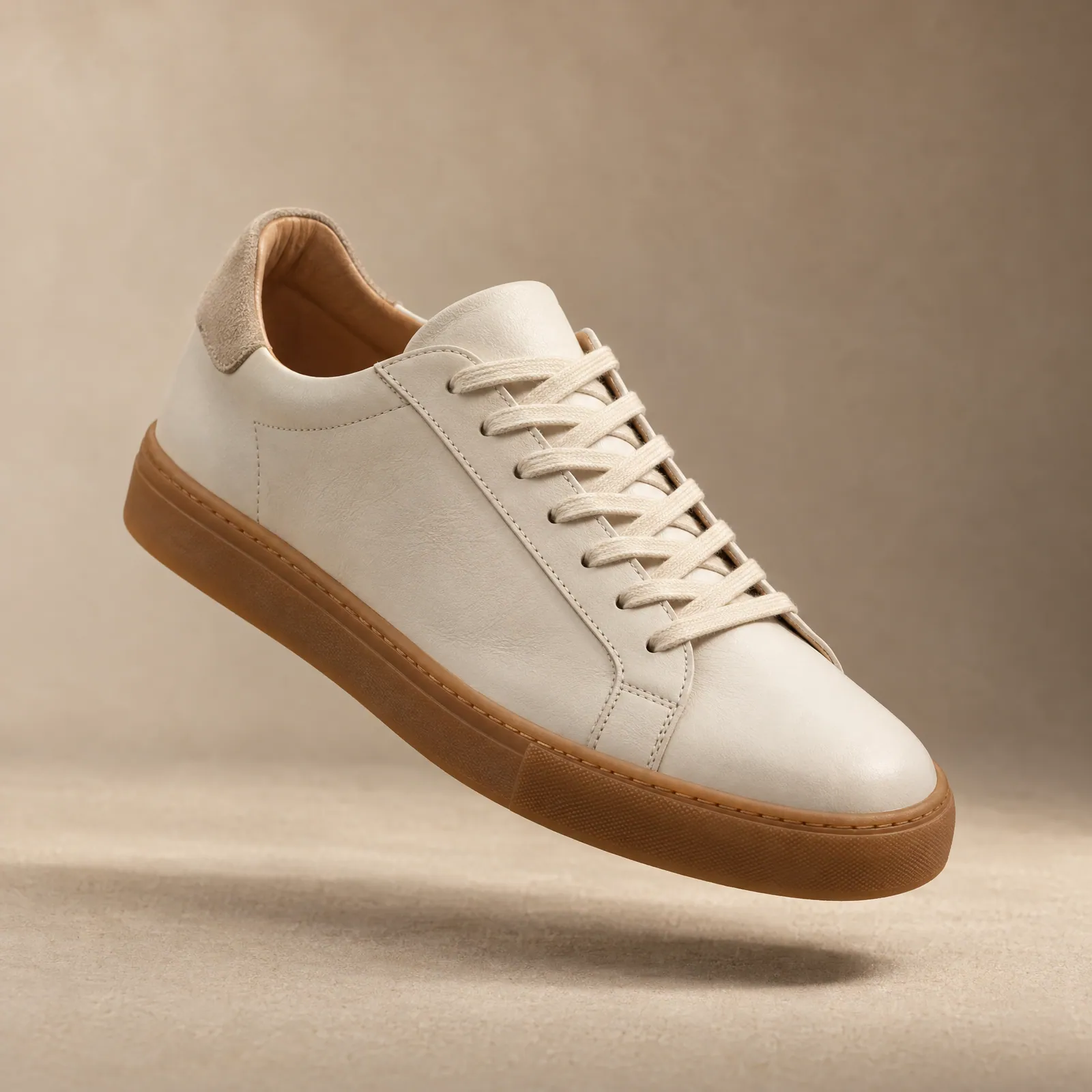
A footwear listing needs seven angles (outer side, inner side, front, back, top, three-quarter and sole), one or two detail macros and an on-foot shot. Helium can make the details and on-foot shots from your existing packshot with AI. For Gully Labs we started from a single store packshot and made lace, toe, heel and on-feet shots that keep every stitch, lace and colour true to the real shoe. Pricing is $1 (₹85) an image.
Before and after: one Gully Labs packshot
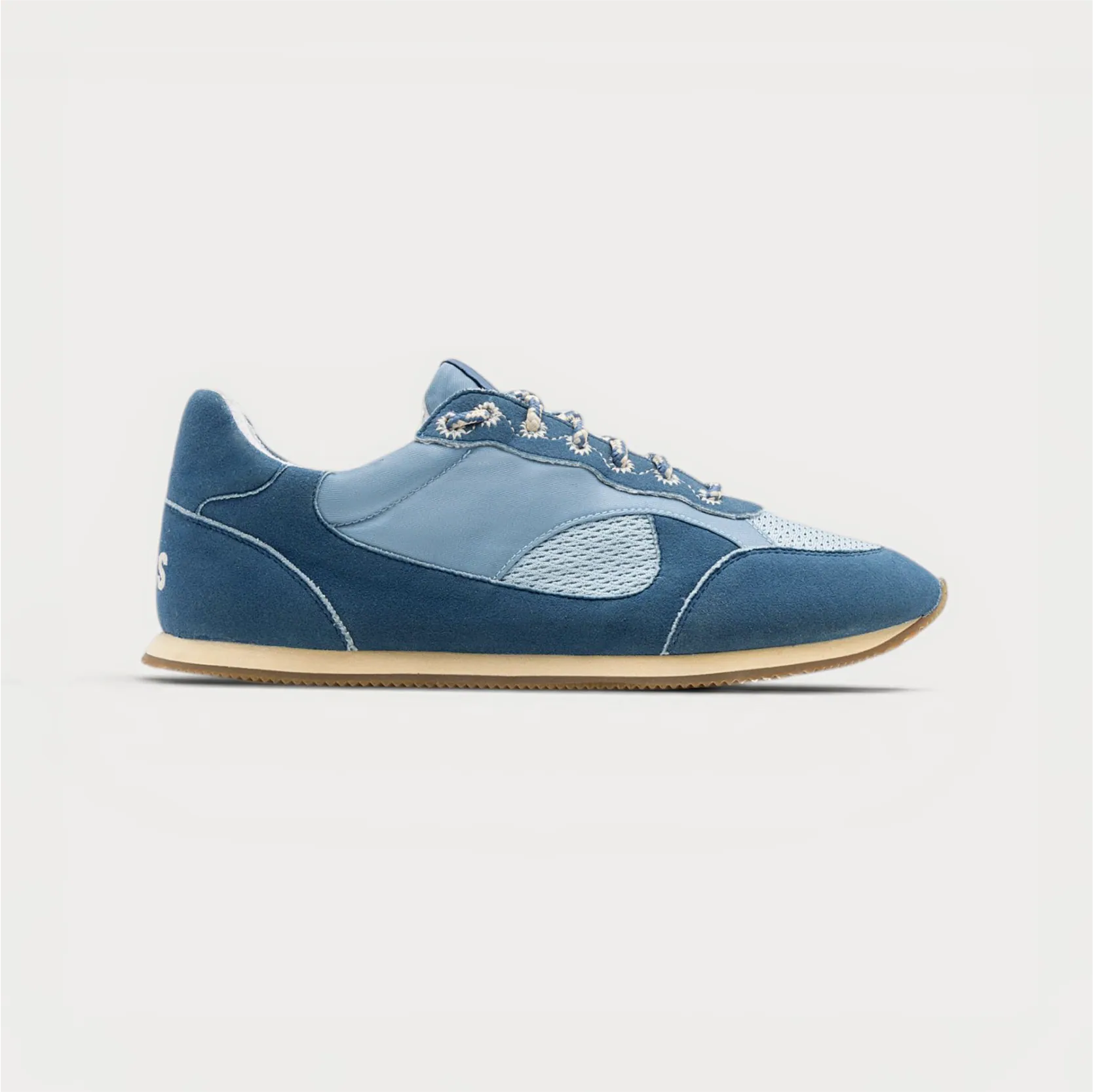
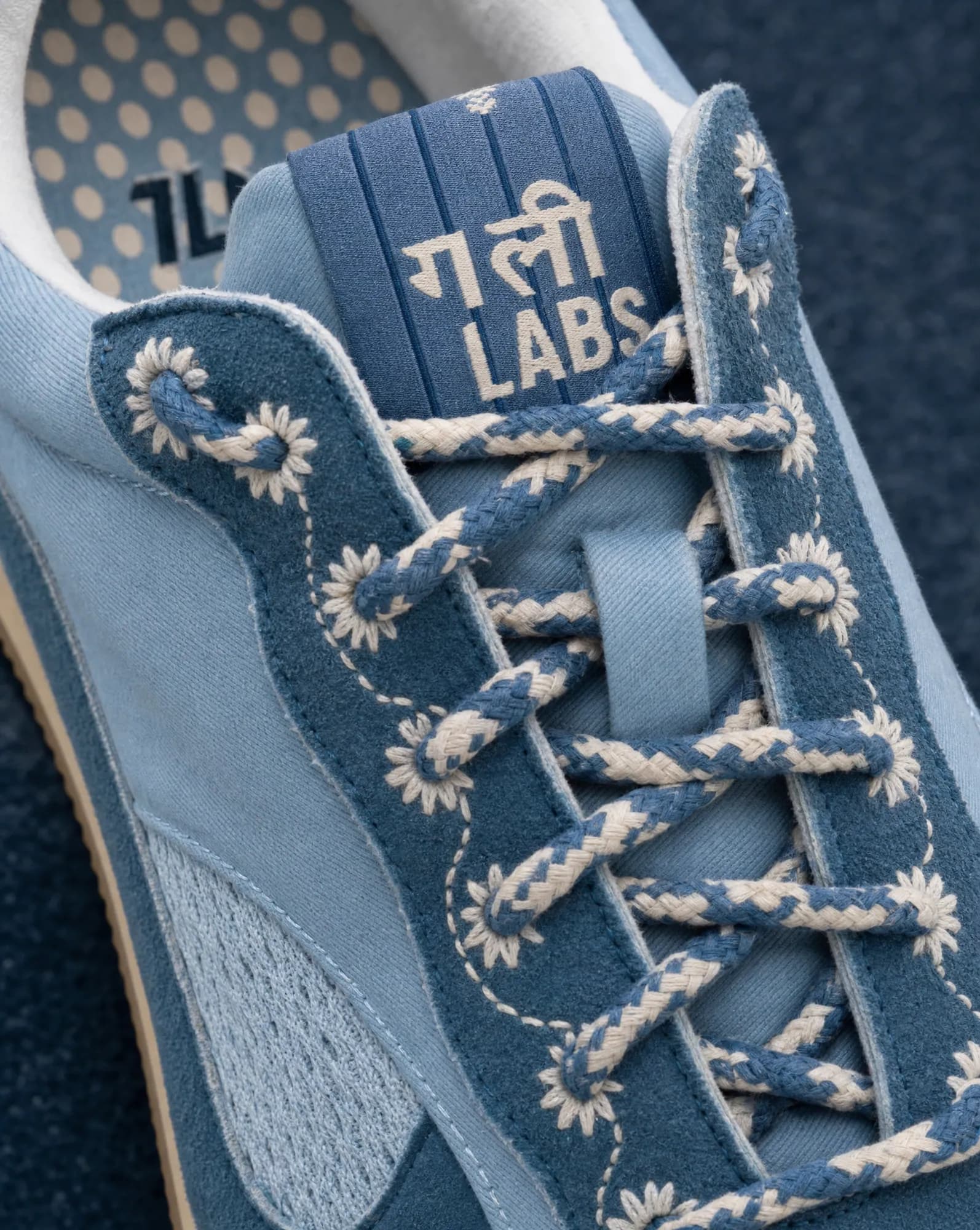
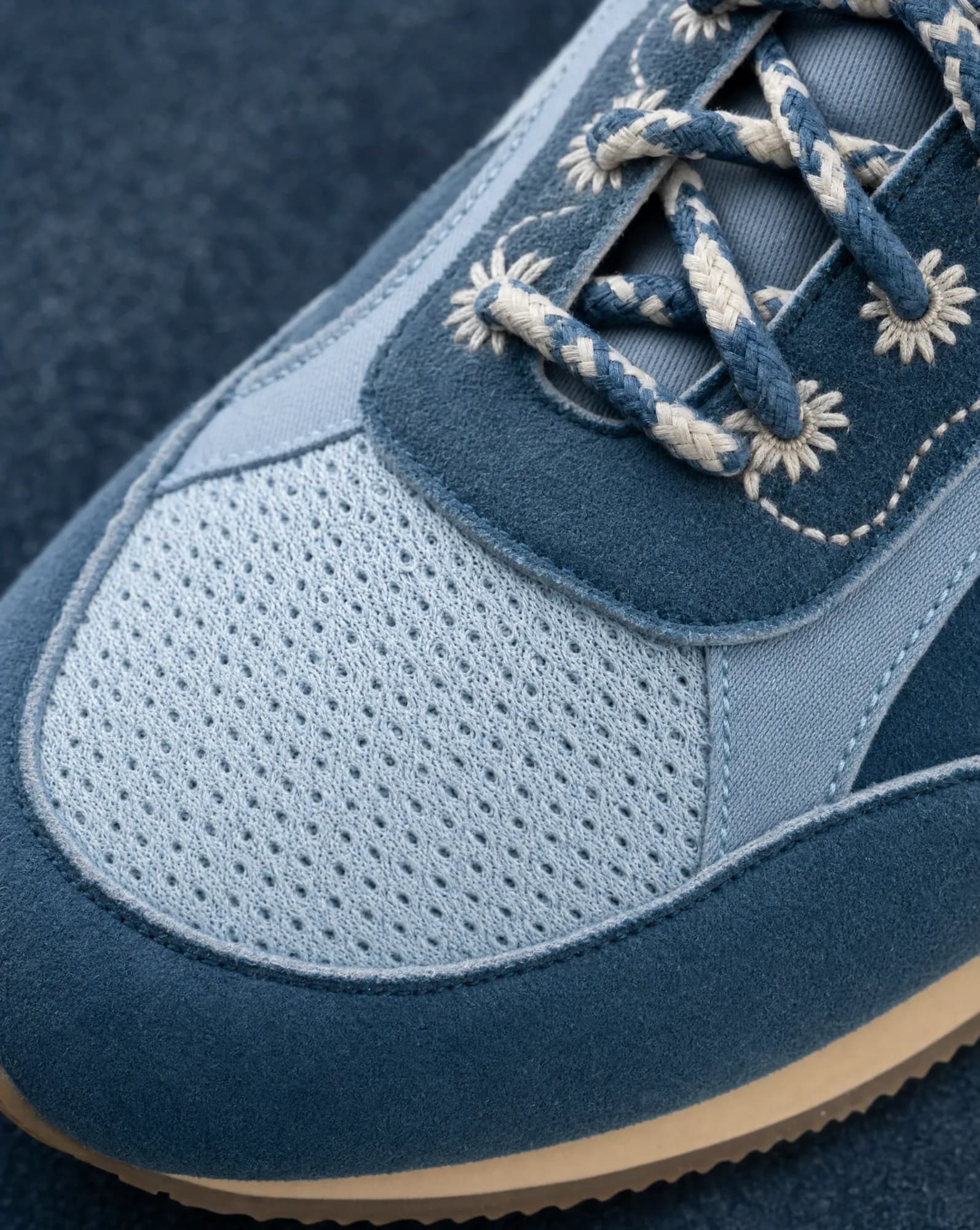
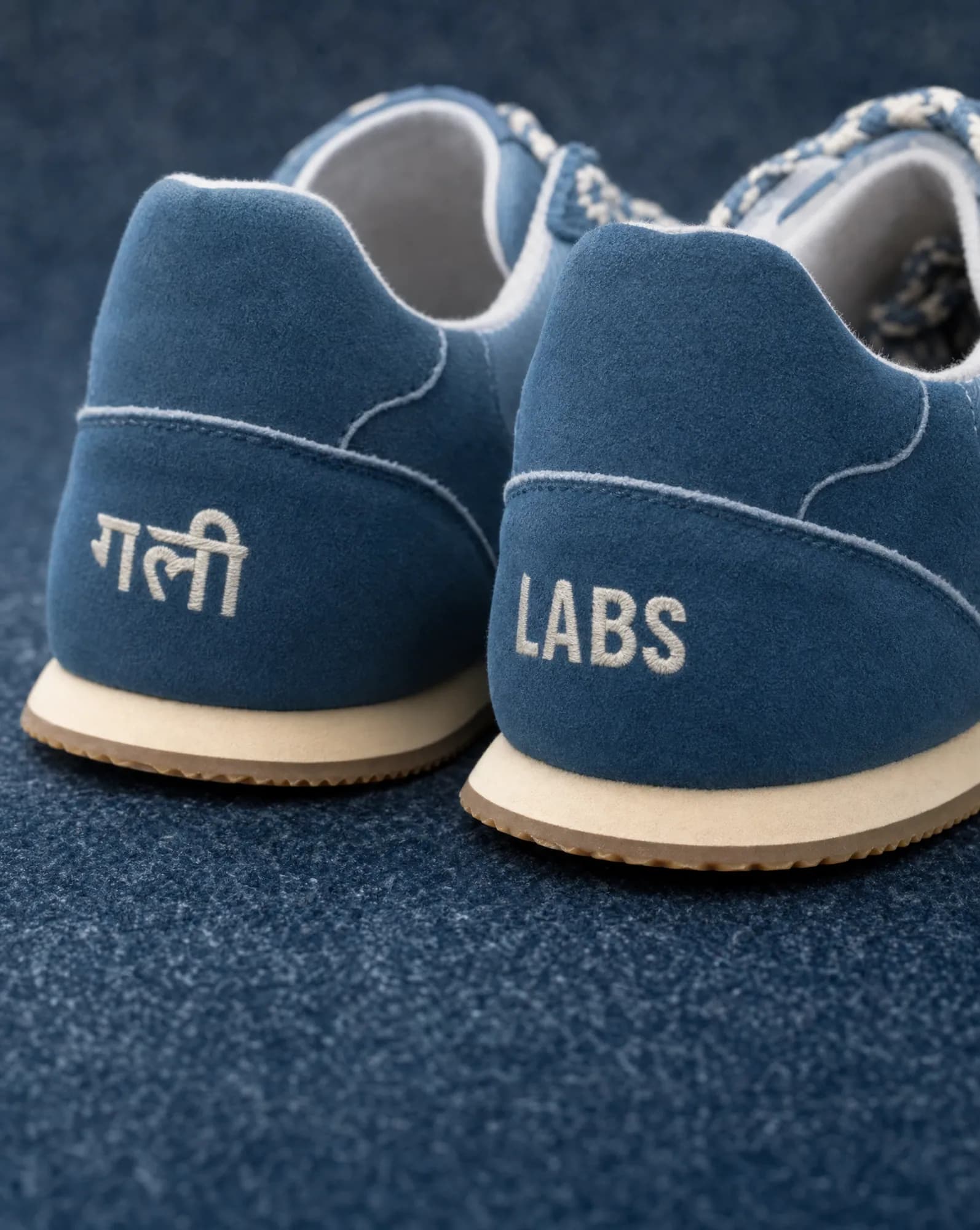
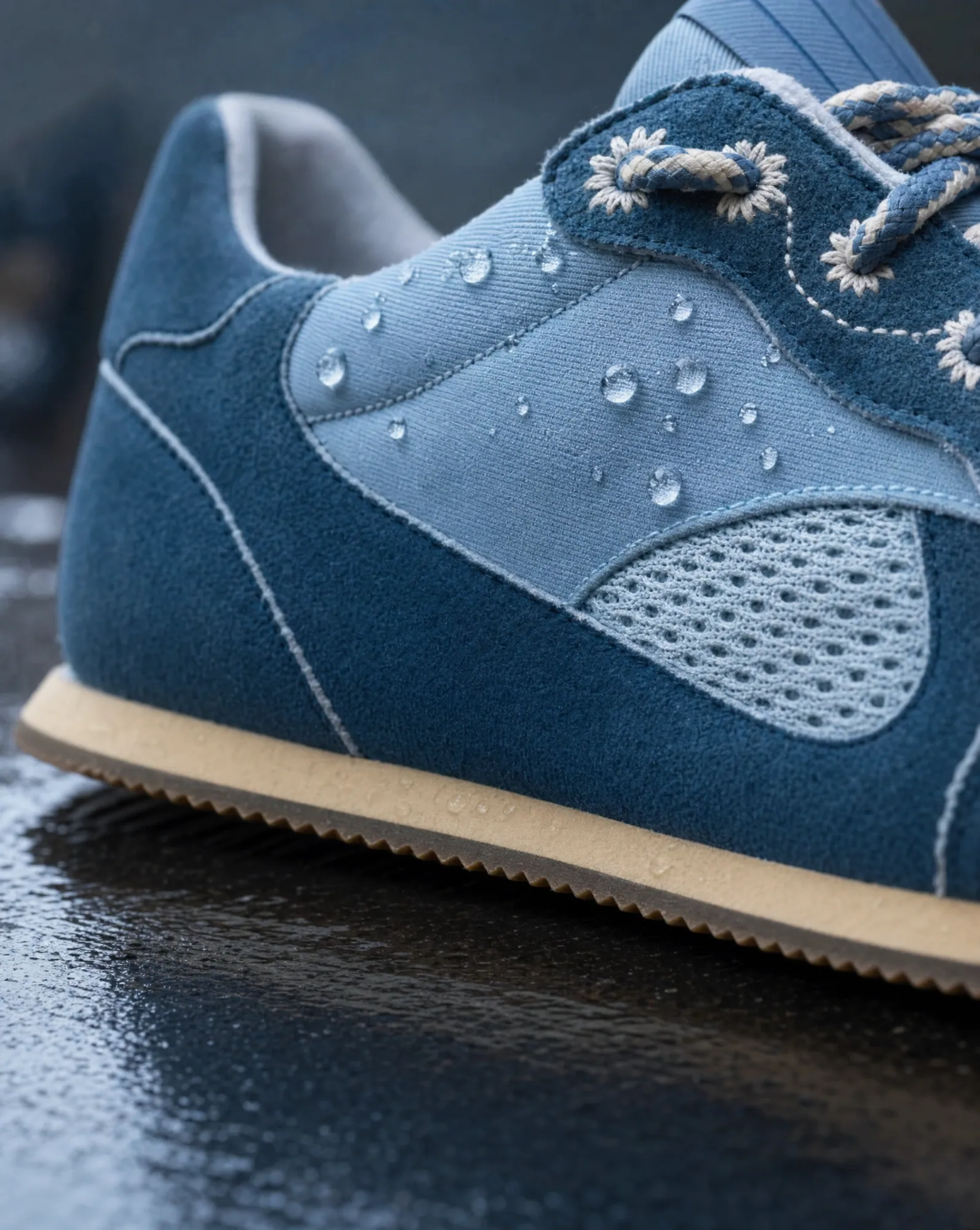
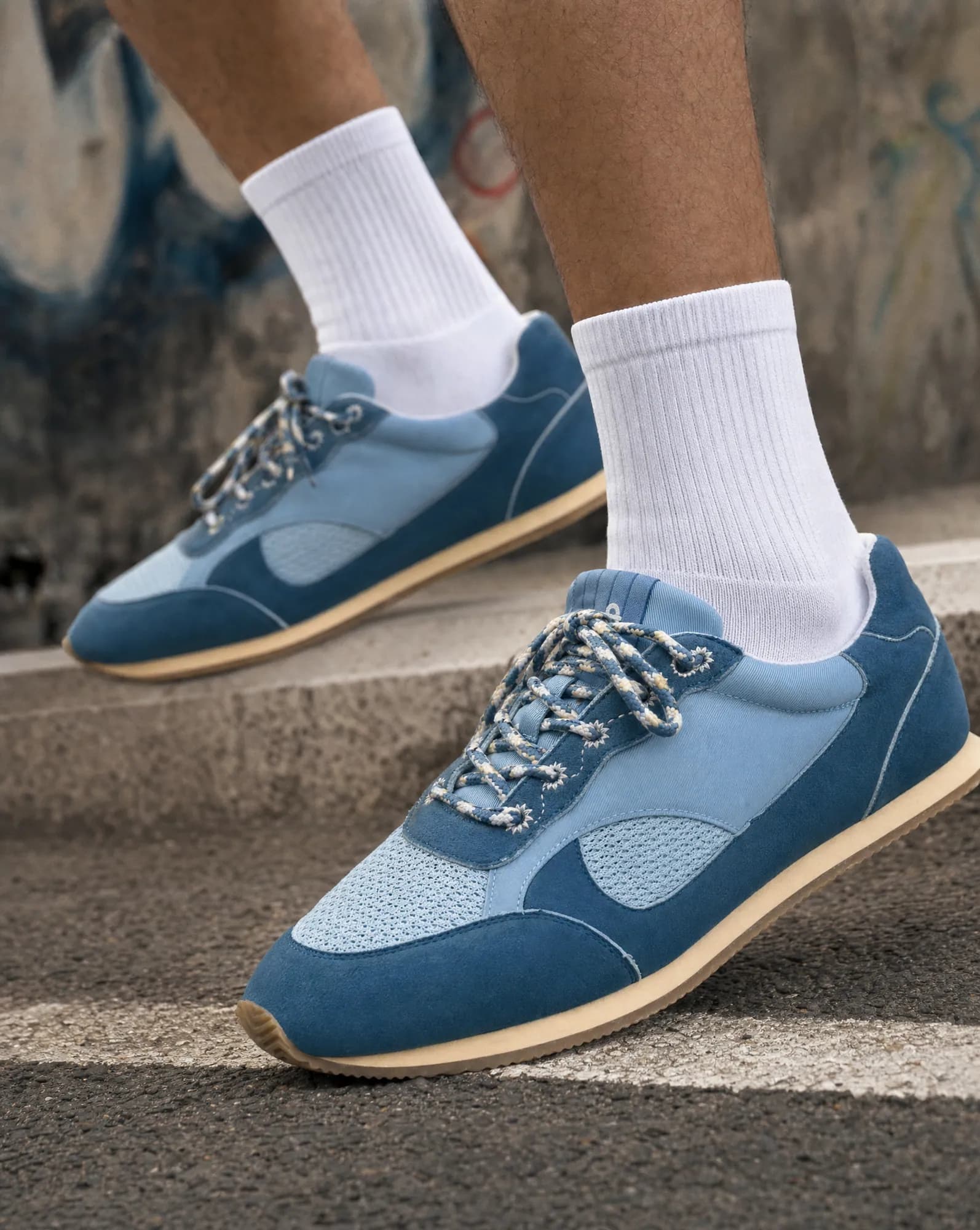
The footwear shot list
| Shot | What buyers check | What we check |
|---|---|---|
| Outer side profile | Silhouette, logo, sole height | Logo placement and panel lines |
| Inner side profile | Arch, inner logo, padding | Inner side isn't a mirrored copy of the outer |
| Front (toe) | Toe shape and width | Toe box shape and stitching |
| Back (heel) | Heel tab, counter, pull loop | Heel branding and counter shape |
| Top-down | Lacing, tongue, insole branding | Lace pattern and eyelet count |
| Three-quarter hero | The overall look; main image on many stores | Proportions match the packshot |
| Sole | Grip pattern and material | Tread pattern copied, never invented |
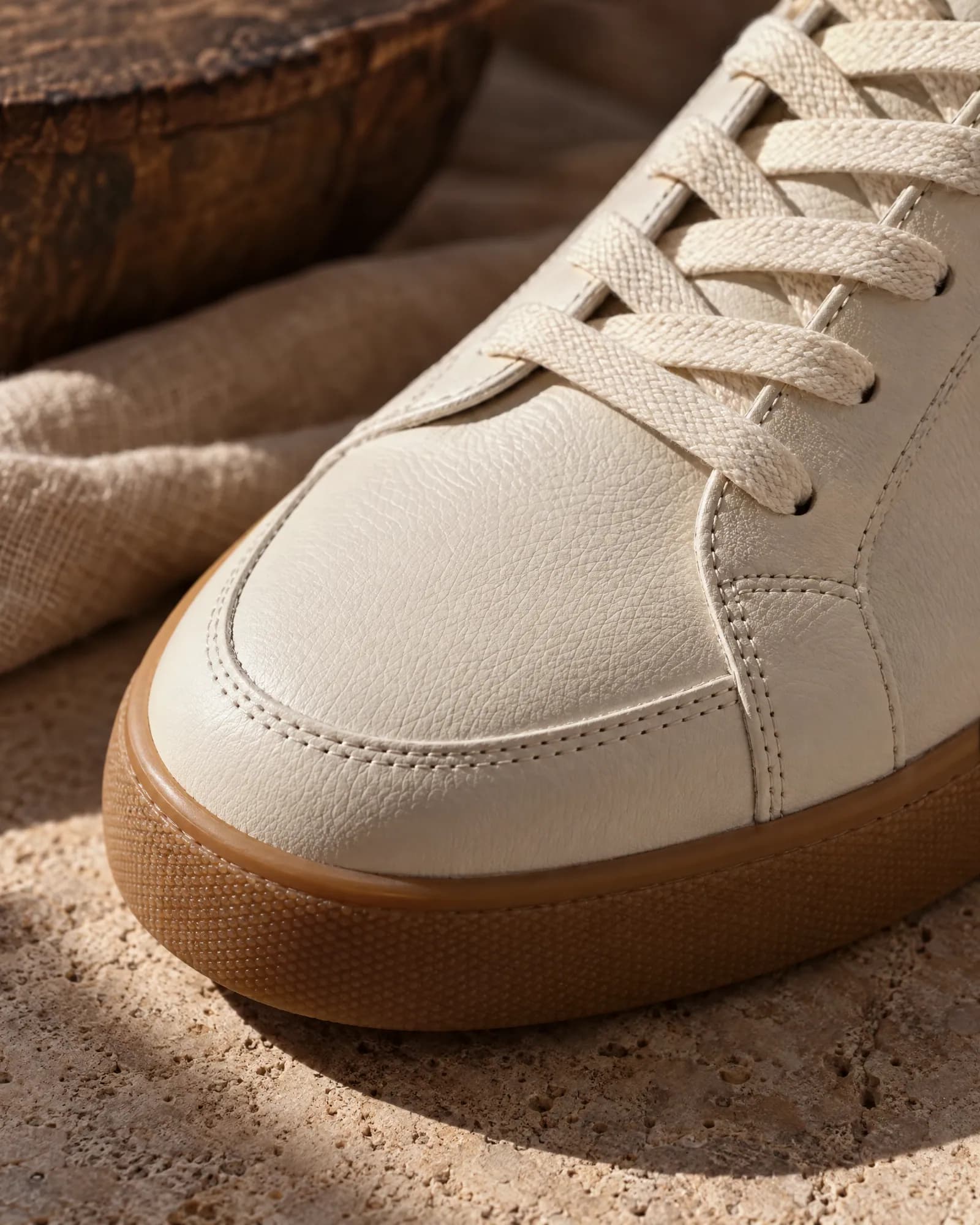
| Detail macro | Material and craft: suede, mesh, embroidery | Texture and thread colour |
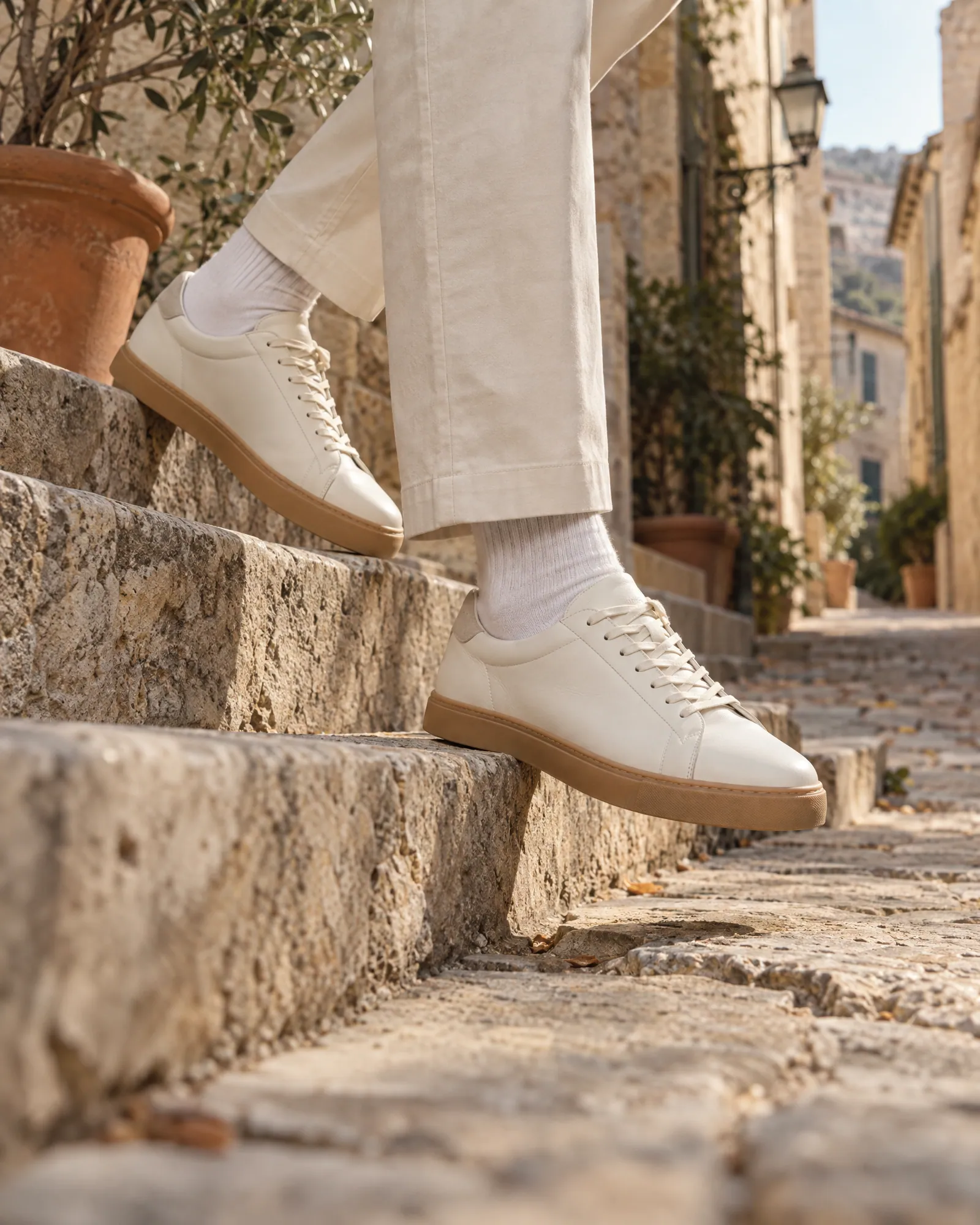
| On-foot | How it looks worn, with what | Shoe stays exact; styling fits your customer |
Why footwear breaks generic AI tools
Shoes look simple and aren't. A generic image model will:
- Change the eyelet count or rethread the laces into a different pattern.
- Mirror the outer side to fake the inner side, so the logo ends up on the wrong panel.
- Invent a tread when the sole isn't visible in the reference.
- Smooth the materials, so suede, mesh and leather all look like the same plastic.
The Gully Labs set above shows the opposite: details that weren't visible at full size in the packshot, made sharp, with the laces, stitching and colours of the real shoe. When a view truly isn't in the reference (the sole, say), we ask for one more photo instead of guessing. See the full Gully Labs AI photoshoot and the launch page we built for The Lane.
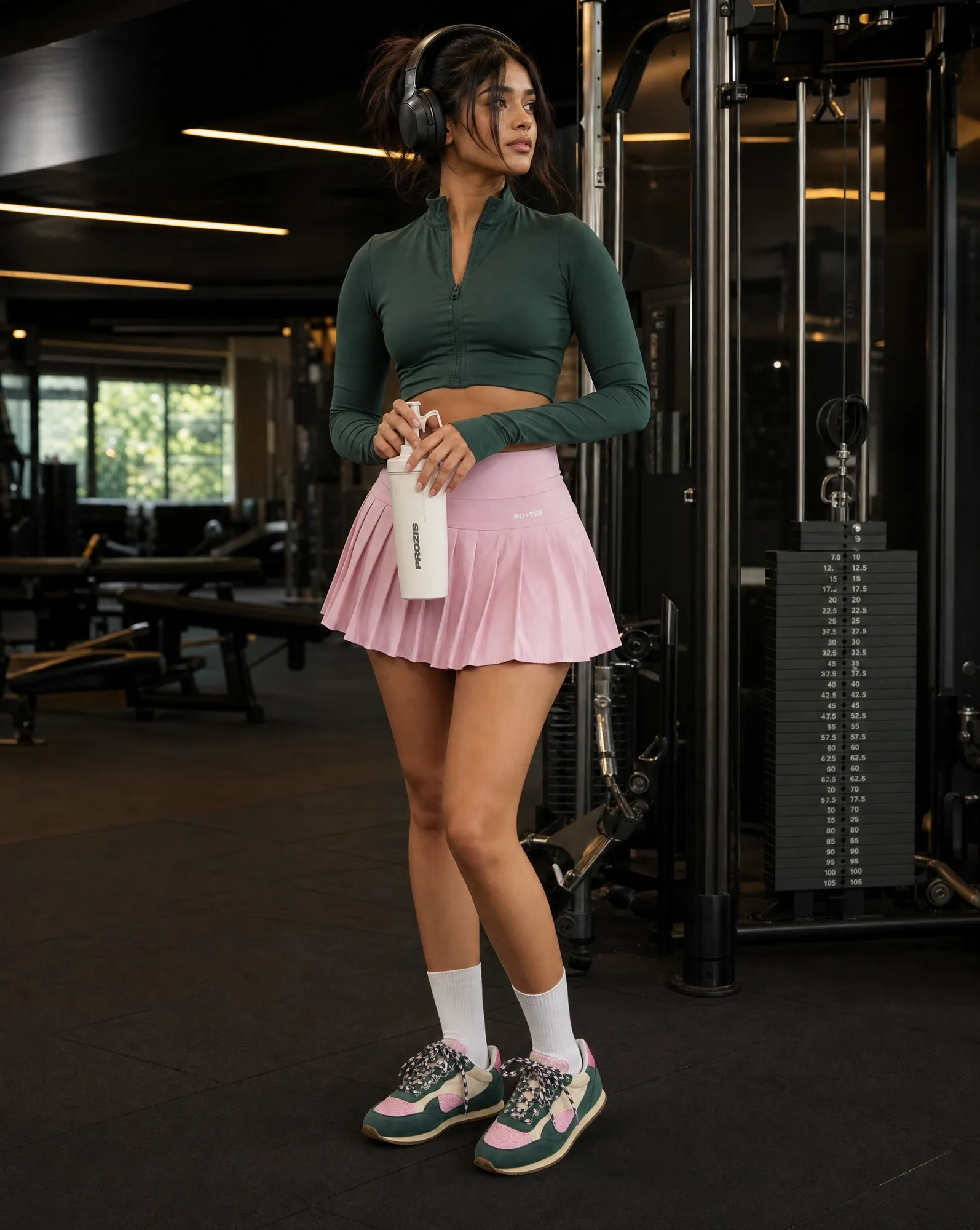
On model, same shoe
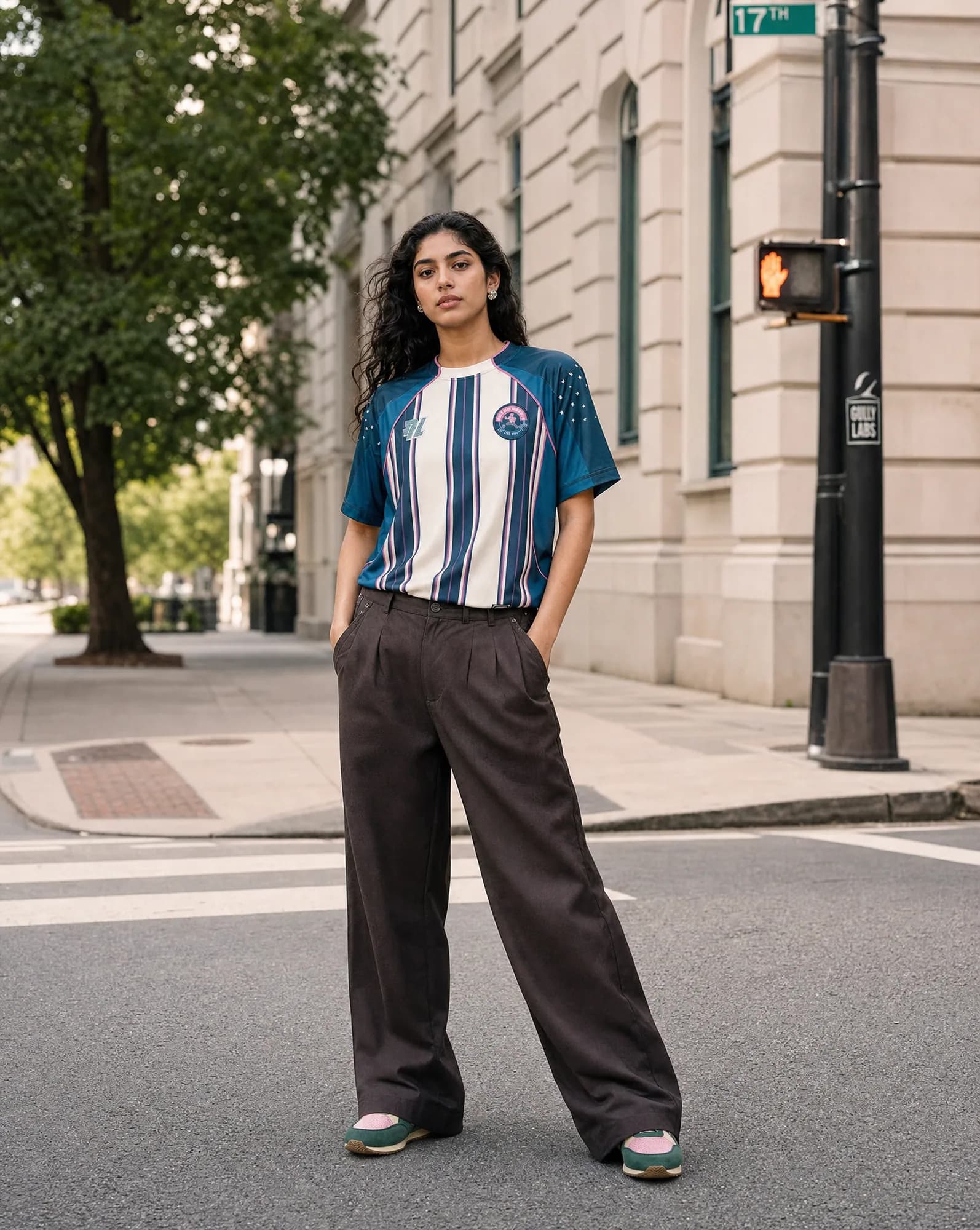
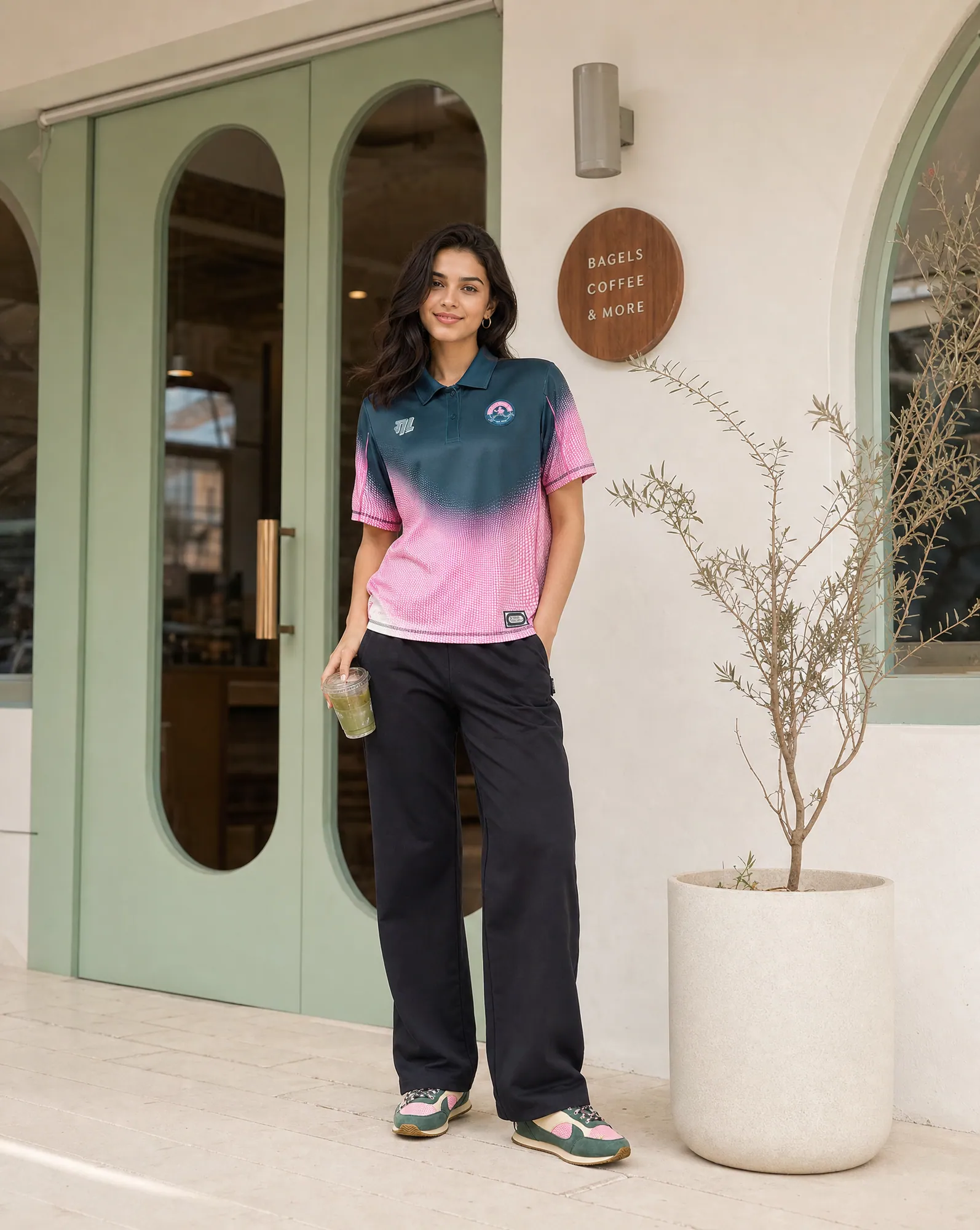
From packshots to a full footwear catalog
- 01
Send what you have
Your store link or a CSV, plus existing packshots. One clean side profile per colourway is the minimum; a sole photo helps.
- 02
Lock the look on three styles
Pick the backgrounds, the on-foot settings and the styling. That look carries across every pair.
- 03
Every pair, checked
Our team checks logos, eyelets, laces, sole pattern and materials against your photos and regenerates anything that drifts.
- 04
Upload-ready
Named by SKU and colourway, sized for your store, marketplaces and Meta and Google ads.
Footwear photography questions
Can you make on-foot shots without a model shoot?
Yes. The on-feet and on-model shots above were made from Gully Labs' store packshot. The shoe is carried over from the reference and checked; the person, setting and styling are generated.
What if I only have one photo per shoe?
A sharp side profile is enough to start detail and on-foot shots. For angles the photo can't show, like the sole or the inner side, we'll ask for one more photo rather than invent it.
Do colourways need separate photos?
Yes, one reference per colourway. Recolouring one shoe into another colourway risks the wrong shade on a product people return over colour.
What does it cost?
$1 an image internationally, ₹85 an image in India, with volume pricing for full catalogs.
Who owns the images?
You do, with full commercial rights to everything we deliver.
Related
Guides · 20 Oct 2026
How to do an AI product photoshoot without the product changing.
To run an AI product photoshoot, start from sharp reference photos of the real product, write a shot list per product, lock one style on a few products, then generate the rest with the references attached and check every image for shape, colour, logo, label text, texture, proportions and scale. The check is the step most people skip, and it's where most AI product photos fail.
Guides · 20 Oct 2026
Amazon product image requirements, as a checklist.
Amazon's main image must be a real photo of the product on a pure white background (RGB 255, 255, 255), with the product filling about 85% of the frame and no text, logos, borders or watermarks. Images should be at least 1,000 pixels on the longest side so zoom works, in JPEG, TIFF, PNG or non-animated GIF. AI-made lifestyle, scale and on-model images belong in the secondary images, not the main one.
Compare · 20 Oct 2026
AI product photography tools, compared honestly.
Pick a self-serve tool if you have a handful of products and time to operate it: Pebblely for quick themed backgrounds from $9 a month, Photoroom for background removal and editing at volume, Claid for an API and automated pipelines, and Flair for designing staged scenes on a canvas. Pick a managed AI photoshoot like Helium if you have a large catalog, need apparel on model, or don't want to operate a tool; you send a link and get checked images back at $1 (₹85) each.
For · 20 Oct 2026
Jewellery photography where the stones stay real.
Jewellery listings need a sharp hero macro, a clean white-background image for marketplaces, an on-model shot that shows true size, and a styled flat lay or stack. AI can make all of these from your product photos, but only if stone count, metal tone and scale are locked to the real piece. Helium checks those on every image and charges $1 (₹85) an image.