Kurta and kurti catalogs, shot to one look.
Front, back, side, walk, dupatta and embroidery close-up for every style, on the same model and light across the whole range.
Short answer
A kurta or kurti listing needs a front, back and side view on model, a walking shot for fall and movement, a close-up of the neckline or embroidery, and, for sets, the dupatta and bottoms shown clearly. Helium makes these from your existing product photos with AI, keeps the same model and lighting across the range, checks every print and embroidery detail against the real garment, and charges ₹85 an image.
What makes ethnic wear different
Western apparel is mostly about fit. Ethnic wear is about surface: chikankari, block print, bandhani, gota and mirror work. That surface is exactly what buyers zoom in on, and exactly what generic AI tools change.
- Repeating prints drift. A block print has a fixed repeat. A model that "redraws" it will shift the spacing or swap the motif.
- Embroidery gets simplified. Fine chikankari turns into a vague texture unless the detail is carried over from the reference.
- Sets have three products in one. Kurta, pant or palazzo, and dupatta each need to be visible, or the customer can't tell what's included.
- Consistency sells the range. If every kurta in a collection is on a different model under different light, the collection page looks like a marketplace, not a brand.
We treat the garment surface as fixed and only generate what's around it: the model, the pose, the setting and the light.
The kurta and kurti shot list
| Shot | Why buyers need it | Set or single | What we check |
|---|---|---|---|
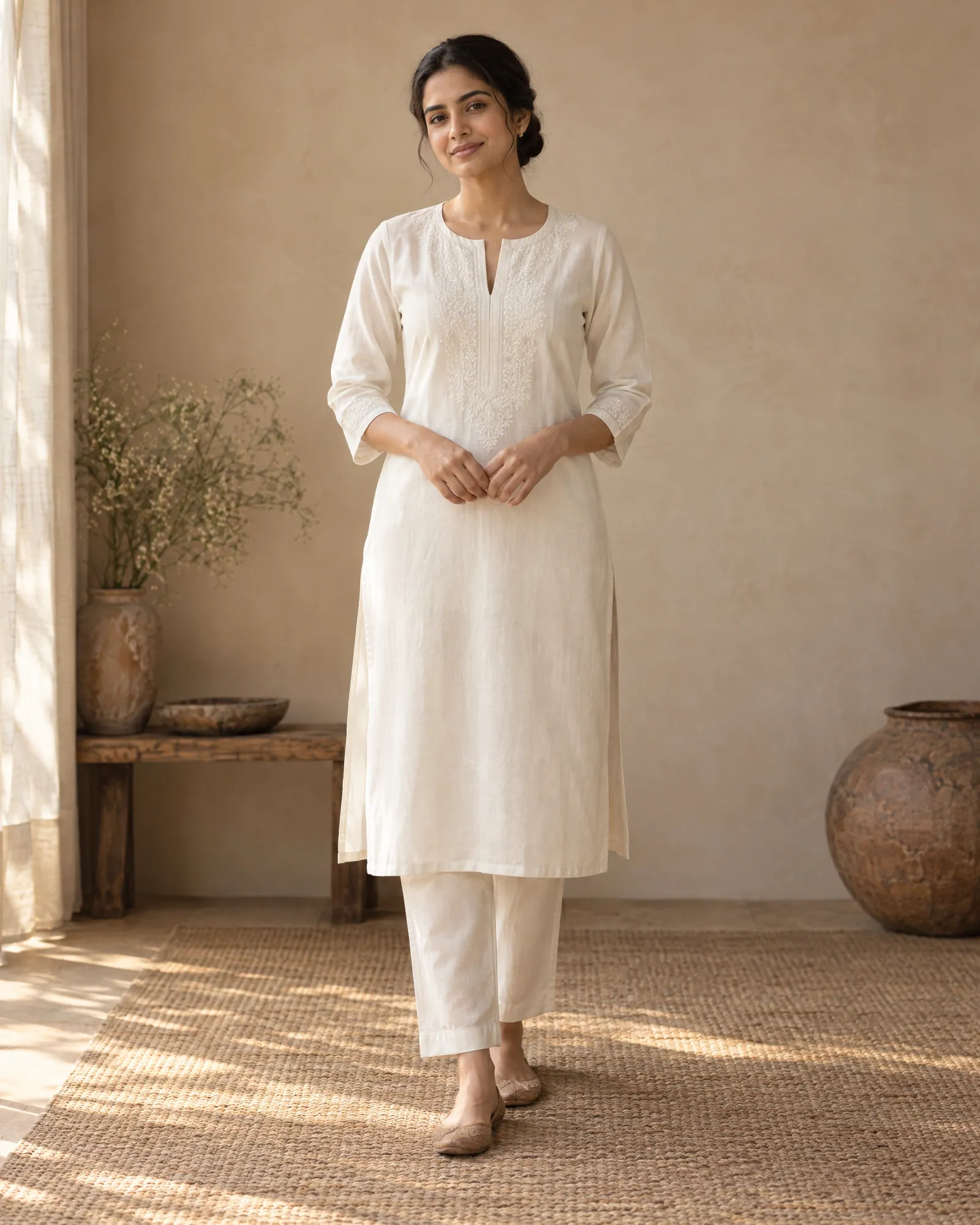
| Front on model | Length, neckline, fit | Both | Print repeat, neckline shape, hem length |
| Back on model | Back neck, yoke, closures | Both | Back design matches your photo, not mirrored from the front |
| Side or three-quarter | Slits, flare, side panels | Both | Slit height and panel seams |
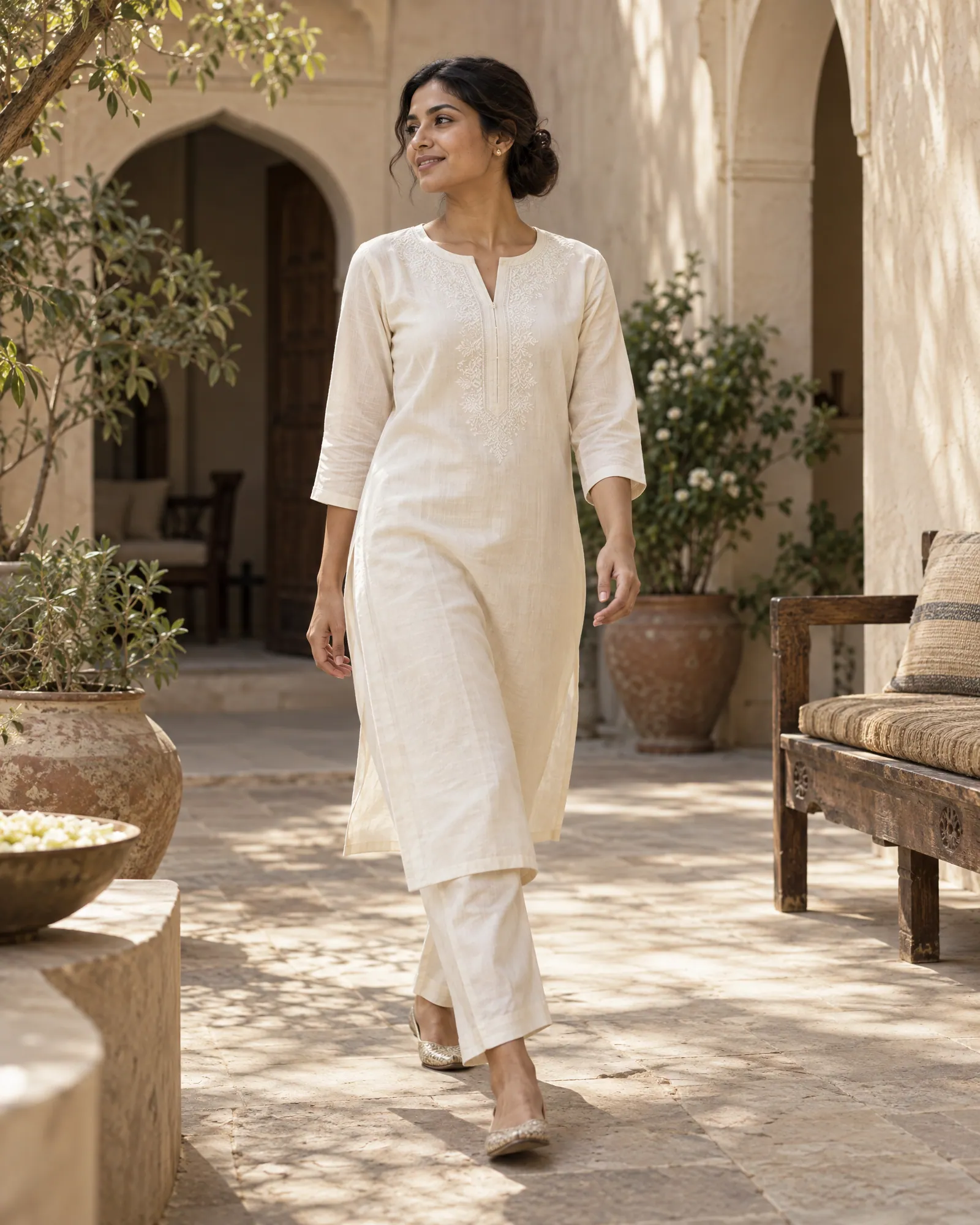
| Walking shot | How the fabric falls and moves | Both | Drape looks right for the fabric weight |
| Neckline or embroidery macro | The craft people pay for | Both | Stitch density and motif, nothing invented |
| Dupatta drape or held open | The dupatta's border and print | Set | Dupatta colour and border match the real piece |
| Bottoms in frame | Pant, palazzo or sharara style | Set | Bottoms are the actual included piece |
| Lifestyle frame | Occasion: office, festive, everyday | Both | Garment stays the hero |
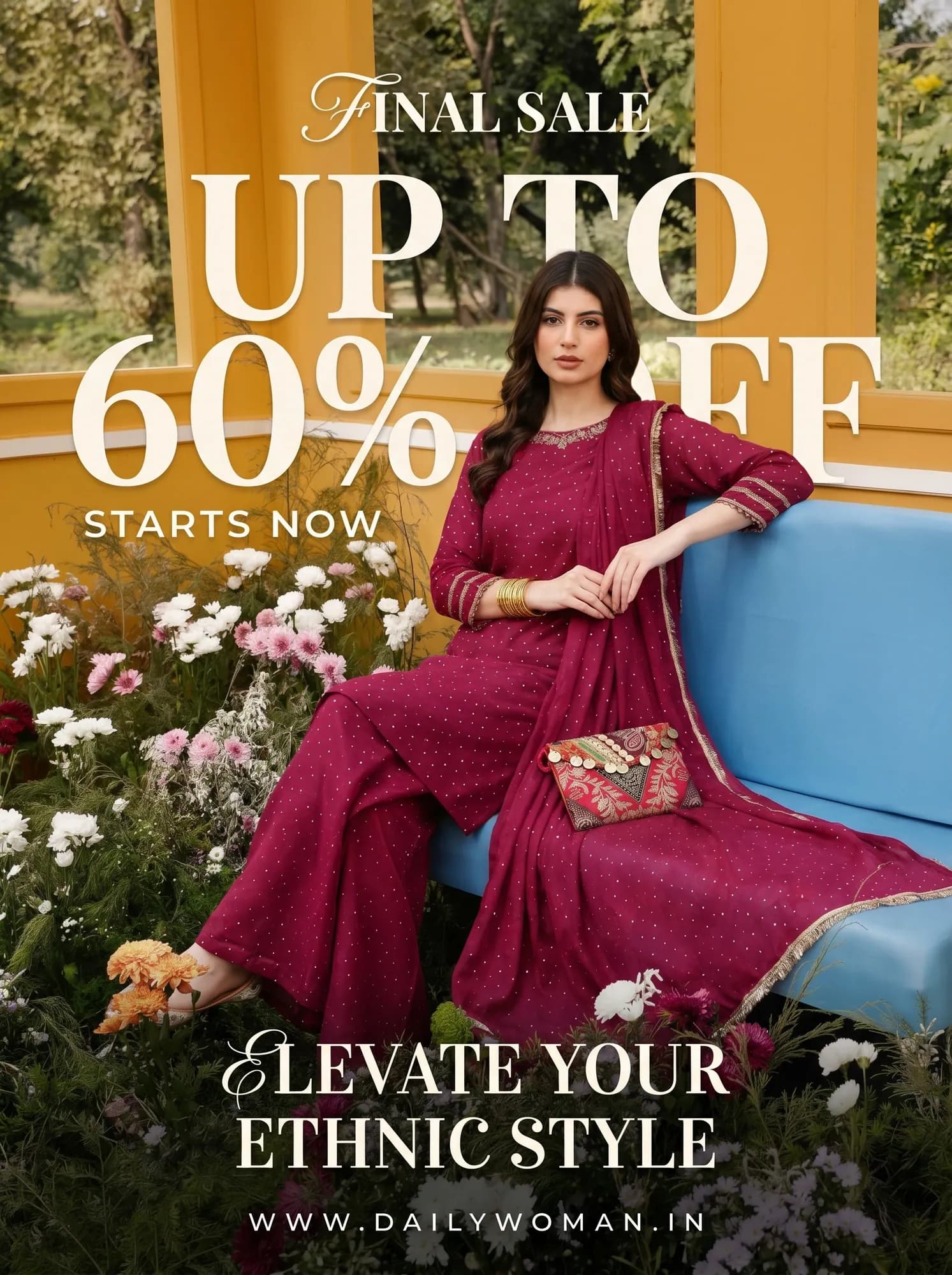
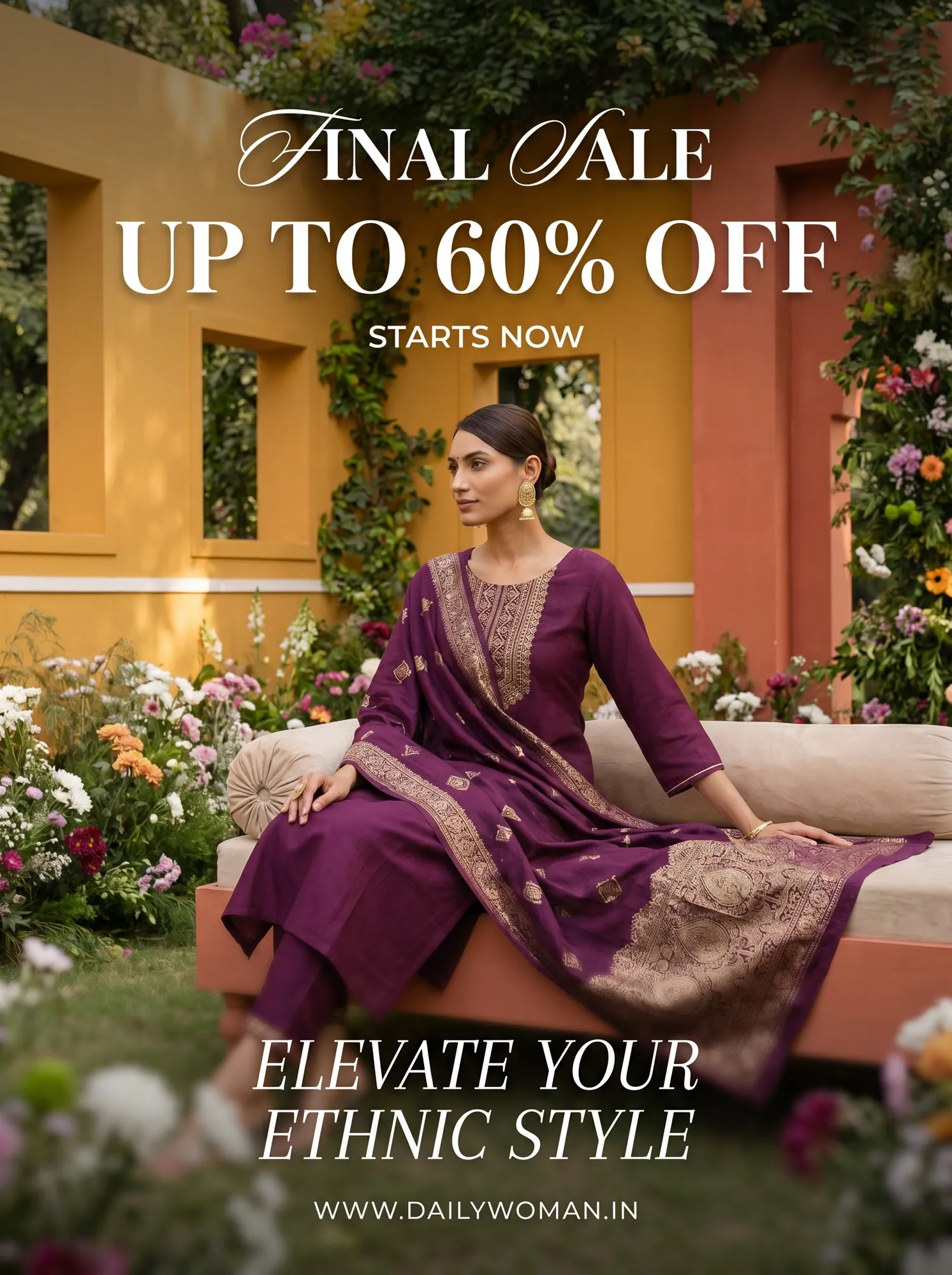
Ethnic wear made by Helium
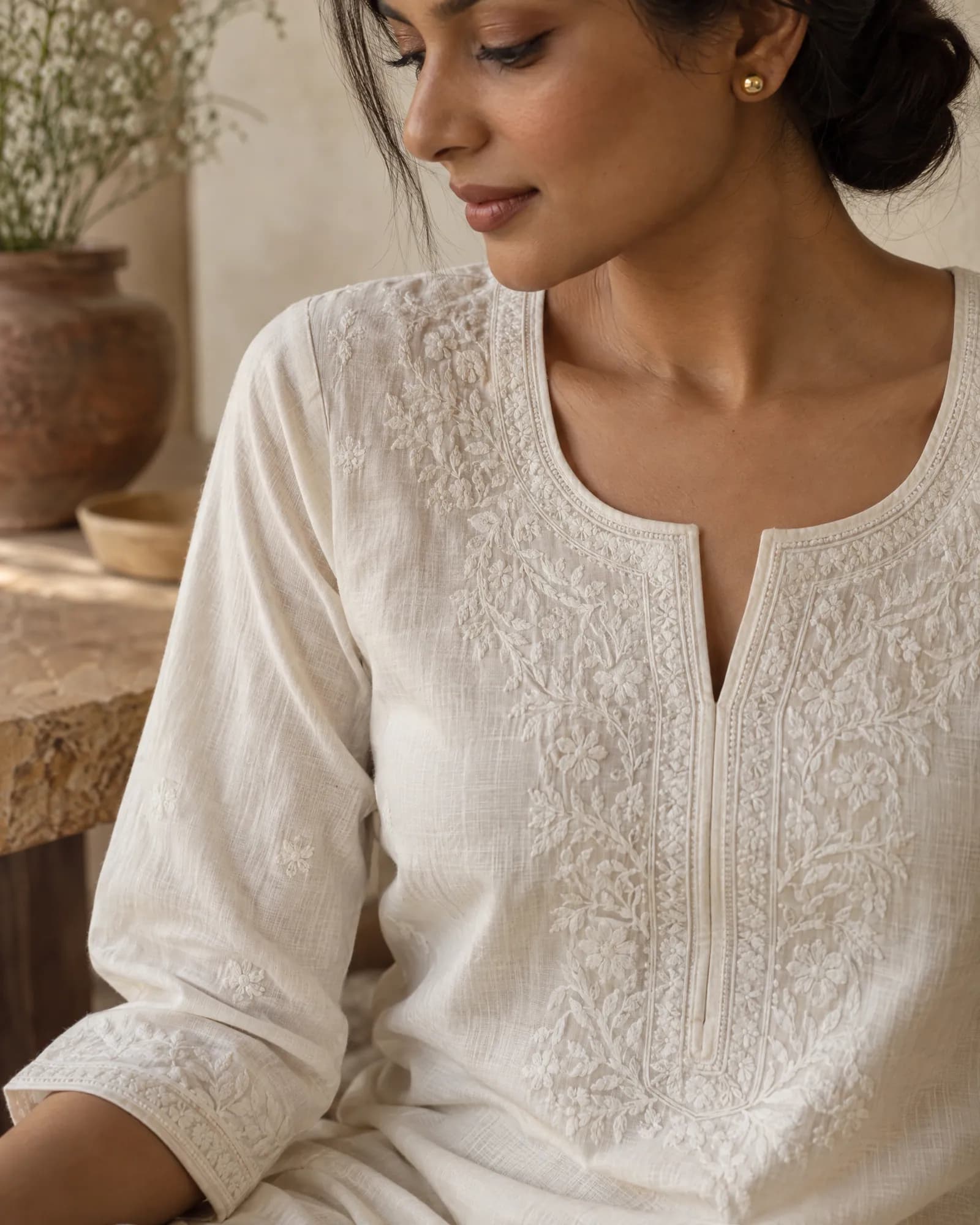
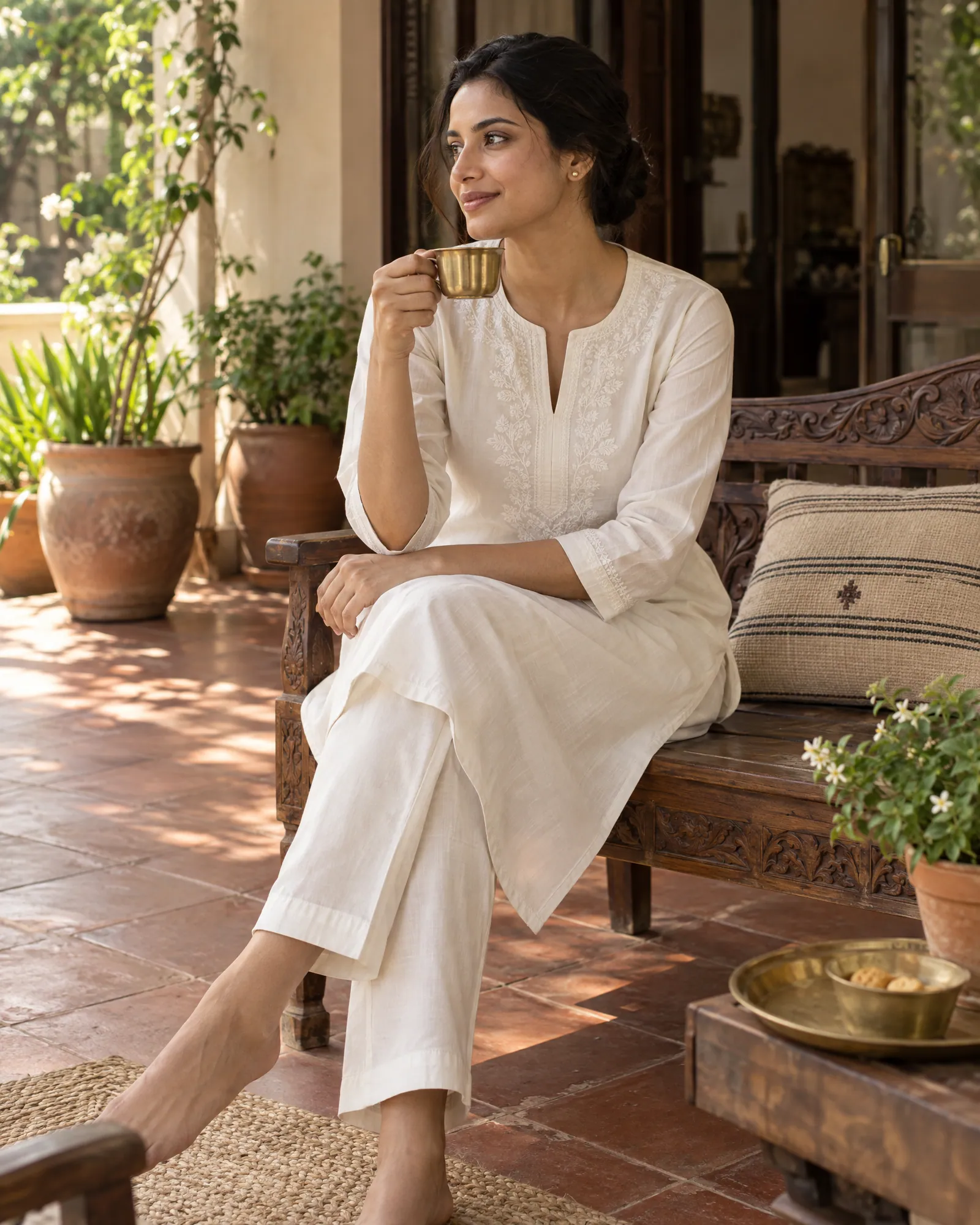
Sets, colourways and SKU mapping
Most kurta brands sell the same style in four or five colours, and the same kurta alone or as a set. That multiplies images fast. A 40-style range in 4 colours with 6 shots each is 960 images.
Two things keep that manageable:
- One look, locked early. We agree the model, backgrounds and light on three styles first. Every other style follows that look, so the collection page reads like one shoot.
- Files mapped to SKUs. Images arrive named by SKU and shot type, so your team uploads in bulk instead of renaming by hand. If you're on Shopify, the bulk editor can write product fields and images across the catalog from one prompt.
See how the same approach works for sarees and for western workwear on model.
From your photos to a full ethnic-wear catalog
- 01
Send the range
Store link, Shopify connection or a CSV, plus the photos you have. A flat lay or hanger photo of the front and back, and one close-up of the embroidery or print, is enough to start.
- 02
Lock the look
We make the full shot list for three styles. You choose the model, setting and mood. That becomes the brief for the whole range.
- 03
Run and check
Every style and colourway runs in that look. Our team checks each image against your photos for print, embroidery, colour and set pieces.
- 04
Upload-ready delivery
Named by SKU and sized for your store, Myntra, Ajio, Amazon and Meta ads.
Kurta and kurti catalog questions
Can you put my kurti on a model without a photoshoot?
Yes. We generate the model, pose and setting and carry the garment over from your reference photos. Every image is checked so the print, embroidery and colour stay true to the real piece.
My photos are on a hanger or mannequin. Is that enough?
Usually, yes, as long as the front, the back and the detail are sharp and not filtered. After the free sample we'll flag any style that needs a better reference.
Can every kurta use the same model?
Yes. Consistency across the range is the point. Once you approve the look on the first three styles, the same model, lighting and backgrounds carry through.
How do you handle sets with a dupatta and pants?
Each included piece gets its own reference, and the shot list includes frames where the dupatta and bottoms are clearly visible, so buyers know what's in the set.
What does it cost?
₹85 an image, with volume pricing for full catalogs. The ₹9,999 trial is a good way to test a few styles and is credited to your first month.
Related
For · 20 Oct 2026
Saree catalog photography, without the shoot.
A saree listing needs six frames to show the whole product: the full drape on a model, the pallu held open, a macro of the border and weave, the blouse piece, a folded flat lay and one styled lifestyle shot. Helium makes all six from your existing product photos, checks every frame against the real saree for motif, zari and colour, and charges ₹85 an image.
For · 20 Oct 2026
Jewellery photography where the stones stay real.
Jewellery listings need a sharp hero macro, a clean white-background image for marketplaces, an on-model shot that shows true size, and a styled flat lay or stack. AI can make all of these from your product photos, but only if stone count, metal tone and scale are locked to the real piece. Helium checks those on every image and charges $1 (₹85) an image.
Guides · 20 Oct 2026
How to do an AI product photoshoot without the product changing.
To run an AI product photoshoot, start from sharp reference photos of the real product, write a shot list per product, lock one style on a few products, then generate the rest with the references attached and check every image for shape, colour, logo, label text, texture, proportions and scale. The check is the step most people skip, and it's where most AI product photos fail.
Guides · 20 Oct 2026
Amazon product image requirements, as a checklist.
Amazon's main image must be a real photo of the product on a pure white background (RGB 255, 255, 255), with the product filling about 85% of the frame and no text, logos, borders or watermarks. Images should be at least 1,000 pixels on the longest side so zoom works, in JPEG, TIFF, PNG or non-animated GIF. AI-made lifestyle, scale and on-model images belong in the secondary images, not the main one.