Watch photography, down to the dial.
A catalog brief for watch brands: readable dials, controlled reflections, useful angles and a check against the real watch before any image goes live.
Short answer
For ecommerce watch product photography, plan six views: a dial macro, wrist shot, side profile, caseback, strap and clasp detail, and a styled still life. Check each view against the actual watch for dial markings, hands, bezel, metal finish and proportions; ask for another reference when a hidden detail cannot be verified.
Watch imagery made for Bruno Milano
These are AI-generated campaign stills Helium made for Bruno Milano: a blue dial and bezel close-up, a teal chronograph on dark wood, and a green chronograph on a watchmaker's bench. See the Bruno Milano watch project for the wider collection.
Use the creative treatments to brief your own campaign. Keep product-detail photos alongside them so shoppers can inspect the caseback, clasp and side profile, and confirm dimensions, movement and water resistance from the brand's product specifications.
Bruno Milano: dial detail and editorial settings
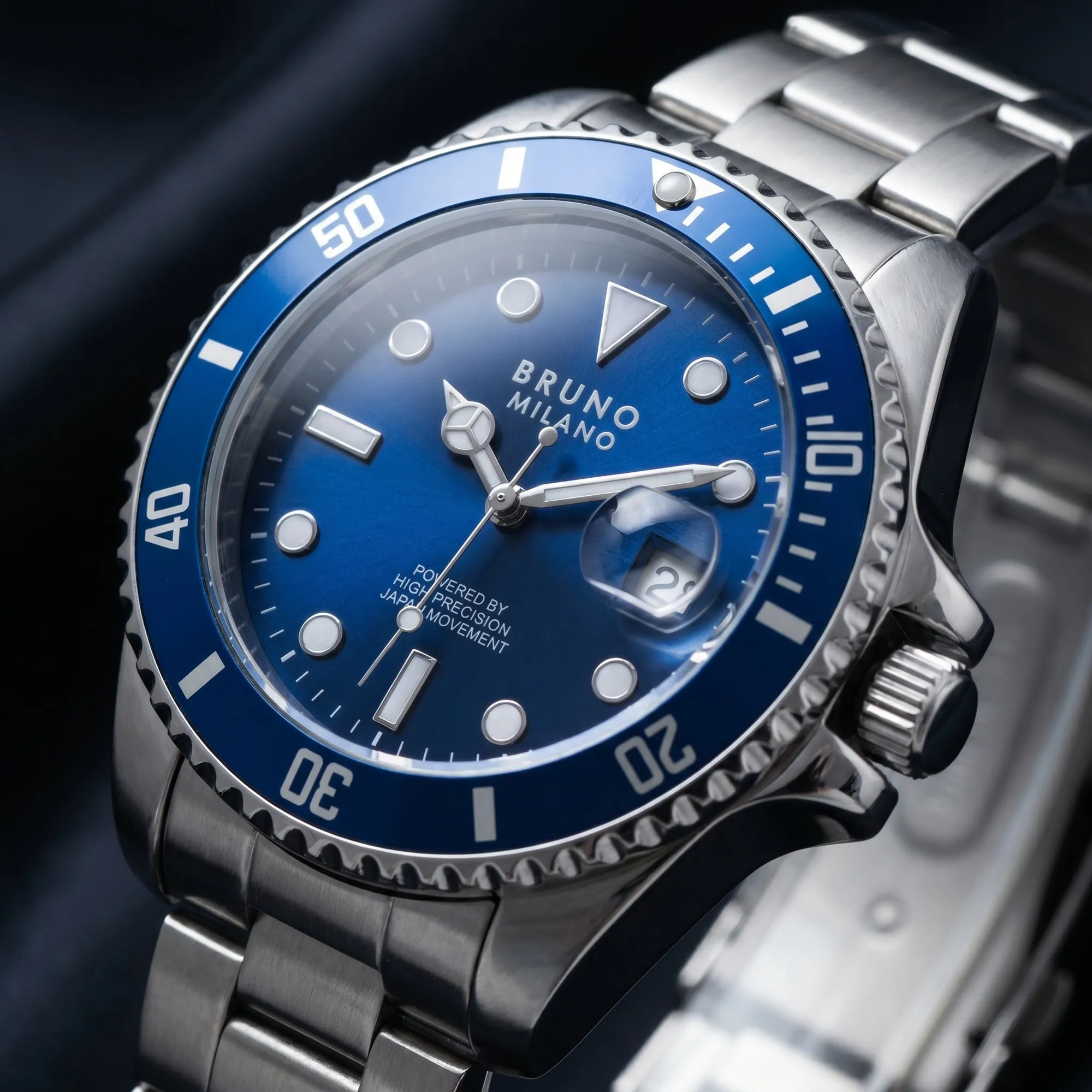
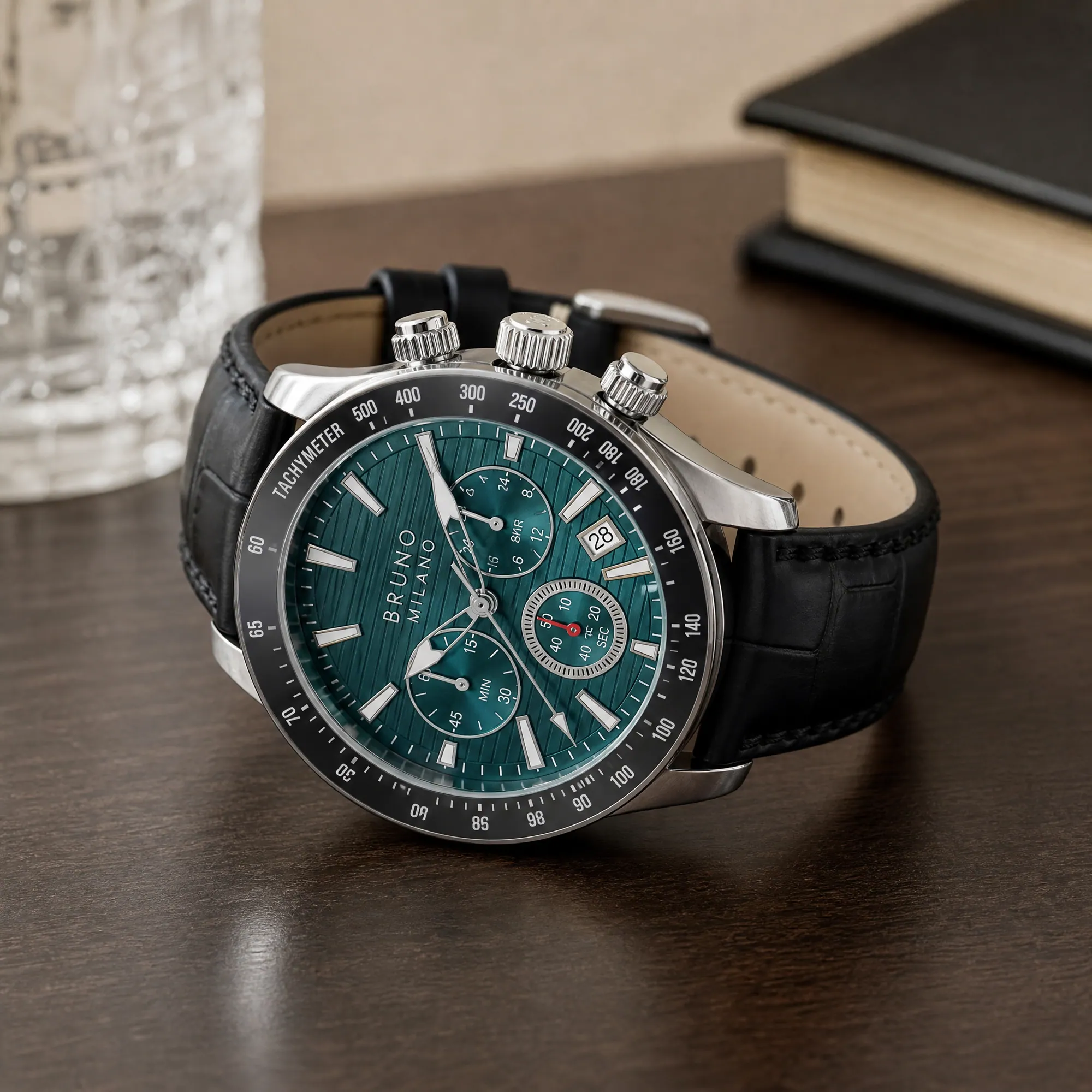
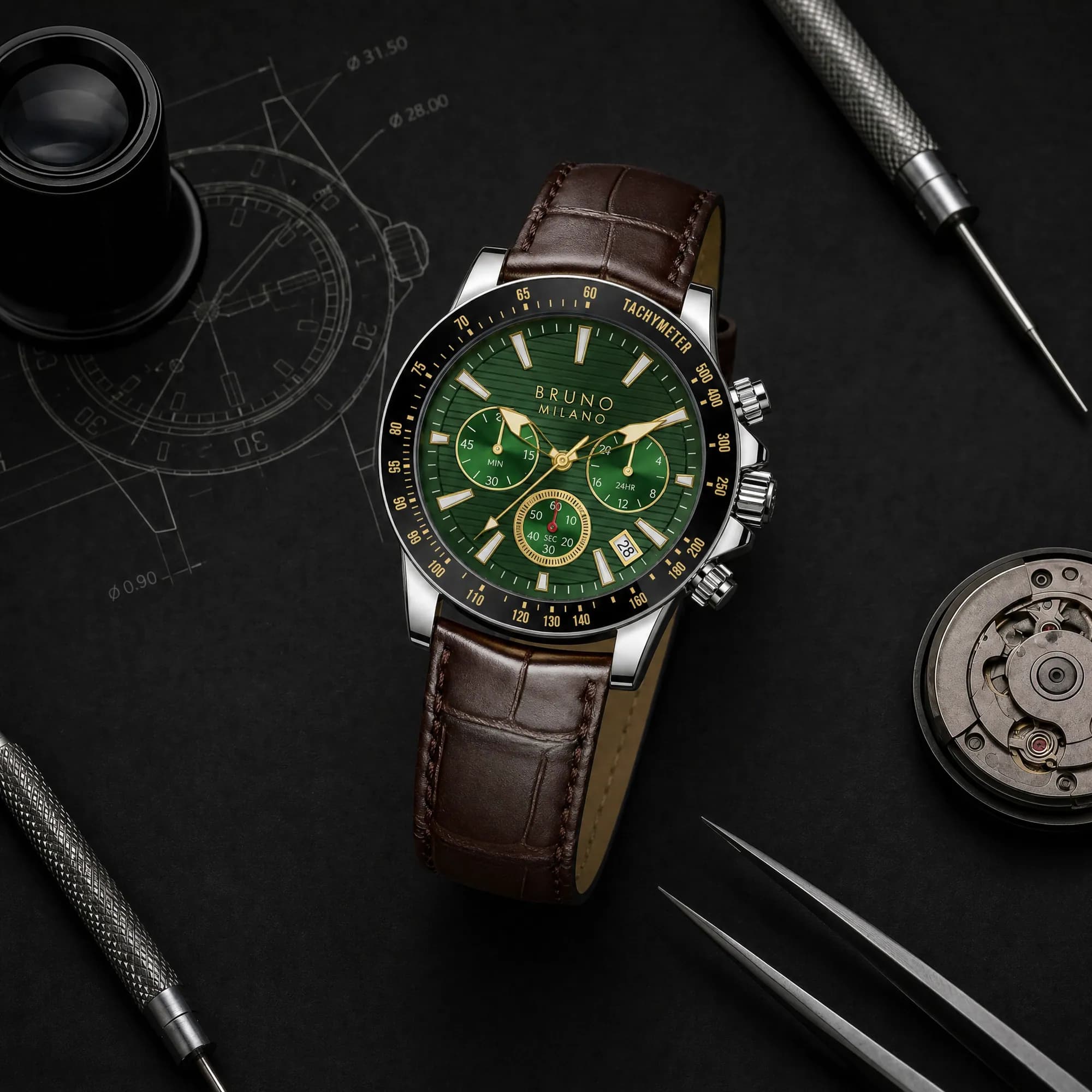
A six-view watch catalog brief
| View to request | What the buyer should see | Reference and accuracy check |
|---|---|---|
| Dial macro | Hands, hour markers, subdials, date window and bezel markings | Use a sharp front reference. Read the logo and dial text; count markers and subdials. |
| On wrist | How the case and strap look when worn | Supply case measurements and a real fit reference. Do not infer size from a generated wrist. |
| Side profile | Case depth, crown, pushers and lug shape | Request an actual side photo. Do not invent thickness or a crown hidden in the front view. |
| Caseback | The back of the watch and any visible engraving | Use a real back photo. Never generate a serial number, movement detail or certification marking. |
| Strap and clasp detail | Leather grain or bracelet links, stitching, clasp and fastening | Photograph the actual strap variant and clasp; a front view does not reveal the fastening. |
| Styled still life | The watch in a setting that fits the collection | The scene can change. Recheck dial layout, finish, strap colour and product proportions. |
Control reflections without losing the dial
Start by fixing the watch and camera position, then adjust the light. In broncolor's watch-lighting walkthrough, diffusion shapes reflections on polished metal, small black flags control unwanted reflections, and the dial is lit separately when the soft setup leaves it dull. Treat the dial, glass and bracelet as separate checks, rather than washing the whole watch with more light.
Profoto's watch preparation guide recommends gloves to avoid fingerprints, removing dust before shooting, neutral ecommerce backgrounds and showing details such as the face, wristband and buckle. Both references checked October 2026.
For an AI-assisted workflow, use those same visual checks at review: can you read the dial, does the metal still have its intended finish, and is a bright reflection hiding a feature? If a reference does not resolve a detail, request another photograph instead of approving a plausible replacement.
Wrist and still-life directions: Helium Studio examples
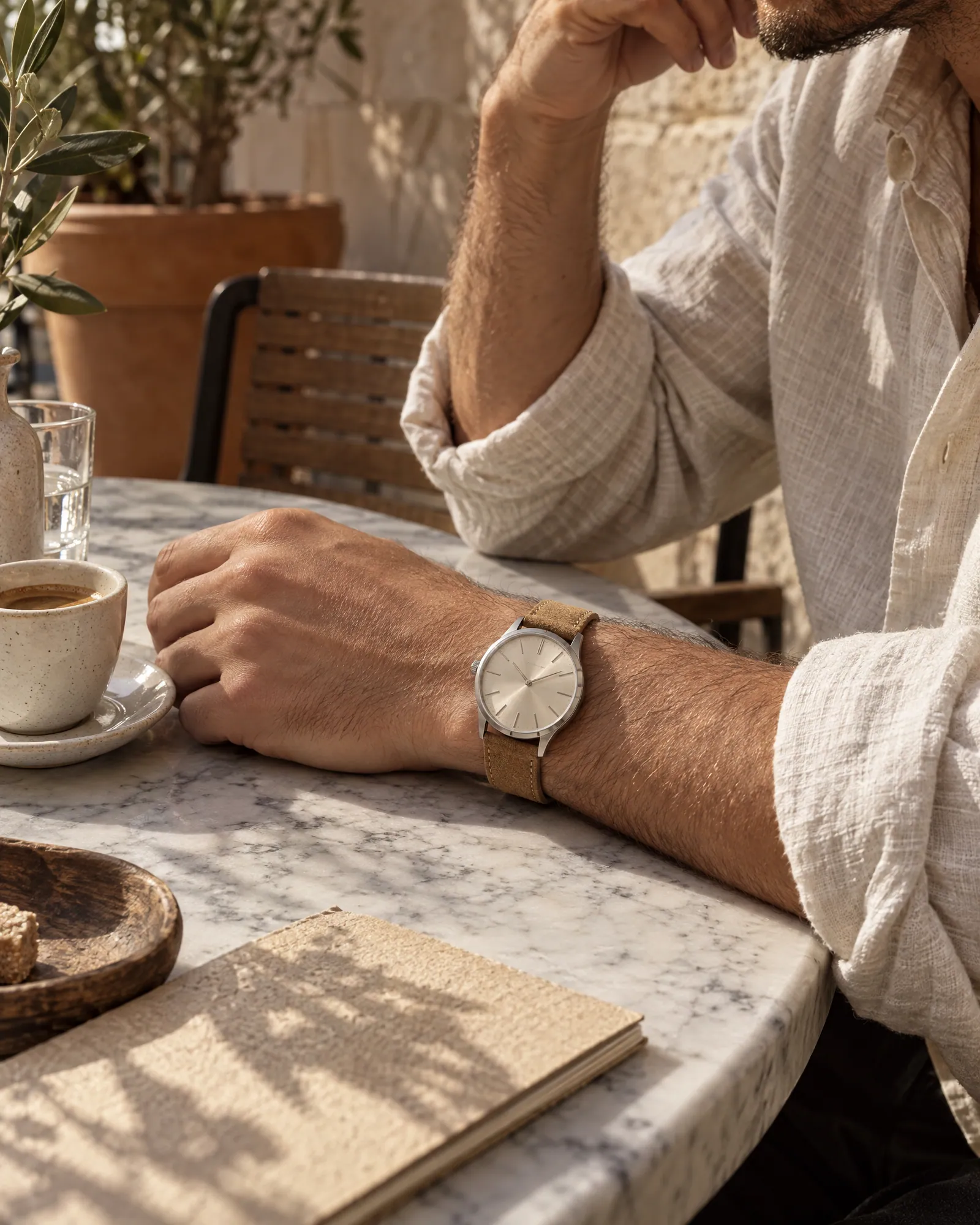
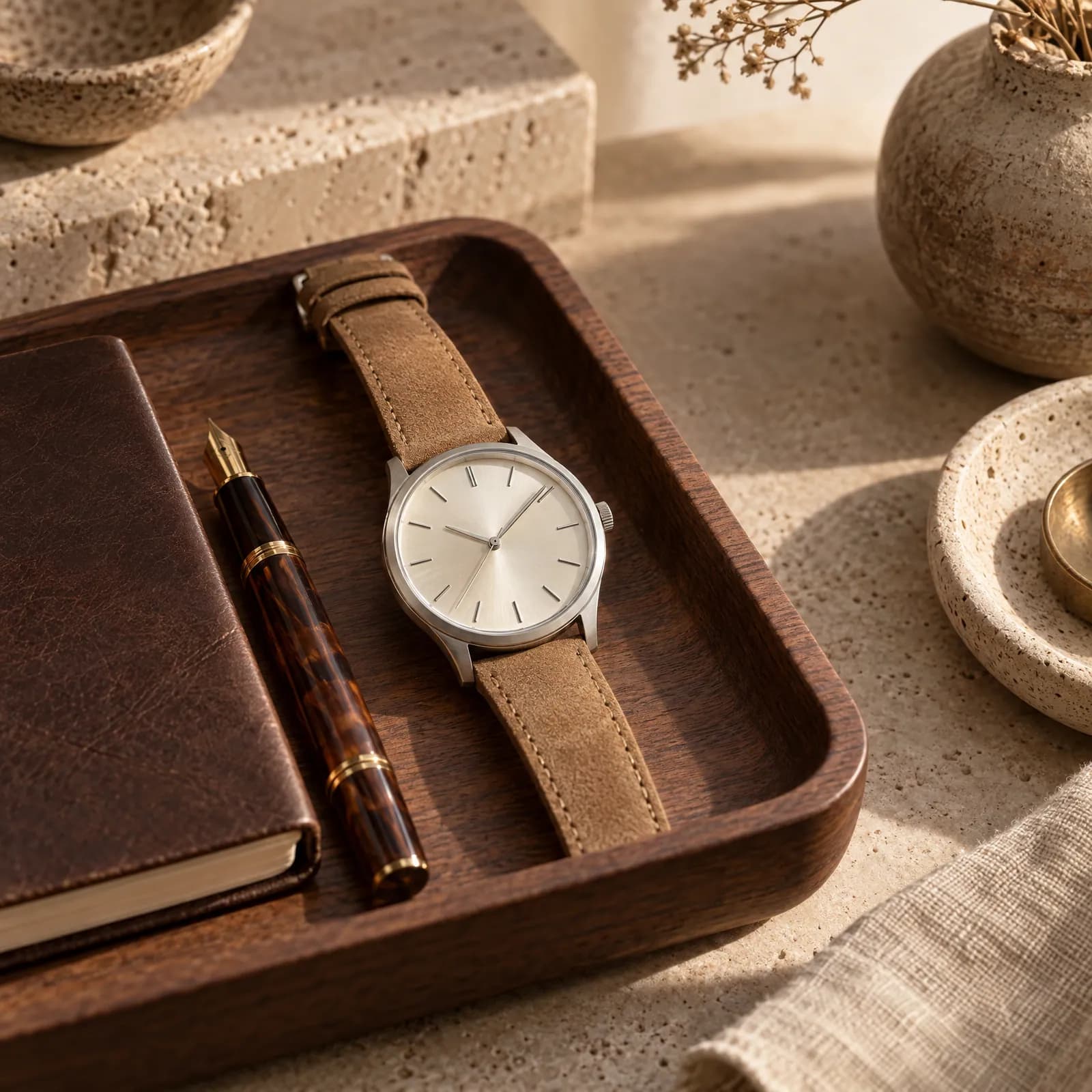
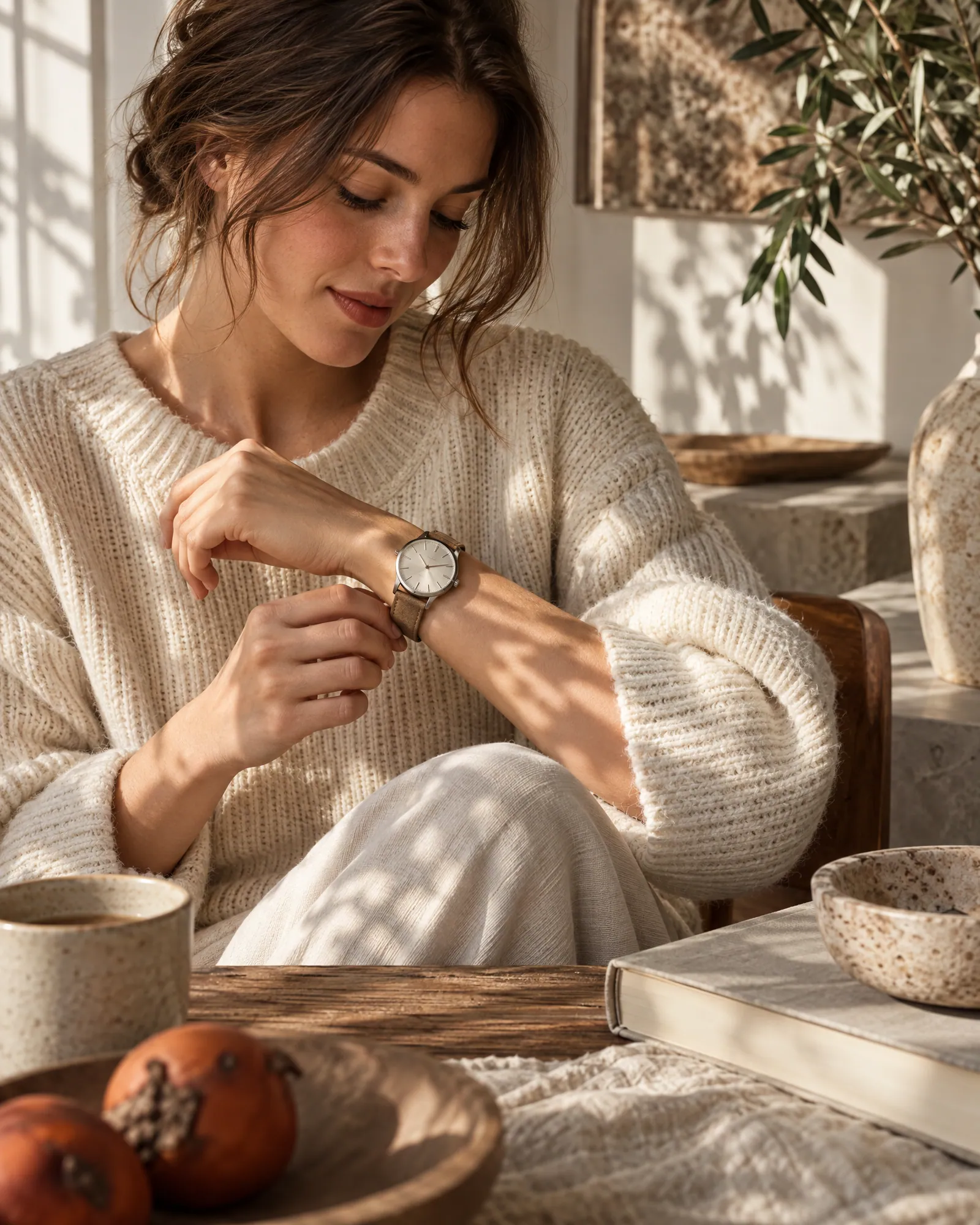
The images below are Helium-made examples from the Helium Studio watch set, separate from the Bruno Milano client work. They show a cream-dial watch with a tan strap at a cafe, on a valet tray and in window light: three directions to explore for your own collection's wrist and still-life imagery.
Helium Studio: wrist and still-life examples
Brief a watch catalog before generating the scenes
- 01
Collect references by exact variant
Group a clear dial photo, side view, back view and strap or clasp detail under the correct SKU. Include actual measurements and separate references for each dial, case finish and strap combination.
- 02
Choose the views and the setting
Separate the product-detail views from campaign scenes. Agree on backgrounds, framing and the visible details that must be checked before carrying a look across the collection.
- 03
Review the small parts at full size
Compare logo lettering, hands, hour markers, date window, bezel markings, crown and pushers against the references. Check strap stitching and bracelet links. Reject an image when a product detail is wrong or cannot be verified.
- 04
Keep the approved files tied to their SKU
Name exports by SKU, variant and view, then review the intended store and ad crops. Keep a reference-to-output record so a different dial or strap cannot slip into the listing.
A managed watch photoshoot, with a sample first
Helium's managed AI photoshoot includes studio, lifestyle and on-model catalog imagery with product-accuracy QC. Current catalog pricing is ₹85 per image in India, exclusive of GST, or $1 per image internationally, with volume pricing for full catalogs; see pricing.
Send a product link and the available references through the free-sample form, and identify the dial or strap detail you most want checked. For the full reference-to-review method, read the AI product photoshoot guide. If the catalog lives on Shopify, bulk product editing can help with listing copy once the images are approved.
Watch photography questions
Which photos should a watch product page include?
Use the six-view brief above as a starting point: dial macro, on-wrist, side profile, caseback, strap and clasp detail, and a styled still life. Choose the final set around the features buyers need to inspect.
Can AI make watch product photos from one packshot?
One clear packshot can start a discussion about visible details and creative settings. It does not establish the caseback, clasp or case thickness. Supply additional references for those views, and check generated dial text, markings and proportions before publishing.
How do I photograph a watch without reflections hiding the face?
Fix the watch and camera position, shape the light with diffusion, and adjust flags and lighting while checking the glass, metal and dial separately. The broncolor reference below demonstrates why the dial may need different lighting from the case. Clean and prepare the watch before capture, as Profoto's guide recommends.
Do different dial colours and straps need separate references?
Yes. Provide the actual combination for each SKU, including its dial, case finish, strap and clasp. A recoloured image is not evidence that a different variant has the correct details.
What does Helium charge for watch catalog images?
Current catalog pricing is ₹85 per image in India, exclusive of GST, and $1 per image internationally. Product-accuracy QC is included, with volume pricing for full catalogs. The pricing page lists the current offer.
Are the wrist examples Bruno Milano client images?
The cream-dial watch wrist and valet-tray images are labelled Helium Studio examples. The separately labelled Bruno Milano gallery contains AI-generated client campaign stills.
Sources
Related
Guides · 20 Oct 2026
How to do an AI product photoshoot without the product changing.
To run an AI product photoshoot, start from sharp reference photos of the real product, write a shot list per product, lock one style on a few products, then generate the rest with the references attached and check every image for shape, colour, logo, label text, texture, proportions and scale. The check is the step most people skip, and it's where most AI product photos fail.
Compare · 20 Oct 2026
AI product photography tools, compared honestly.
Pick a self-serve tool if you have a handful of products and time to operate it: Pebblely for quick themed backgrounds from $9 a month, Photoroom for background removal and editing at volume, Claid for an API and automated pipelines, and Flair for designing staged scenes on a canvas. Pick a managed AI photoshoot like Helium if you have a large catalog, need apparel on model, or don't want to operate a tool; you send a link and get checked images back at $1 (₹85) each.
For · 20 Oct 2026
Jewellery photography where the stones stay real.
Jewellery listings need a sharp hero macro, a clean white-background image for marketplaces, an on-model shot that shows true size, and a styled flat lay or stack. AI can make all of these from your product photos, but only if stone count, metal tone and scale are locked to the real piece. Helium checks those on every image and charges $1 (₹85) an image.
For · 20 Oct 2026
Shoe photography from one packshot.
A footwear listing needs seven angles (outer side, inner side, front, back, top, three-quarter and sole), one or two detail macros and an on-foot shot. Helium can make the details and on-foot shots from your existing packshot with AI. For Gully Labs we started from a single store packshot and made lace, toe, heel and on-feet shots that keep every stitch, lace and colour true to the real shoe. Pricing is $1 (₹85) an image.