Clothing photography
Clothing photography that looks like one range, not forty shoots.
A brief for apparel brands: front, back, detail and on-model shots with the same model, light and fit across every style, checked against the real garment.
By Sidharth Sahni · Updated · 5 min read
Short answer. For ecommerce clothing product photography, shoot seven images per style: front, back, side, fabric close-up, on-model full length, on-model detail and one styled shot. Keep model, light and crop identical across the whole range, and check each image against the real garment for colour, fit and trims. Helium makes catalog images from ₹85 or $1 each.
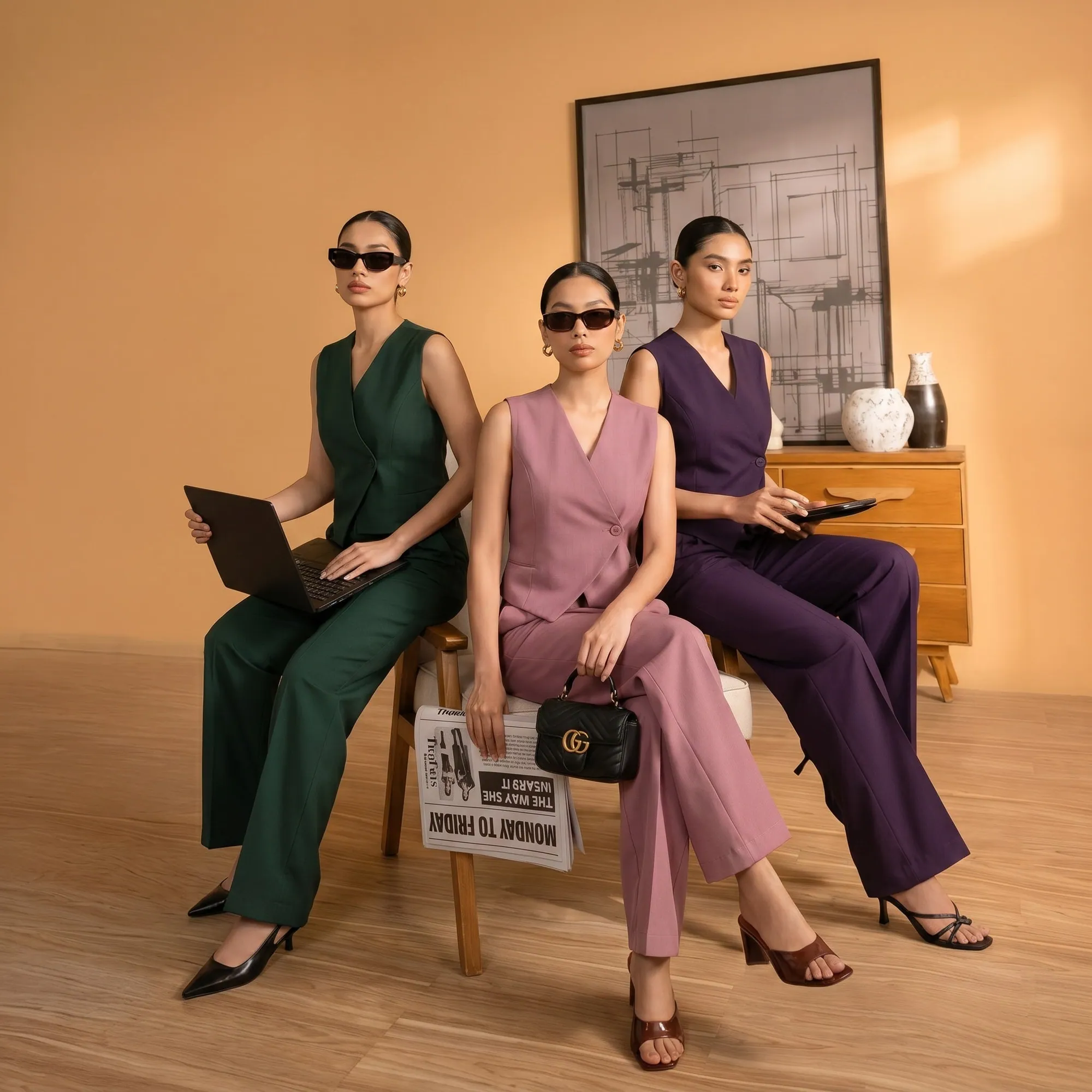
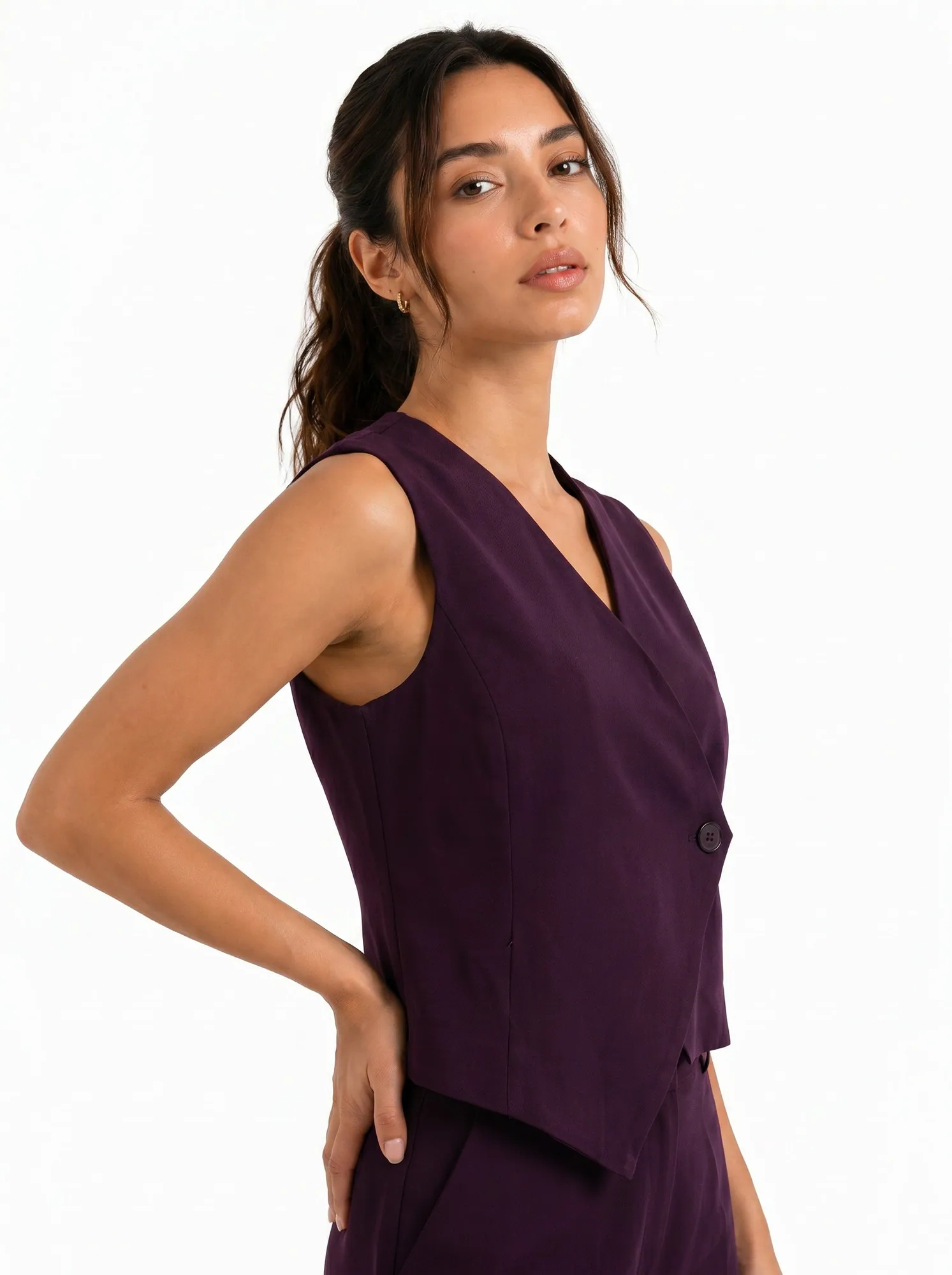
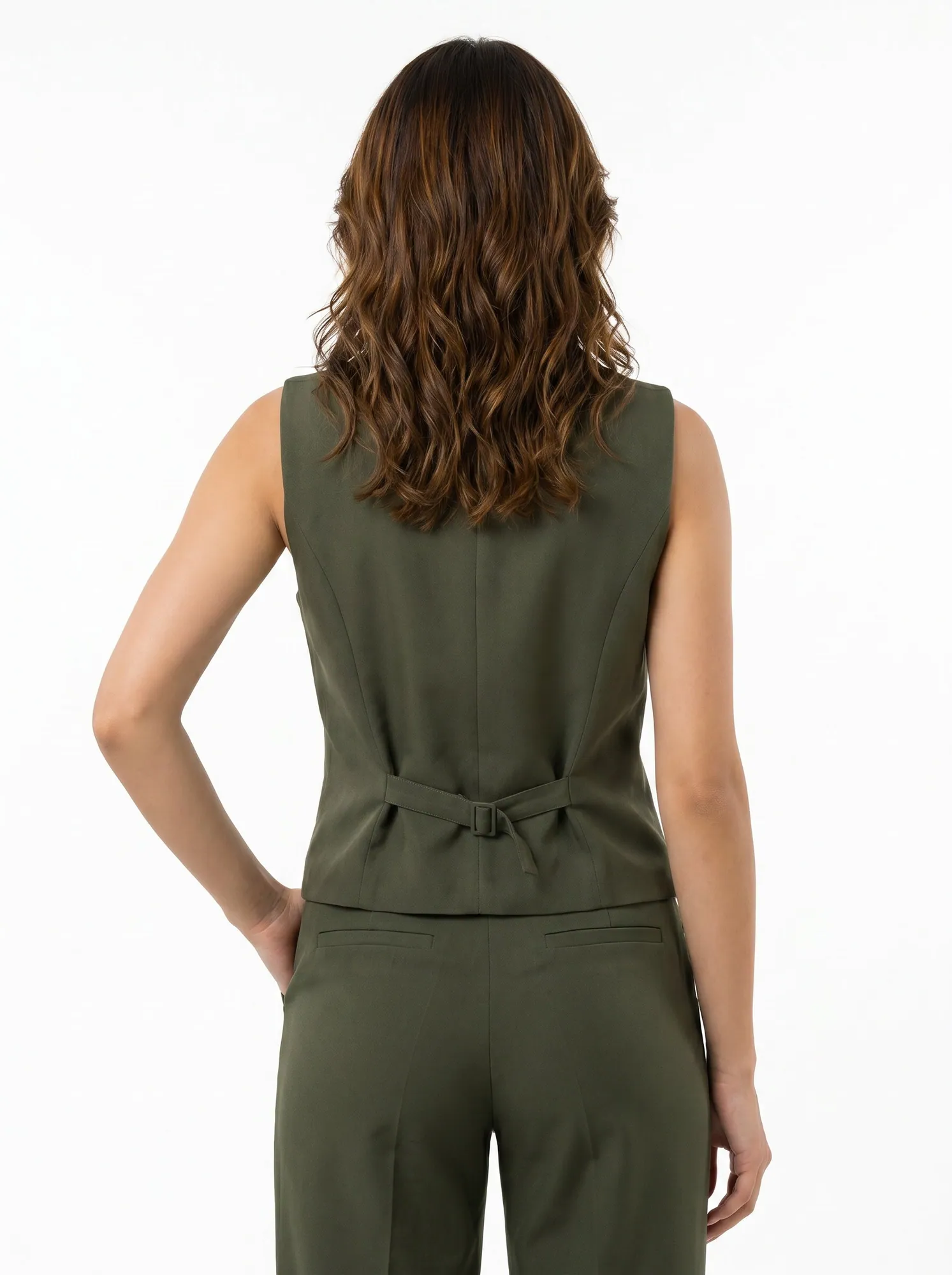
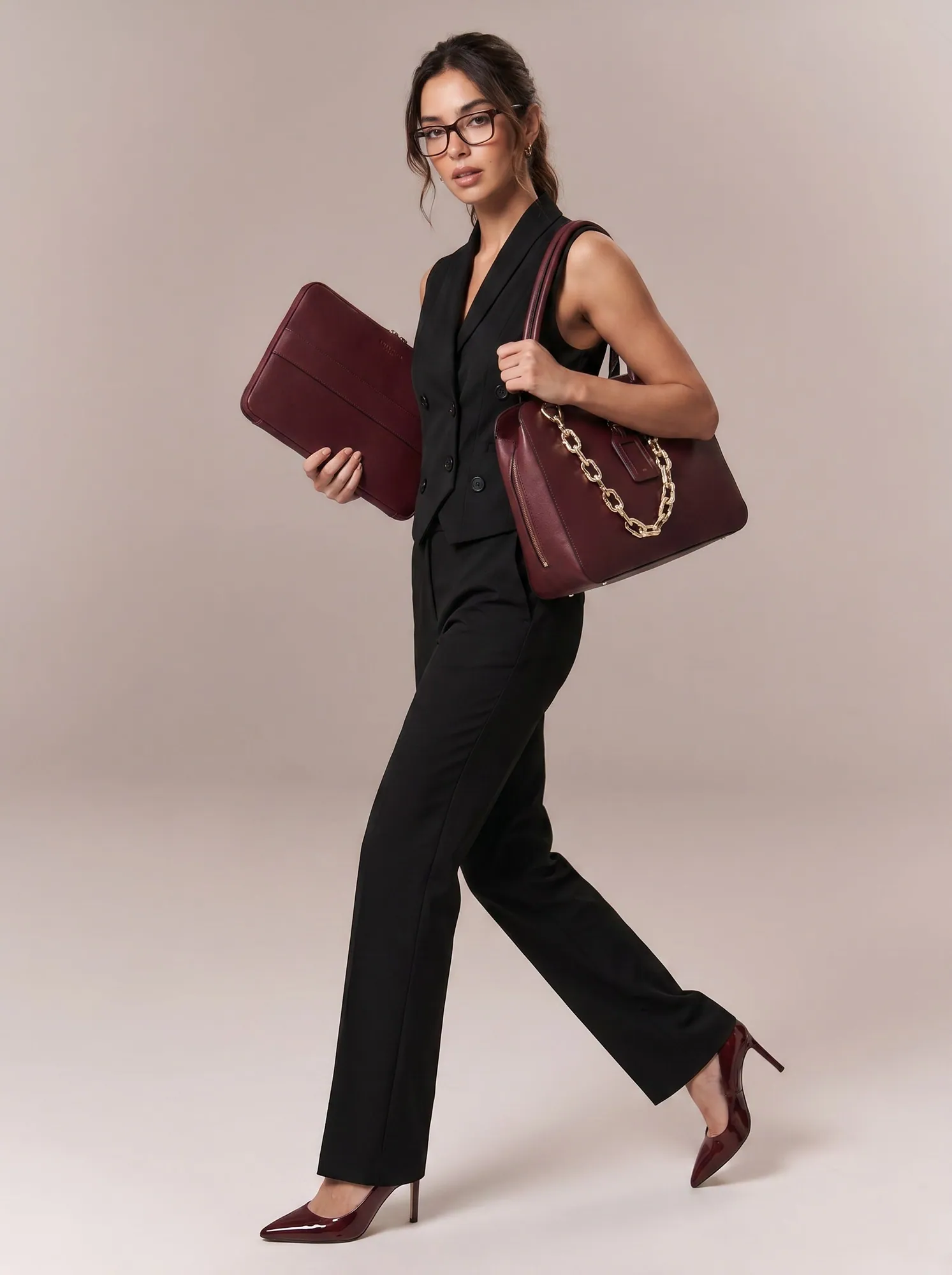
Workwear catalog images made for Bossbella
These are AI-generated catalog and campaign images Helium produced for Bossbella's workwear: co-ord suits, waistcoat sets, blazers and trousers shown on model from the front, back and in motion, with fabric close-ups for the weave and the pinstripe. See the Bossbella project for the full set.
Apparel is rarely one product. A single blazer comes in several sizes and colours and pairs with trousers, waistcoats and skirts, so the real job is making forty styles look like one brand. The brief below is built around that range problem.
Bossbella: AI on-model workwear, front to back
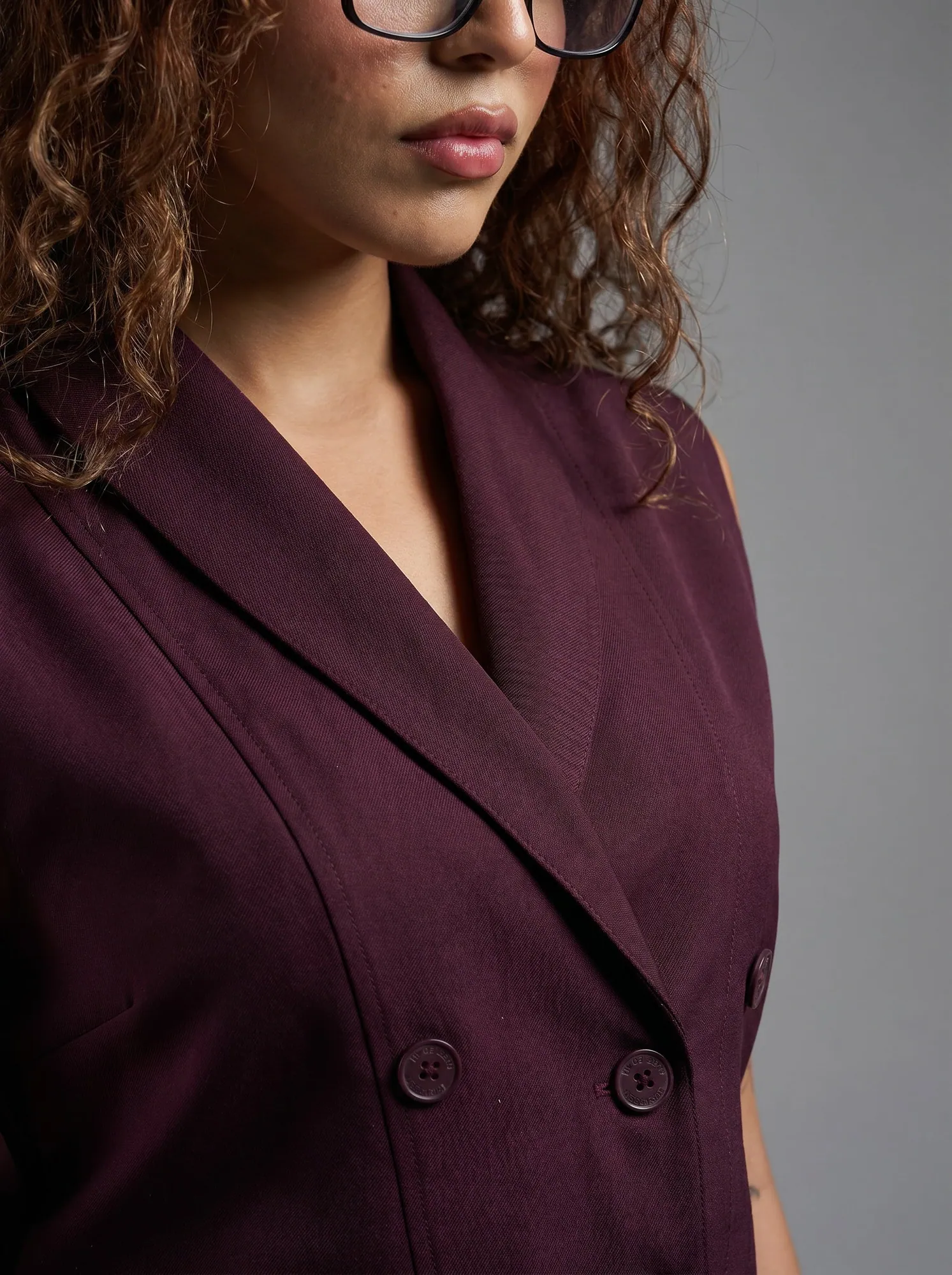
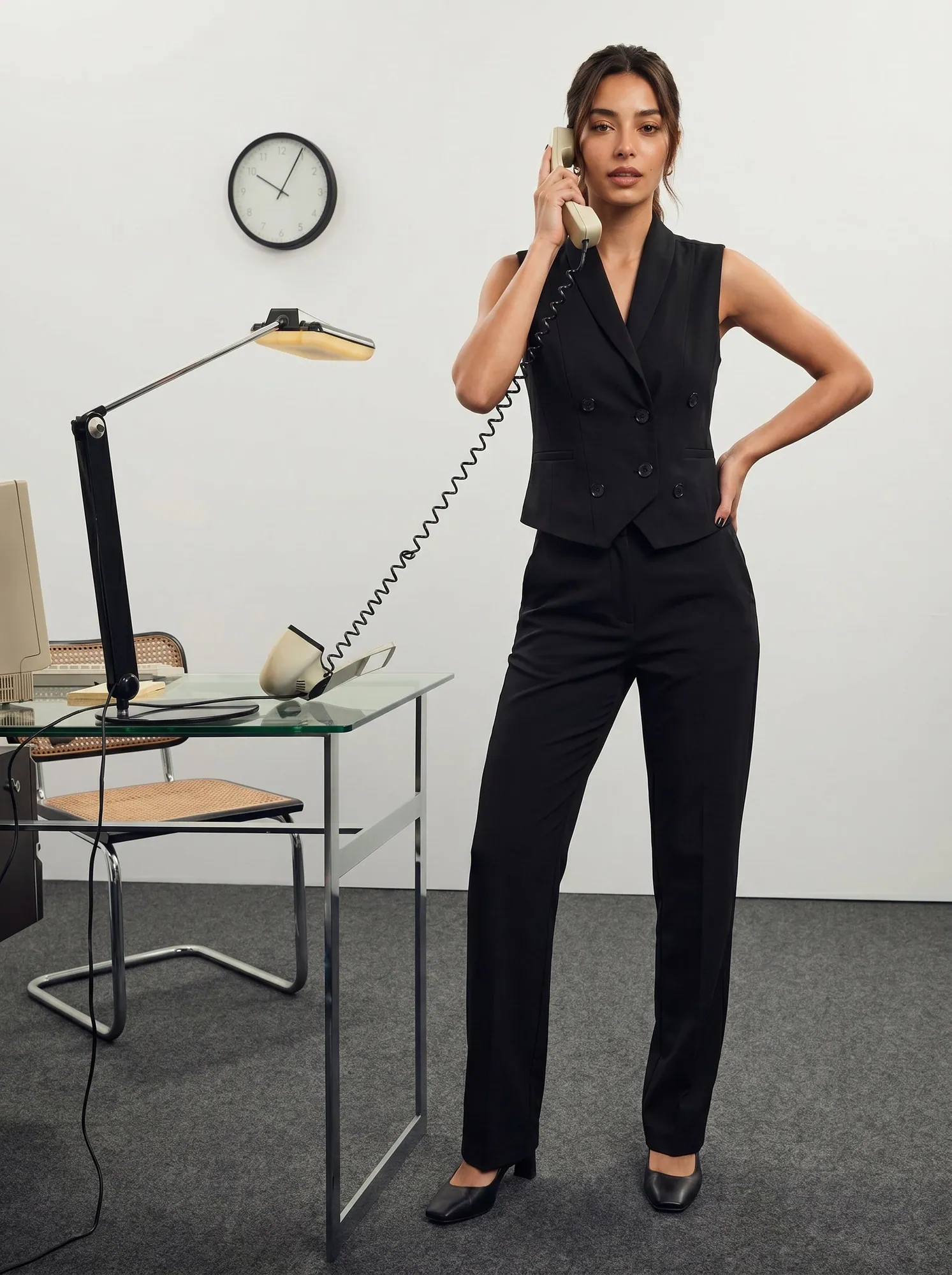
A seven-shot clothing shot list
| Shot | What the shopper should see | Accuracy check against the real garment |
|---|---|---|
| Front, full length | Silhouette, length and how the piece hangs | Compare hem, button count and neckline with the real garment. Colour must match under daylight. |
| Back, full length | Back seams, vents, zips and any back detail | Check the vent, darts and zip against a real back photo. Do not let a plain back replace a detailed one. |
| Side or three-quarter | Drape, sleeve shape and the fit through the waist | Confirm sleeve length and the line of the jacket or trouser against the size chart. |
| Fabric close-up | Weave, stripe, sheen and stitching | Match pattern scale and thread colour. A pinstripe must keep the same spacing as the real cloth. |
| On-model, in motion | How the garment moves when worn | Look for changed trims, lost pockets or a different length mid-stride. |
| On-model detail | Collar, cuff, lapel or waistband in use | Check buttons, labels and any contrast piping against the reference. |
| Styled or lifestyle | The piece in an outfit and a setting | Confirm the styled pieces are real SKUs in your range, not invented items. |
Consistency across a range is the real brief
Shoppers compare styles side by side in a collection grid, so a different model height, crop or white balance between two blazers reads as two different brands. Fix four things once and apply them to every style: the model, the lighting feel, the crop and margin, and the order of angles.
Then check the things that vary by garment. Colour drifts first, especially deep plums, navies and blacks that can go flat or shift tone. Fit is next: if the size chart says a trouser is ankle length, the image should not show it full length. Trims are last, and easy to lose: buttons, vents, pocket flaps and contrast stitching.
Helium's managed AI photoshoot holds these constraints per style and reviews every image against your references before it reaches you.
Brief a clothing catalog before generating images
- Group styles into a range
List which pieces sell together, such as blazer, waistcoat and trousers, so models, light and styling stay matched across the group. - Photograph each garment flat or on a hanger
Front and back, in daylight, with the colour as true as you can get. Add a close-up of any trim or print that matters. - Send the size chart and model fit notes
Lengths, sleeve and inseam numbers, and the size the model wears. They decide how the garment should sit. - Review at full size against the real piece
Check colour, trims and fit one style at a time. Reject an image when a detail is wrong or cannot be verified. - Name files by SKU, colour and angle
Export by SKU, colourway and angle, and test the store, marketplace and ad crops so the right image shows on the right listing.
From catalog stills to short video ads
Once a style has approved on-model stills, the same garment becomes short vertical video: a turn, a walk, a fabric close-up with a hook line on top. Helium makes these in its managed ad creatives service from your approved references, so the garment in the video matches the product page. Ask for the stills first; they are the reference the video is checked against.
A managed clothing photoshoot, with a sample first
Catalog images start at ₹85 per image in India, exclusive of GST, or $1 per image internationally, with product-accuracy QC on every image and volume pricing for full catalogs; see pricing. Video is priced separately per video on the same page.
Send a product link and your references through the free-sample form and tell us which detail matters most: colour, fit or trims. For the full reference-to-review method read the AI product photoshoot guide. If your store runs on Shopify, bulk product editing can help with listing updates once the images are approved.
Sources
Questions
Clothing photography questions
Can AI make on-model clothing photos from product photos?
Yes, when the references are clear and each image is reviewed against the real garment for colour, trims and fit. The Bossbella images above are AI-generated this way.
How do you keep a whole clothing range looking consistent?
Fix the model, light, crop and angle order once and apply them to every style, then check each image against its own garment. Consistency across the grid matters as much as any single shot.
How do you keep clothing colours accurate in photos?
Photograph the real garment in daylight and compare each final image against it at full size. Deep colours such as navy, plum and black drift first, so check those closely.
How many photos does a clothing product page need?
Five to seven is a good target: front, back, side, fabric close-up and one or two on-model shots. Add a styled shot when the piece is sold as part of an outfit.
How much should product photography cost for a small clothing store?
Price it per image and per style, not per day. Helium catalog images are ₹85 per image in India, exclusive of GST, or $1 per image internationally, with volume pricing for full catalogs. Multiply by the shots per style in the list above to budget a range.
Is on-model or flat lay better for clothing?
On-model shows fit and drape, so it usually answers more buying questions. Flat lays are quicker and good for detail. Many brands show both, with on-model first.
Keep reading
Related.
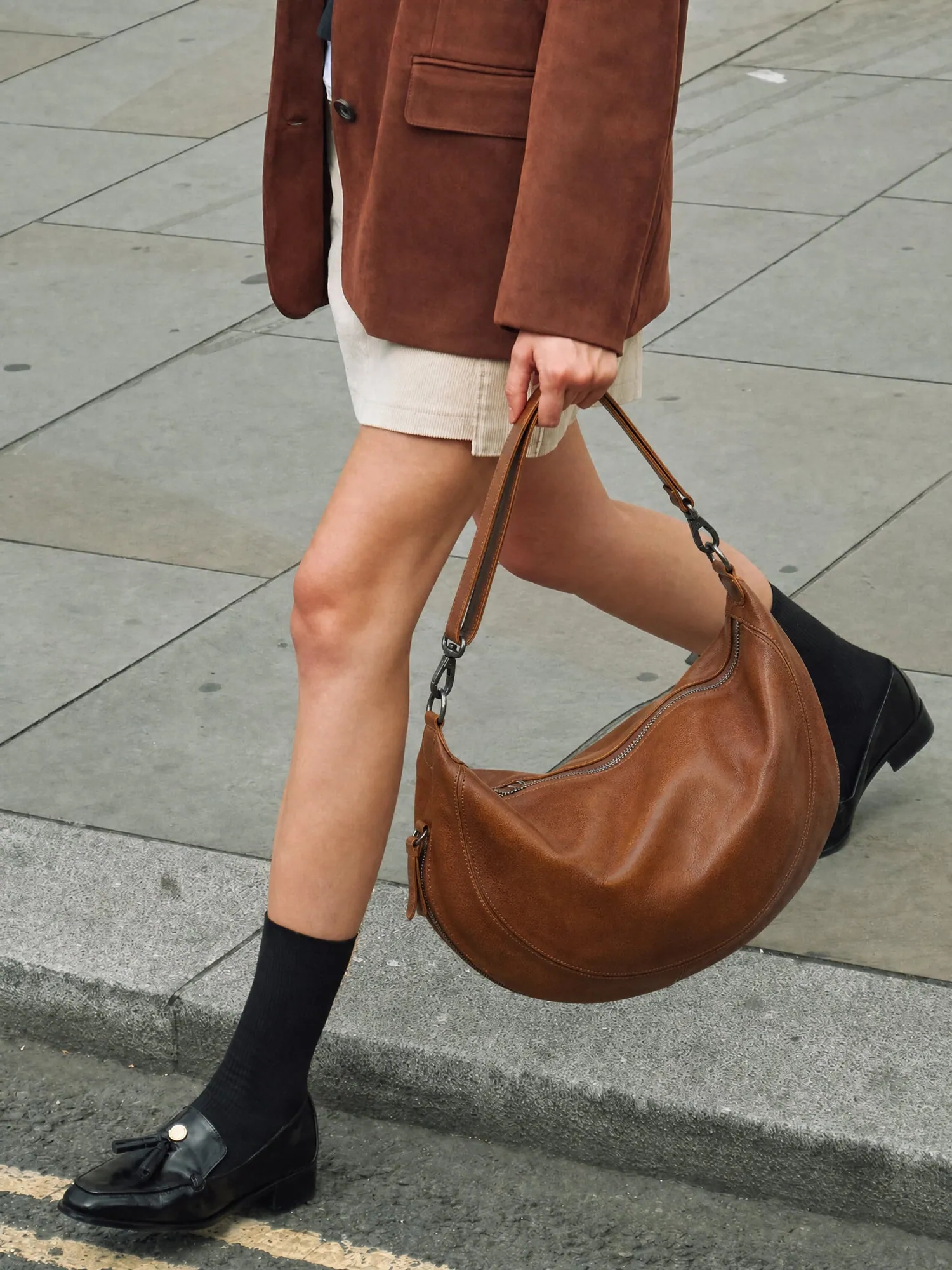
Bag photography that keeps the leather exact.
A catalog brief for handbag brands: shape, grain and hardware held true across front, gusset, interior and on-model shots, checked against the real bag.
How to plan a catalog photoshoot.
A shot list for every category, the rules that keep 500 products looking like one brand, and when you can skip the studio altogether.

Kurta and kurti catalogs, shot to one look.
Front, back, side, walk, dupatta and embroidery close-up for every style, on the same model and light across the whole range.
Free sample
Start with the style you want to check closely.
Share a product link and your reference photos. Tell us whether colour, fit or trims matter most.
Rather talk? or WhatsApp us